Are you a dedicated gamer balancing work and life, craving that adrenaline rush of Fast and Furious combined with the open world of GTA IV? Many of us, averaging around 36 years old and gaming over 10 hours a week, know the struggle of finding quality mods that actually work without hours of troubleshooting. This comprehensive guide helps you seamlessly integrate the thrilling Fast and Furious 6 mod into your Grand Theft Auto IV experience. We cover everything from initial download to performance optimization, addressing common pain points like installation errors and performance drops that can steal your precious gaming time. Discover how to transform Liberty City into a street racing haven, featuring iconic cars and characters, ensuring your limited gaming hours are spent enjoying, not debugging. Get ready to rev your engines and dive into a world where high-octane chases and epic cinematic moments are at your fingertips, all designed for the busy gamer seeking maximum fun and minimal fuss.
How do I install the GTA IV Fast and Furious 6 Mod correctly?
To correctly install the GTA IV Fast and Furious 6 mod, first ensure your GTA IV is updated (preferably 1.0.7.0 or 1.0.8.0). Download OpenIV and use it to create a 'mods' folder in your game directory, copying original 'update' and 'common' folders into it. Then, using OpenIV's 'Edit Mode', replace the designated vehicle files (usually within 'pcmodelscdimagesvehicles.img') and potentially update handling data in 'commondatahandling.dat' with the mod's files. Always back up your original game files before starting.
What are the best sources to download the F&F 6 mod for GTA IV?
The best and safest sources to download the Fast and Furious 6 mod for GTA IV are reputable modding websites like GTA5-Mods.com (check their GTA IV section), LibertyCity.net, and Nexus Mods. These platforms have strong community moderation, user reviews, and often host well-maintained and safer mod files. Always prioritize mods with high ratings and positive comments to minimize risks like malware or corrupted downloads.
Will the Fast and Furious 6 mod impact my GTA IV game performance significantly?
Yes, the Fast and Furious 6 mod can impact GTA IV performance, especially if it includes high-polygon vehicle models or detailed textures. Older or mid-range PCs might experience frame rate drops or longer loading times. To mitigate this, consider lowering in-game graphics settings like texture quality or shadow detail, ensuring your graphics drivers are updated, and using performance-focused ENBs if you have additional visual mods. A solid-state drive (SSD) also helps with loading.
What specific features does the GTA IV F&F 6 mod add to the game?
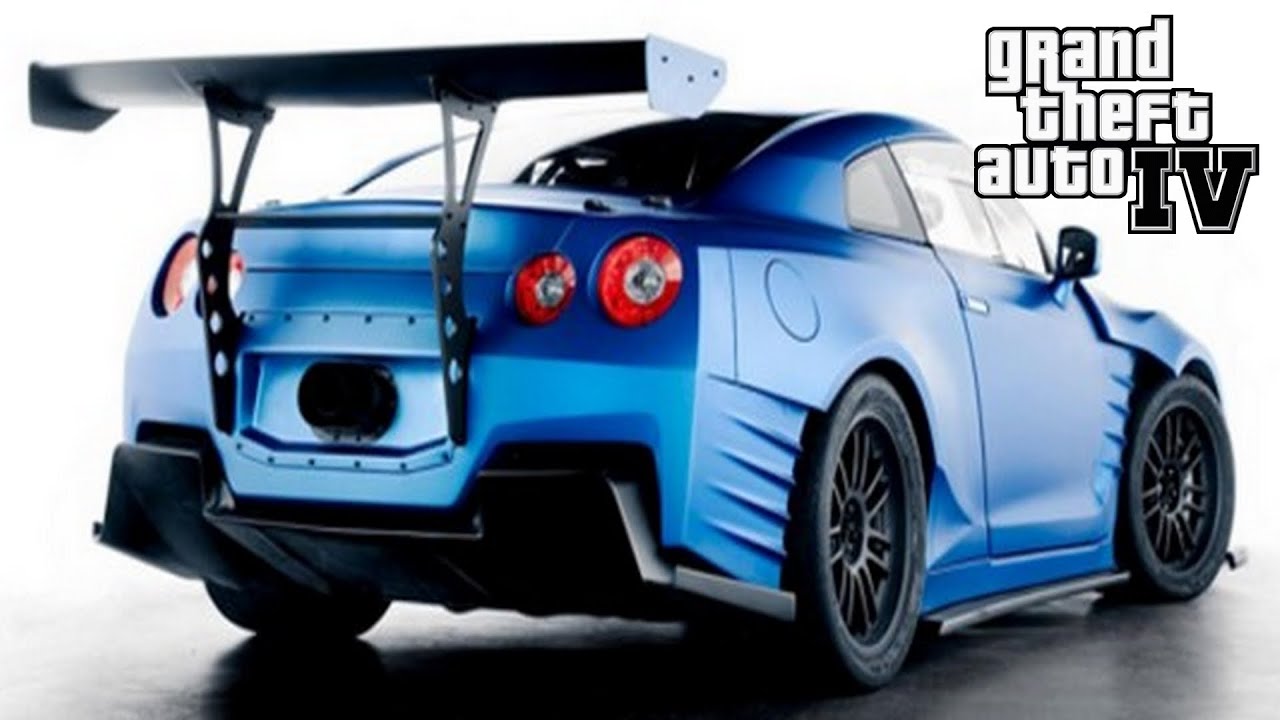
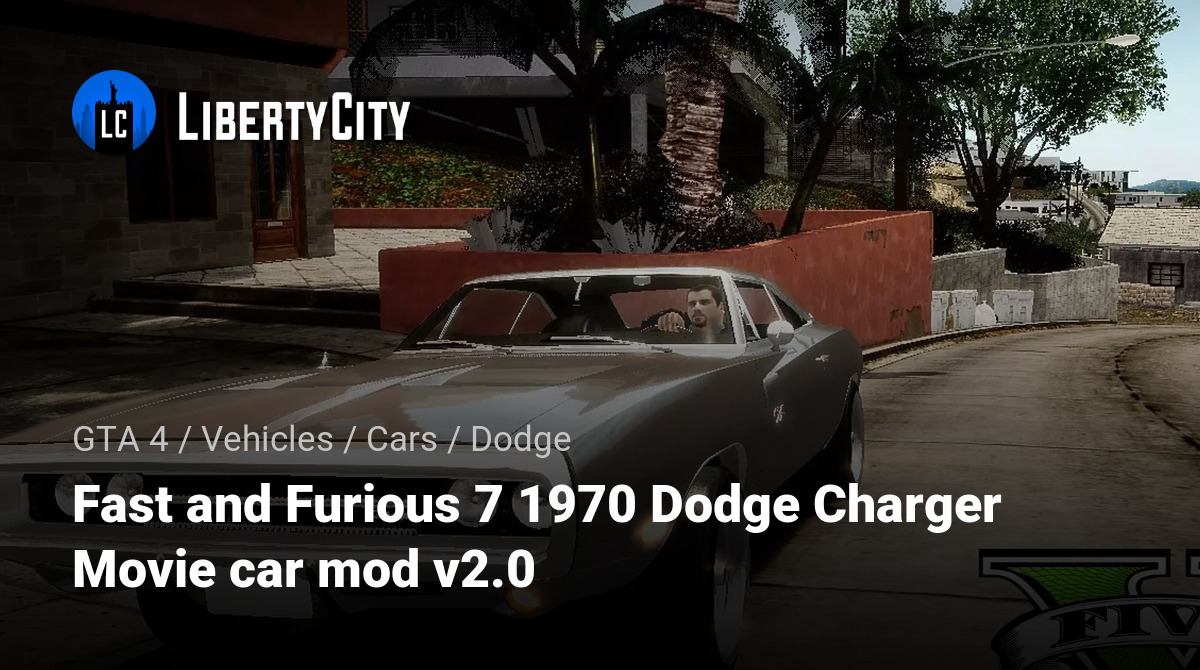
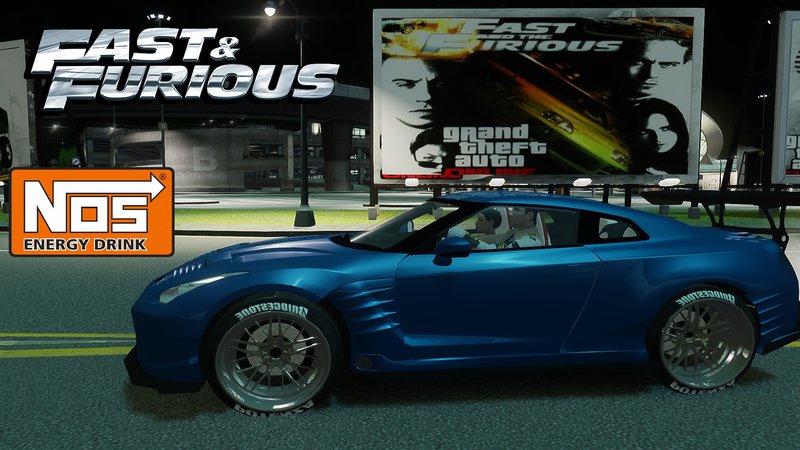
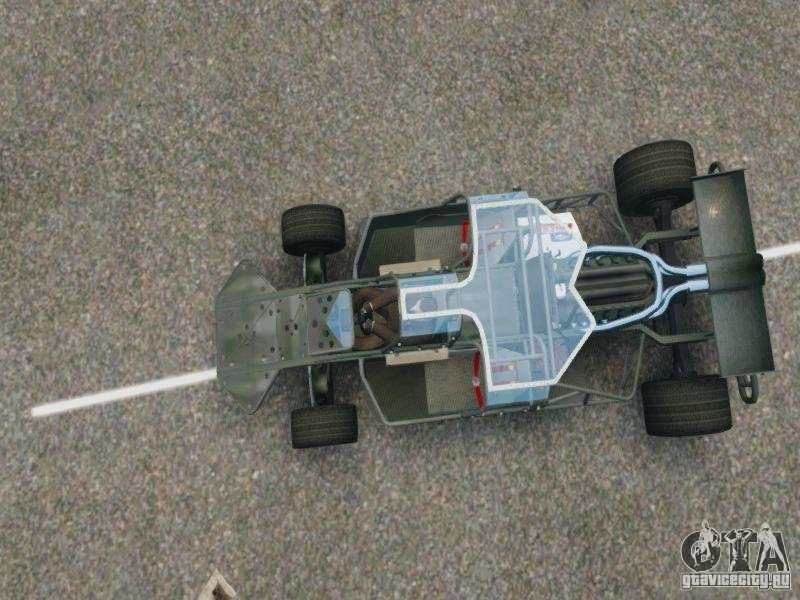
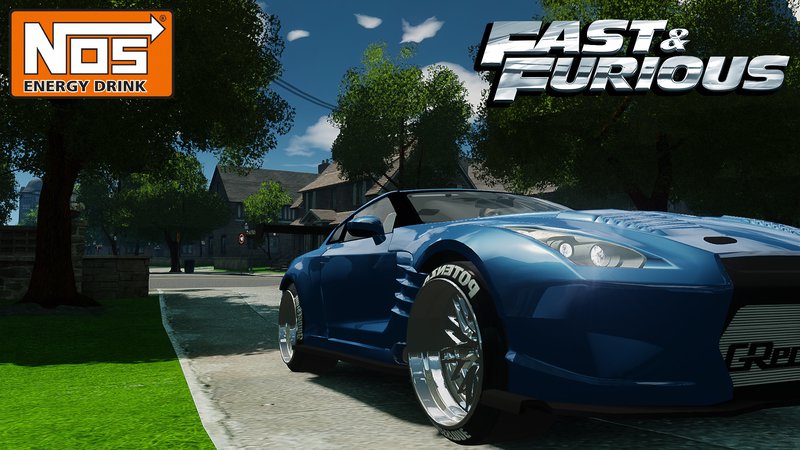
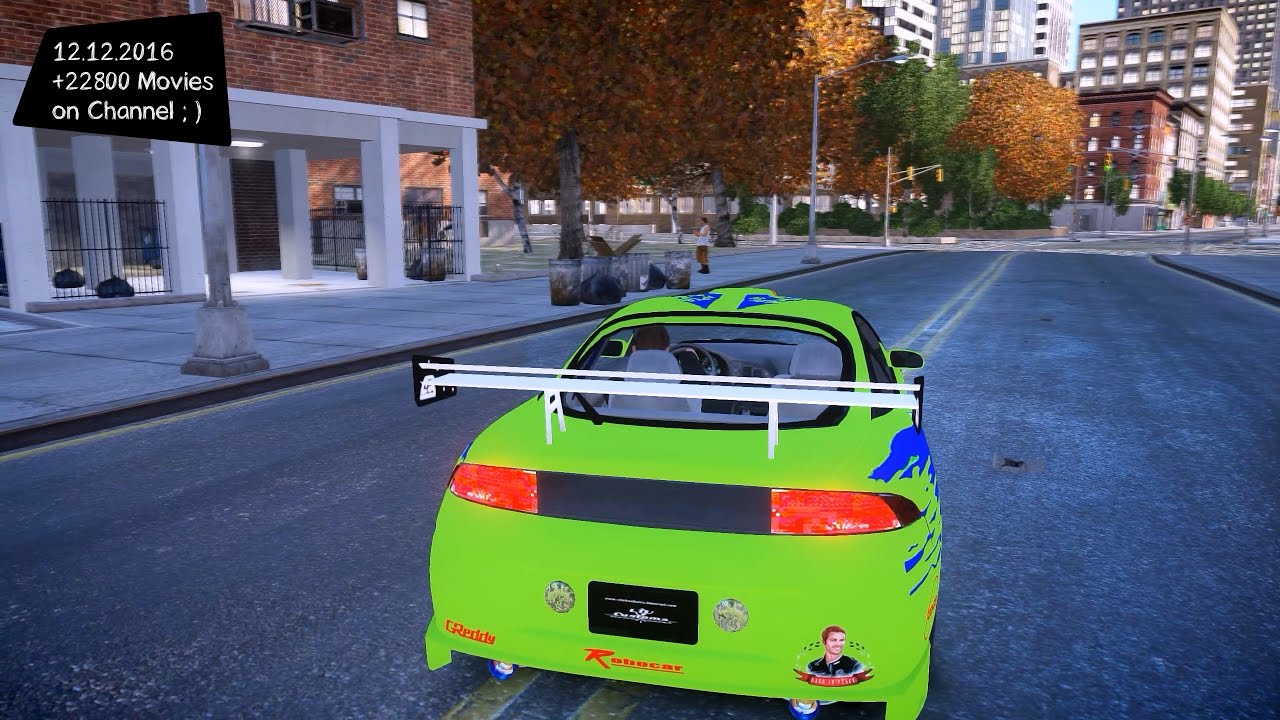
The GTA IV Fast and Furious 6 mod primarily adds iconic vehicles from the movie, such as Dom's Dodge Charger, Brian's Nissan GT-R, or various other customized street racing cars, replacing existing GTA IV vehicles. Some comprehensive versions may also include character skins to resemble the movie cast, custom racing missions, new locations inspired by the film, or enhanced physics for a more arcade-like driving experience. It essentially transforms the game's aesthetic and some gameplay elements.
Can I play the GTA IV Fast and Furious 6 mod online with friends?
Generally, no. The GTA IV Fast and Furious 6 mod is primarily designed for single-player use. Modding the game files often leads to compatibility issues with official online multiplayer services like Games for Windows Live (which GTA IV used). Attempting to play online with heavily modded files can result in disconnections, crashes, or even account bans if the multiplayer service is still actively monitored. For a smooth and stable experience, it's best to enjoy this mod in offline single-player mode.
Are there any known compatibility issues with other GTA IV mods when installing F&F 6?
Yes, compatibility issues can arise, especially if other mods modify the same game files as the Fast and Furious 6 mod. Vehicle replacement mods are particularly prone to conflicts if they try to replace the same default cars. Graphics overhauls (like certain ENBs) might also clash with the mod's visual assets. Always check the mod's documentation for known conflicts and consider using a mod manager like OpenIV's 'Mods' folder feature to isolate mod files, making troubleshooting easier. Install mods one by one to identify problematic combinations.
How do I revert my GTA IV game to its original state after installing the F&F 6 mod?
Reverting your GTA IV game to its original state after installing the F&F 6 mod is easiest if you created backups. If you used OpenIV's 'mods' folder feature, simply deleting that folder will restore your game to vanilla. If you directly replaced files, you'll need to copy your backup files back into the original game directories. As a last resort, performing a clean reinstallation of GTA IV through your game client (e.g., Steam) will always restore the game to its unmodded state, but remember to back up your save games first.
Hey fellow gamers! Ever find yourself scrolling through gaming forums late at night, dreaming of that perfect game experience, only to remember you have an early morning meeting? Youre not alone. The average US gamer is around 36 years old, and a whopping 87% of us play regularly, often squeezing in 10 or more hours a week around jobs, family, and other life commitments. We value our gaming time, wanting it to be fun, relaxing, and impactful, not a frustrating battle with technical issues.
Thats where the magic of modding comes in, especially for a timeless classic like Grand Theft Auto IV. Imagine blending the gritty streets of Liberty City with the high-octane, cinematic thrills of Fast and Furious 6. Sounds incredible, right? The GTA IV Fast and Furious 6 mod promises just that: a chance to drive iconic cars, engage in epic chases, and feel like part of the crew. But for many busy gamers, the thought of diving into complex mod installations can be daunting. Performance issues, installation errors, and compatibility headaches are common pain points that can quickly turn excitement into exasperation.
This guide is crafted specifically for you: the gamer who wants to enhance their experience without spending hours troubleshooting. We're going to walk you through everything you need to know about the GTA IV Fast and Furious 6 mod, from preparation and installation to optimization and troubleshooting. Our goal is to make this process as smooth and straightforward as possible, so you can spend less time struggling and more time dominating the streets of Liberty City, Fast and Furious style. Let's get your game revved up and ready for action!
What Exactly is the GTA IV Fast and Furious 6 Mod and Why Play It?
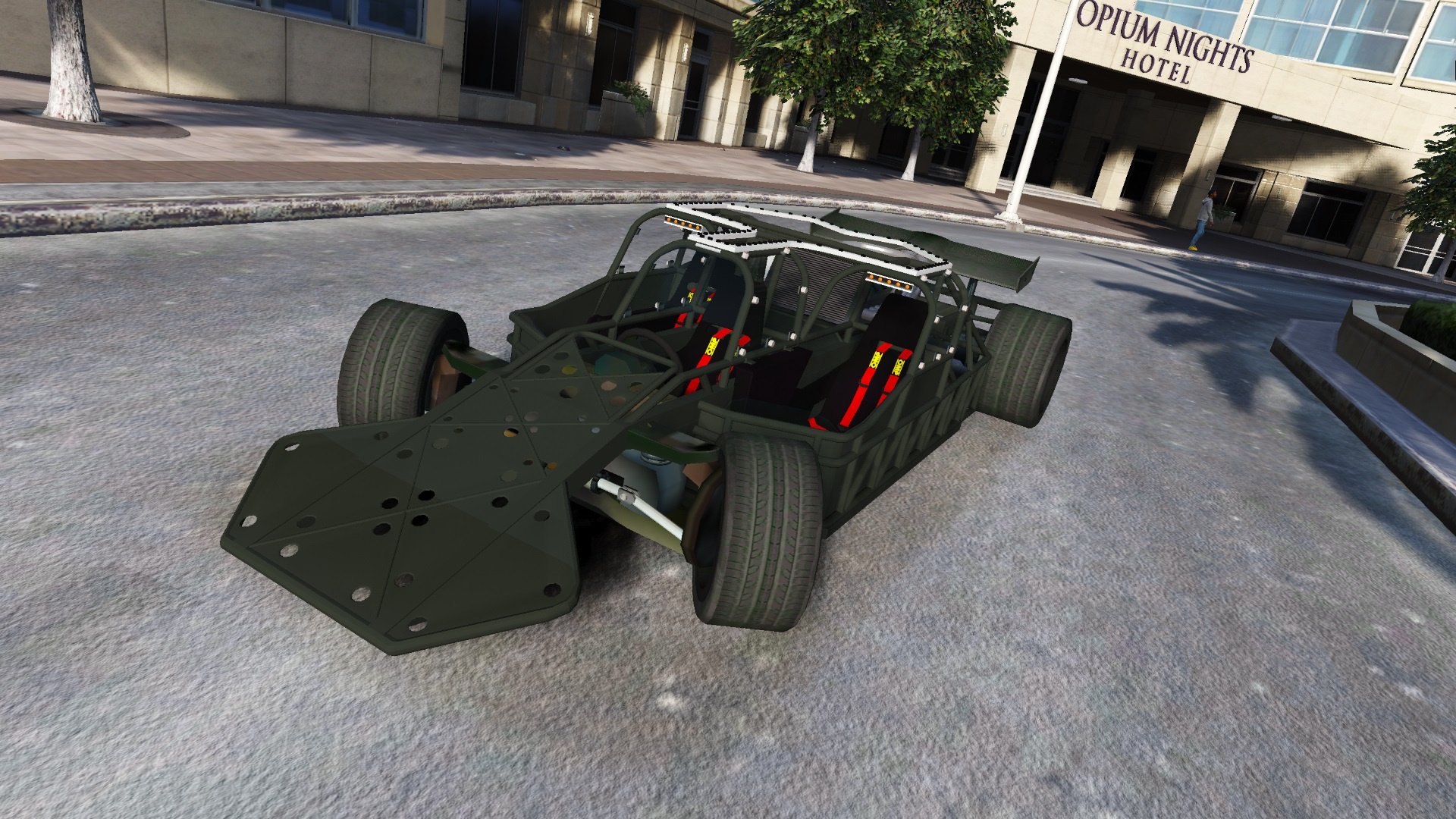
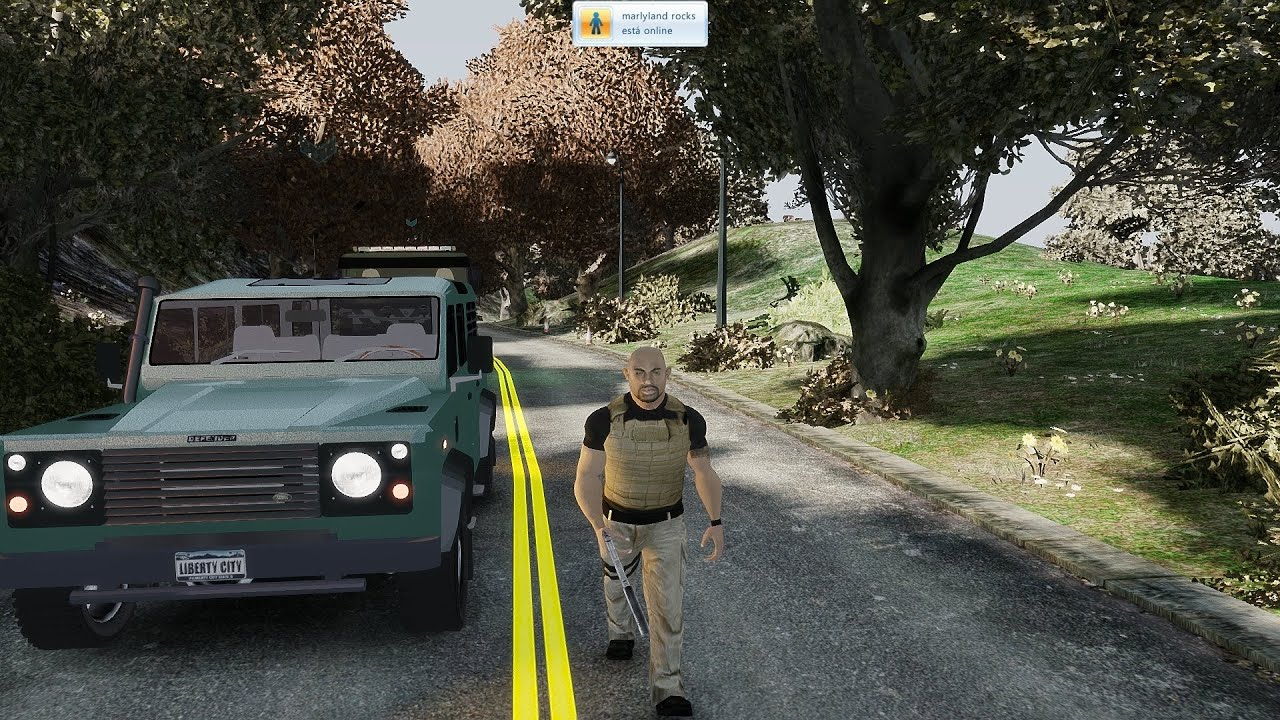
The GTA IV Fast and Furious 6 mod is a comprehensive fan-made modification that injects elements from the sixth installment of the Fast and Furious movie franchise directly into Grand Theft Auto IV. Primarily, it replaces default vehicles with iconic cars seen in Fast and Furious 6, such as Dom's Charger or Brian's GT-R. Some versions also include character skins, custom missions, or even map alterations to recreate movie scenes or add new racing circuits.
Gamers choose this mod for pure immersion and nostalgia. It offers a fresh perspective on a beloved game, allowing players to live out their high-speed fantasies in a familiar but enhanced environment. For those who appreciate automotive culture and cinematic action, it's a perfect blend. It provides a significant content refresh, making repeat playthroughs exciting and new, aligning with the desire for fresh experiences without buying a brand new game, a common value for budget-conscious gamers.
How Do I Prepare My GTA IV Installation for Modding?
Proper preparation is crucial for a smooth modding experience and to prevent game corruption. First, ensure your GTA IV game is updated to the latest patch, typically version 1.0.7.0 or 1.0.8.0 for PC. Second, create a clean backup of your original game files, especially the 'pc' folder and 'common' folder, before installing any mods. This allows you to easily revert changes if something goes wrong, saving you valuable time. Using a mod manager like OpenIV is highly recommended as it simplifies the process of adding and removing files and often includes a 'Mods' folder feature to keep original files untouched.
Many seasoned modders also recommend starting with a fresh installation of GTA IV if you've already accumulated numerous other mods, as conflicts can arise. Always disable auto-updates for GTA IV on platforms like Steam to prevent the game from overwriting your modded files unintentionally. This foundational step ensures your system is ready for the modifications without leading to common crashes or startup issues.
Where Can You Safely Download the GTA IV Fast and Furious 6 Mod?
Finding reputable sources for mods is paramount to avoid malware or corrupted files. The most trusted platforms for GTA IV mods are often dedicated modding websites with strong community moderation. Websites like GTA5-Mods.com (which also hosts GTA IV mods), LibertyCity.net, and Nexus Mods are generally reliable. Always check the mod's description, user comments, and ratings before downloading to gauge its quality and stability. Look for mods that have been recently updated or have a large number of positive reviews, indicating ongoing support and fewer bugs.
Be wary of direct download links from obscure forums or sites that require excessive personal information. A quick search for the mod's name plus 'safe download' or 'review' can often reveal potential issues. Many successful mods are hosted on these well-known platforms, making them easy to find. Prioritizing these established sources minimizes the risk of downloading problematic files, a common concern for gamers looking to protect their hardware and software.
What are the Step-by-Step Instructions to Install the Fast and Furious 6 Mod?
Installing the GTA IV Fast and Furious 6 mod typically involves a few key steps, usually requiring OpenIV, a powerful modding tool. Here's a general outline:
- Download and Install OpenIV: Get the latest version from its official website.
- Open GTA IV with OpenIV: Navigate to your GTA IV installation directory through OpenIV. Make sure to enable 'Edit Mode' in OpenIV.
- Create a 'mods' Folder: Inside OpenIV, create a 'mods' folder in your GTA IV directory if you don't have one. Copy the 'update' and 'common' folders from your main GTA IV directory into this new 'mods' folder. This keeps your original game files safe.
- Download the Fast and Furious 6 Mod: Extract the downloaded mod files using a program like WinRAR or 7-Zip.
- Replace Vehicle Files: The mod usually provides new car models and textures. These typically go into the 'pcmodelscdimagesvehicles.img' file within your 'modsupdatex64' path, or similar locations for custom missions or skins. Use OpenIV's 'Add' or 'Replace' function.
- Update Handling Data: Some mods include custom handling lines to make the cars feel authentic. These need to be added to 'commondatahandling.dat' in your 'mods' folder. Be careful to append, not overwrite, existing data unless specified.
- Rebuild Archives (if necessary): After making significant changes, OpenIV might prompt you to 'Rebuild' certain archives. Follow these prompts.
- Test the Game: Launch GTA IV and verify the mod is working. Start a new game or load a save to see the new cars in action.
Always follow the specific instructions provided with your downloaded mod pack, as slight variations exist. Patience and attention to detail are key to a successful installation.
How to Troubleshoot Common Installation Issues with GTA IV Mods?
Even with careful steps, modding can hit snags. Common issues include game crashes, infinite loading screens, or the mod simply not appearing. Here are quick fixes:
- Game Crashes on Startup: This often indicates a corrupted file or an incompatible mod. Revert to your backup by deleting the 'mods' folder and restoring original files. Then, reinstall the mod carefully, double-checking each step.
- Infinite Loading Screen: This could be due to incorrect handling lines or a missing texture. Verify the handling.dat file for errors and ensure all car model files were placed correctly.
- Mod Not Appearing: Confirm you enabled 'Edit Mode' in OpenIV and placed files in the correct 'mods' path. Sometimes, a game cache verification through Steam can help, but remember to backup your modded files first.
- Performance Drops: If the mod adds high-polygon models, your PC might struggle. See the optimization section below.
Checking community forums for the specific mod can also provide solutions for unique problems, as other gamers likely faced similar hurdles. Many gamers find success by installing one mod at a time, testing, and then adding more, which helps isolate issues quickly.
How Can I Optimize Performance with the Fast and Furious 6 Mod?
While the GTA IV Fast and Furious 6 mod brings visual flair, it can be demanding, especially on older hardware. Here's how to keep your frame rates smooth:
- Lower In-Game Settings: Reduce texture quality, shadow detail, and view distance in GTA IV's graphics options. These are often the biggest performance hogs.
- Use Performance-Focused ENBs: If you're using an ENB graphical overhaul, consider a 'performance' preset instead of a 'quality' one.
- Install an FPS Unlocker/Patch: Tools like the GTA IV FPS Unlocker can sometimes help stabilize frame rates beyond the game's default limits.
- Update Graphics Drivers: Ensure your GPU drivers are always up-to-date. NVIDIA and AMD frequently release updates that improve performance for older titles.
- Monitor System Resources: Use tools like Task Manager or MSI Afterburner to see if your CPU, GPU, or RAM are bottlenecking performance. If your RAM is low (e.g., less than 8GB in 2026, where 16GB is standard), consider upgrading.
Remember, striking a balance between visual fidelity and smooth gameplay is key for an enjoyable experience, especially when you're just trying to unwind after a long day. For many gamers, maintaining a stable 60 FPS is more important than ultra-high textures.
Are There Any Other Recommended Mods to Enhance the Experience?
To truly elevate your GTA IV Fast and Furious 6 experience, consider pairing it with a few complementary mods. A good graphics mod like an ENBSeries preset specifically designed for performance can enhance visuals without crippling your frame rate. Liberty ReShade is another option for subtle graphical improvements. For more car variety, look for additional high-quality vehicle packs that maintain the Fast and Furious aesthetic, ensuring consistency. Script Hook V and an ASI Loader are foundational tools that enable many other mods to function correctly.
Many players also enjoy realism mods that enhance physics or pedestrian AI, making Liberty City feel more alive. Be mindful of compatibility; always check if new mods conflict with your existing Fast and Furious installation. For gamers who appreciate customizability and immersion, these additions can create a truly unique and personalized GTA IV adventure, extending the life of a game many have already poured hundreds of hours into.
How Does This Mod Enhance Social Gaming and Replayability?
While GTA IV doesn't have the robust online features of GTA V, the Fast and Furious 6 mod can still boost replayability and social interaction. For those who enjoy sharing their gaming moments, the mod provides fantastic new content for screenshot contests, custom video edits, or streaming sessions on platforms like Twitch or YouTube. Imagine showing off epic street races with F&F cars to your Discord community!
Even in a single-player game, sharing your unique modded experience with friends can spark conversations and ideas, fostering that sense of community that 2026 gaming thrives on. Many gamers engage in what's called 'virtual car meets' or 'role-playing' within modded single-player environments, sharing their custom garages and driving experiences through shared screens. This keeps the game fresh, encourages creativity, and provides new reasons to revisit Liberty City long after the main story is complete, catering to gamers who seek more than just campaign completion.
What Are the System Requirements for a Smooth Experience with This Mod?
While GTA IV itself is an older game, the Fast and Furious 6 mod, especially with high-quality car models and textures, can demand more from your system. To ensure a smooth experience in 2026, we recommend:
- Operating System: Windows 10 (64-bit)
- Processor: Intel Core i5 (3rd Gen or newer) or AMD FX-8350 equivalent.
- Memory: 8 GB RAM (16 GB is highly recommended for stable modded gameplay).
- Graphics Card: NVIDIA GeForce GTX 750 Ti / AMD Radeon HD 7870 (2GB VRAM) or better. A GTX 1060 or RX 580 (4GB+ VRAM) is ideal.
- Storage: At least 30 GB free space (22GB for base game + extra for mods and backups). An SSD will significantly improve loading times.
Many modern PCs far exceed these specs, so most current gamers shouldn't face major hurdles. However, if you're on a budget or an older machine, paying attention to these minimums will help set realistic expectations for performance, preventing frustration before you even hit the streets.
How to Safely Uninstall the GTA IV Fast and Furious 6 Mod?
Safely uninstalling the GTA IV Fast and Furious 6 mod is straightforward if you followed the advice to create a 'mods' folder and backups. The easiest method is to simply delete the 'mods' folder you created within your GTA IV directory. If you made changes directly to the main game files, you'll need to restore your backup copies of those specific files (like 'pcmodelscdimagesvehicles.img' or 'commondatahandling.dat').
Alternatively, if you used OpenIV's 'Mods' folder feature, deleting the modded files within OpenIV's virtual directories will revert to the original game assets. If all else fails and your game is unplayable, a clean reinstallation of GTA IV will always restore it to its vanilla state. Just remember to back up your save games! Being able to easily revert changes is a huge time-saver for busy gamers, allowing experimentation without permanent consequences.
FAQ Section
What is the best version of GTA IV for modding? The most stable versions for extensive modding are generally 1.0.7.0 and 1.0.8.0. These patches have the broadest compatibility with popular modding tools and custom content.
Will the Fast and Furious 6 mod work with other car packs? It depends on how the mods are structured. If they modify the same vehicle slots or files, they will conflict. Always check mod descriptions for known incompatibilities, and install car packs one by one to identify conflicts.
Can I install this mod on a pirated copy of GTA IV? While modding can theoretically work on pirated versions, it is strongly discouraged. Pirated copies often have unstable or incomplete game files, leading to frequent crashes and unpredictable mod behavior. For the best and most reliable experience, always use a legally purchased copy.
Is it hard to install GTA IV mods for a beginner? Not necessarily. With tools like OpenIV and clear guides, it's manageable. The key is to follow instructions meticulously, create backups, and be patient. Start with simpler mods to build confidence before tackling larger overhauls.
How often should I back up my GTA IV game files? You should create a backup before installing any new mod or making significant changes to your game files. It's also a good practice to back up your save games periodically, especially before major modding sessions, to prevent losing progress.
Where can I get help if my mod isn't working? The best places are the mod's official page, the modding community forums (like GTAForums.com or the specific modding site you downloaded from), or Discord servers dedicated to GTA IV modding. Provide detailed information about your issue and steps taken to get the best help.
Wrapping up, bringing the world of Fast and Furious 6 into GTA IV is an amazing way to inject new life into a classic game, perfect for gamers looking for fresh, high-octane fun without the hassle. We've covered everything from prepping your game and safely downloading mods to step-by-step installation, troubleshooting common issues, and even optimizing performance. Now you have the tools to transform Liberty City into your personal street racing playground, making every gaming session count.
What's your biggest gaming challenge when it comes to modding? Comment below!
Seamless GTA IV mod installation guide. Transform Liberty City with Fast and Furious 6 cars and missions. Optimize game performance for smoother gameplay. Troubleshooting common modding issues. Enhance your GTA IV experience with cinematic street races. Time-saving tips for busy gamers.
35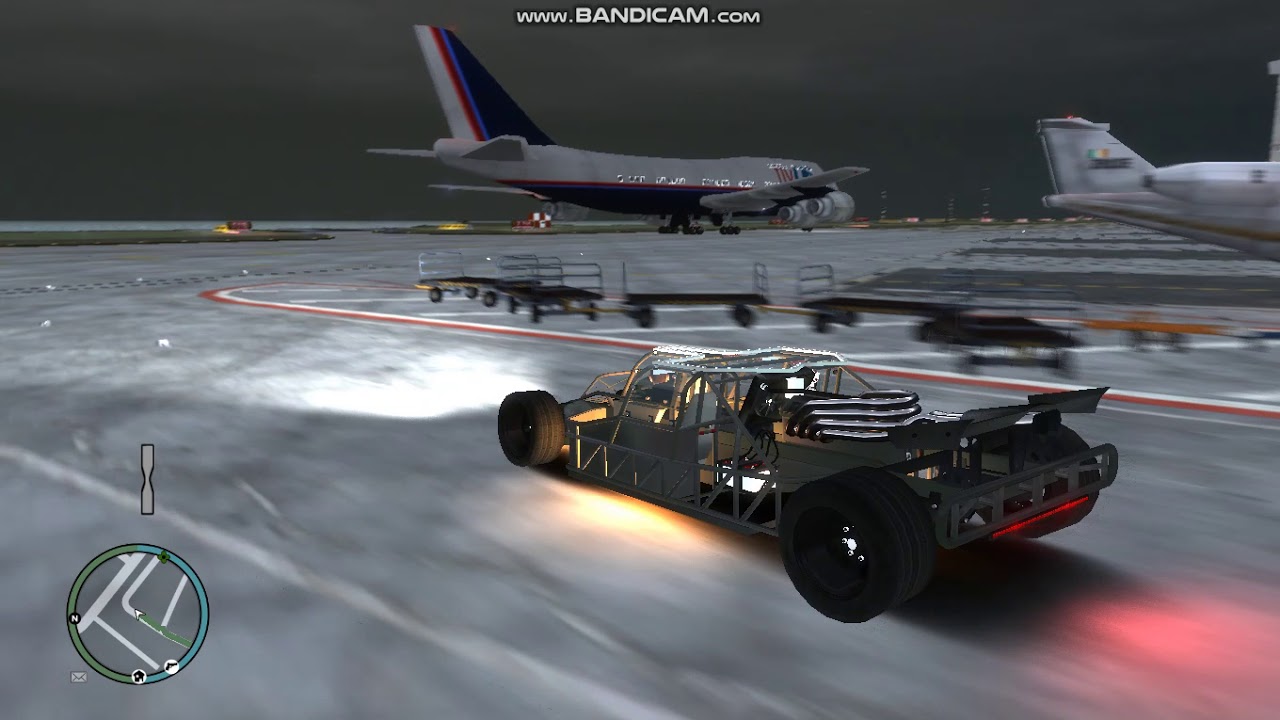
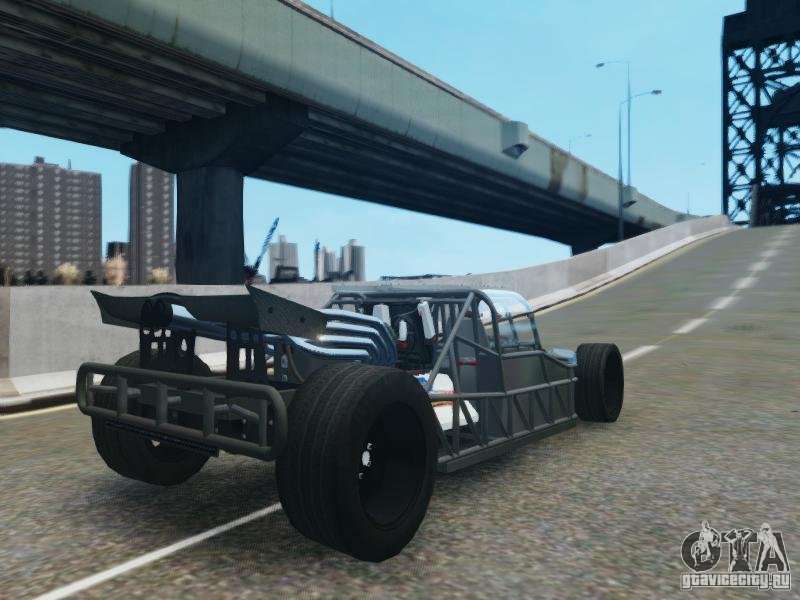

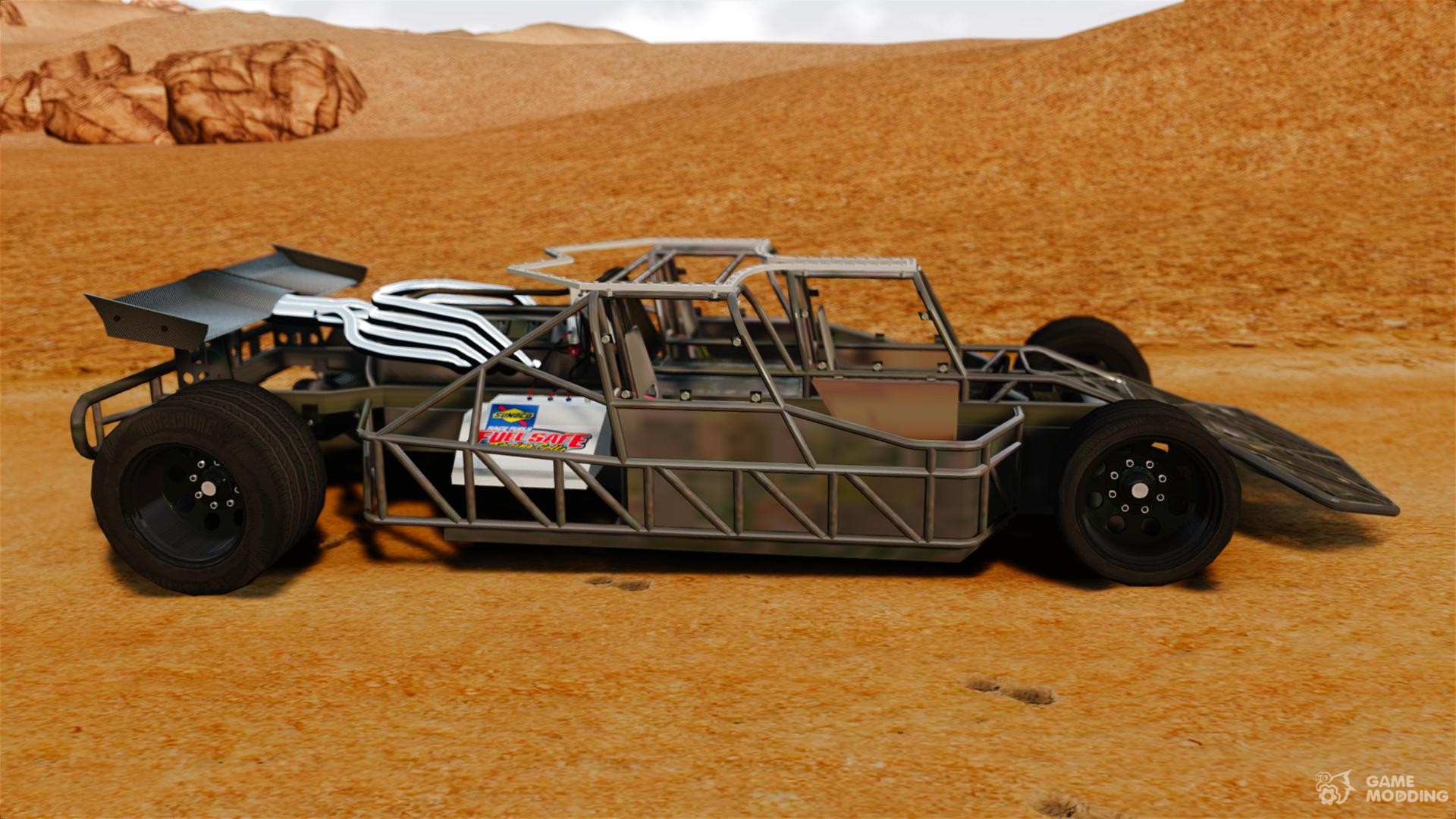
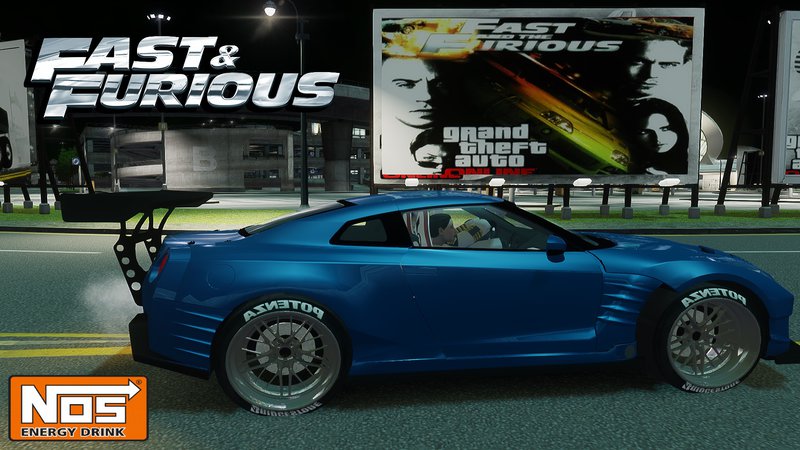
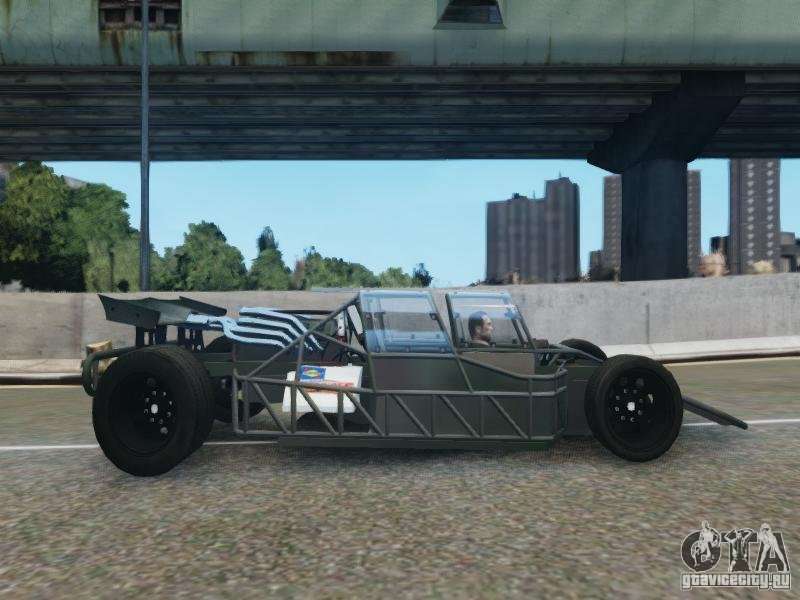
GTA 4 Car Mods Fast And Furious 6 Ramp Car YouTube . Villain The Fast And The Furious 6 For GTA 4 17212 1363201840 GTAIV2013 03 1321 06 01 61 . GTA 4 Fast And Furious 6 TDM The Rock Dwayne Johnson In Action Army . The Fast And The Furious Is Vehicle 6 For GTA 4 . GTA 4 Nissan GTR Fast And Furious Movie Car Mod GTAinside Com 1467914453 1467894060 3


Fast And Furious 6 Villain Car GTA IV Mod YouTube . GTA IV Fast Furious 6 Villain Vehicle Mod HD YouTube Hqdefault . GTA 4 Fast And Furious 6 Nissan GTR Movie Car Sound Mods YouTube . Fast And Furious 7 1970 Dodge Charger Movie Car Mod V2 0 For GTA 4 File 85772 En . Fast Furious 6 Flip Car Add On Unlocked GTA5 Mods Com 743df5 E



GTA 4 Car Mods 1 Fast And Furious 6 Ramp Car YouTube . GTA 4 Fast And Furious 6 The Rock Army Military Truck Defender Mods . The Fast And The Furious 6 Villain Vehicle GTA IV MOD ENB 2 7K . GTA IV Mod Fast Furious 6 Flip Car 1080p YouTube . GTA IV Fast And Furious 6 Dodge Charger Drift YouTube


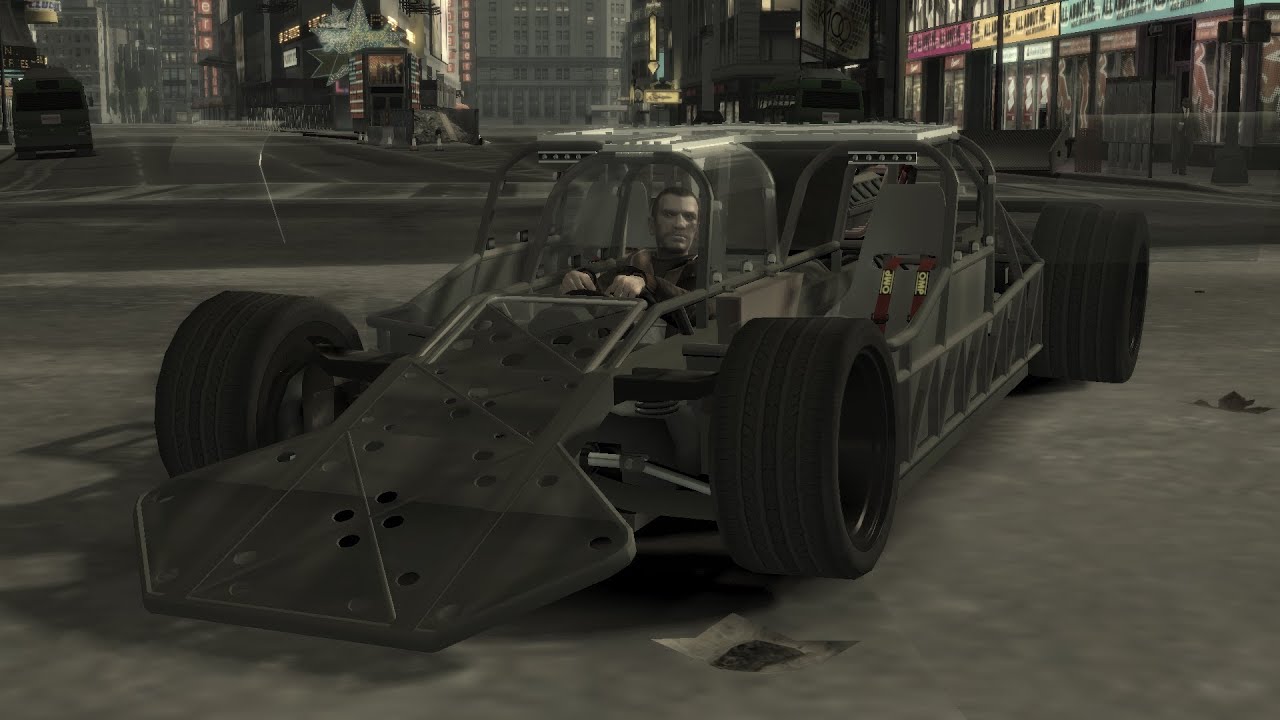
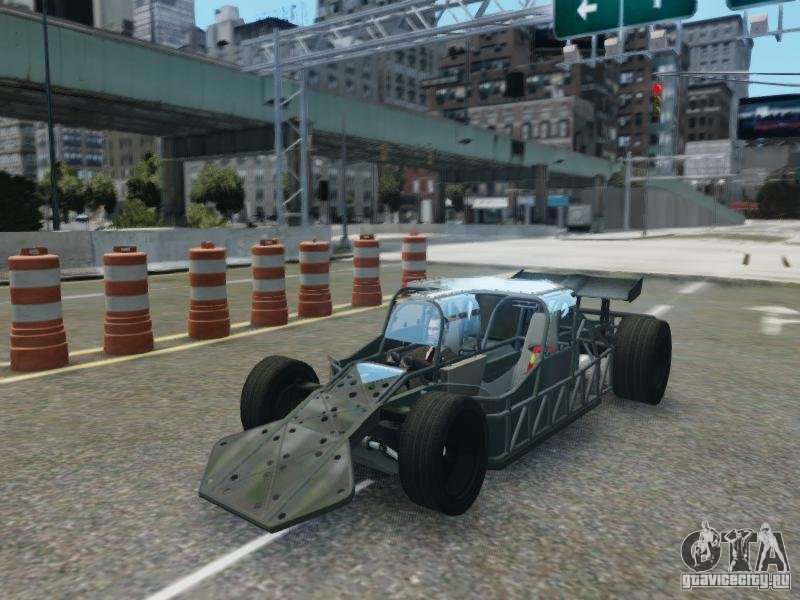
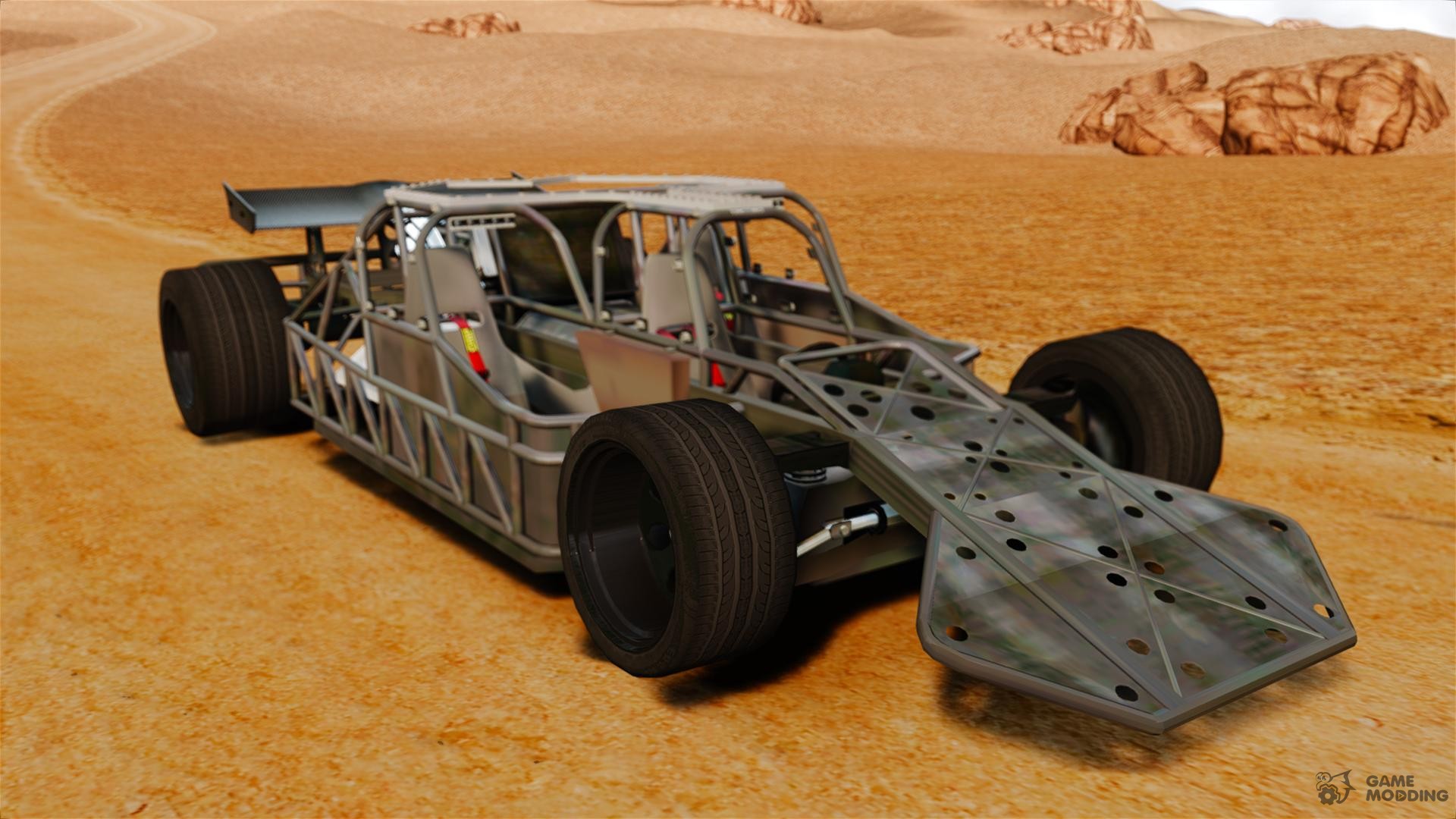
The Fast And The Furious Is Vehicle 6 For GTA 4 . GTA IV FAST AND FURIOUS CAR MOD YouTube . GTA IV FAST FURIOUS 6 VILLAIN VEHICLE HD YouTube . Villain The Fast And The Furious 6 For GTA 4 17210 1363201778 GTAIV2013 03 1321 05 57 89 . The Fast And The Furious Is Vehicle 6 For GTA 4
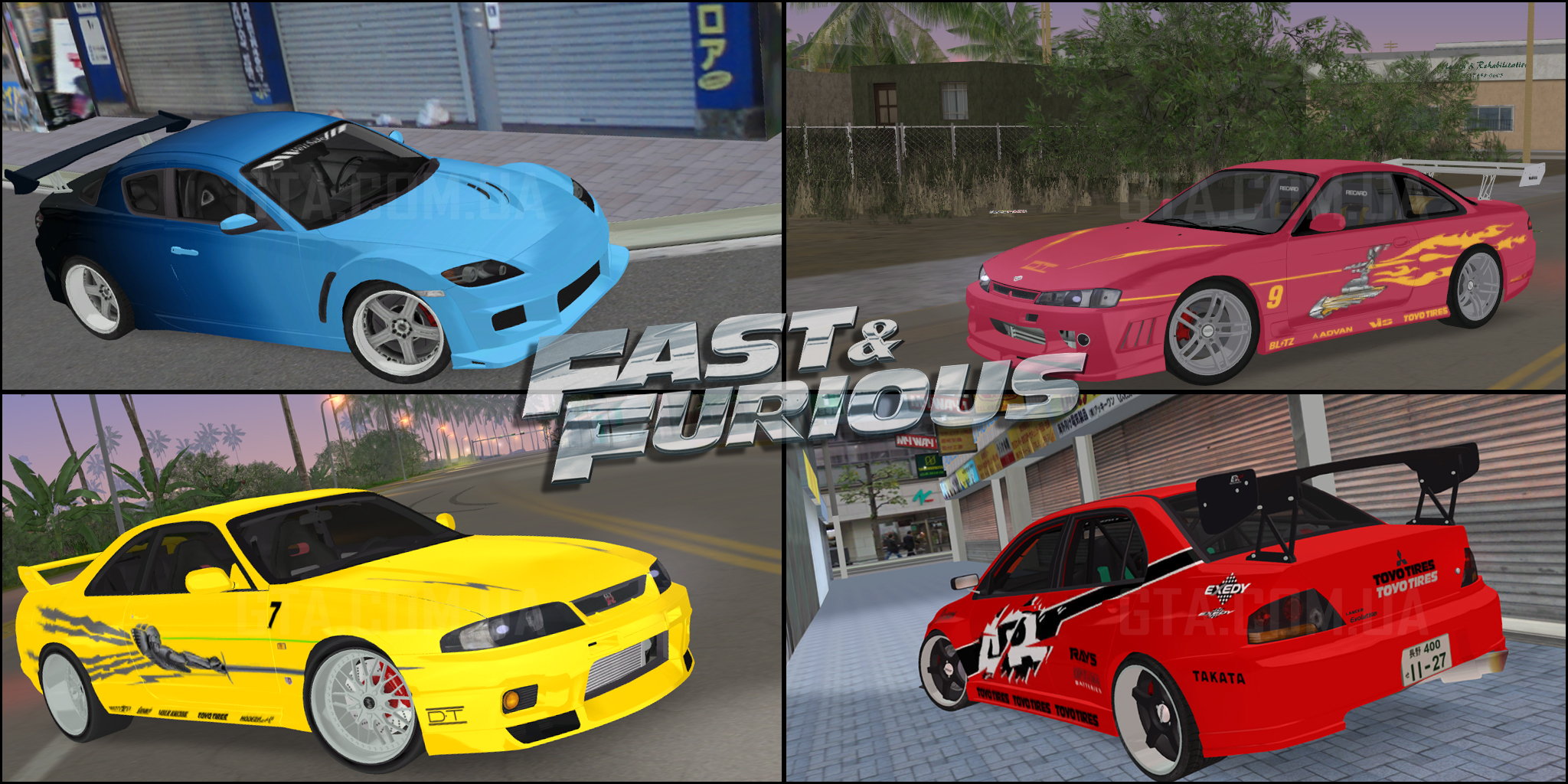
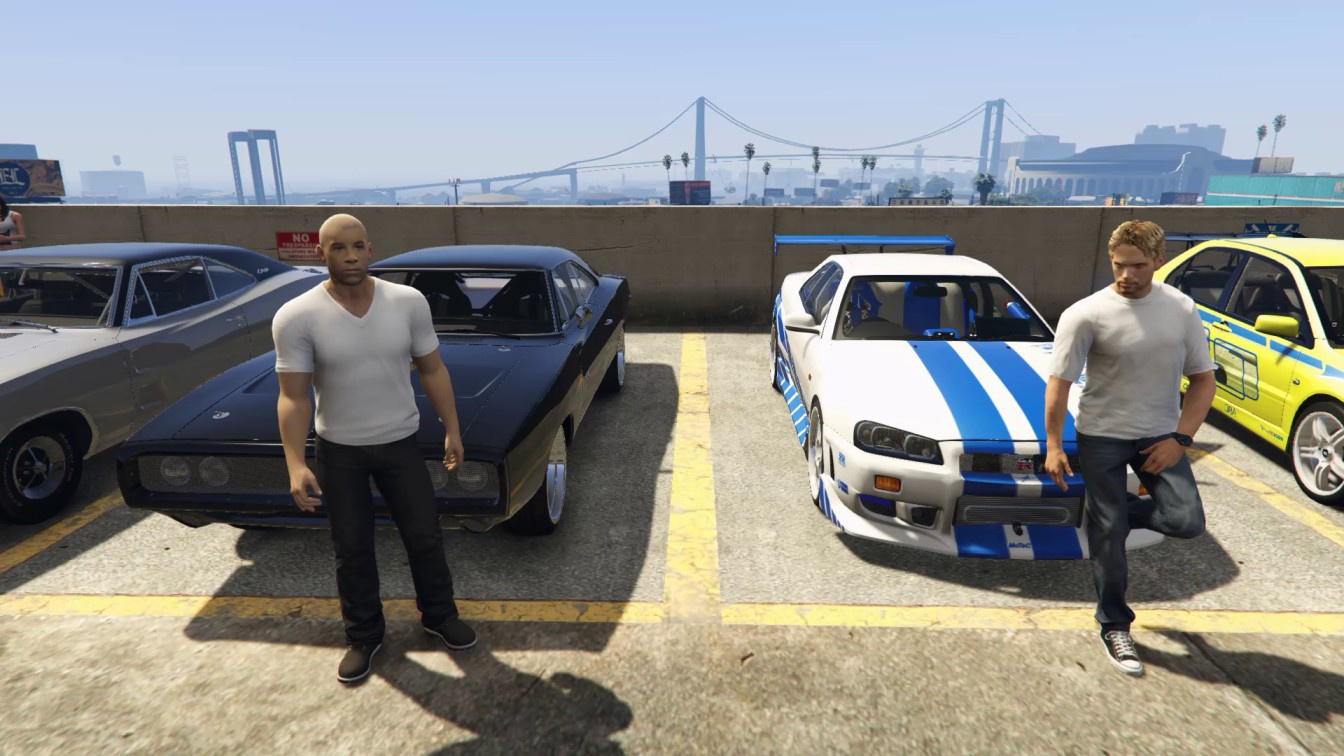

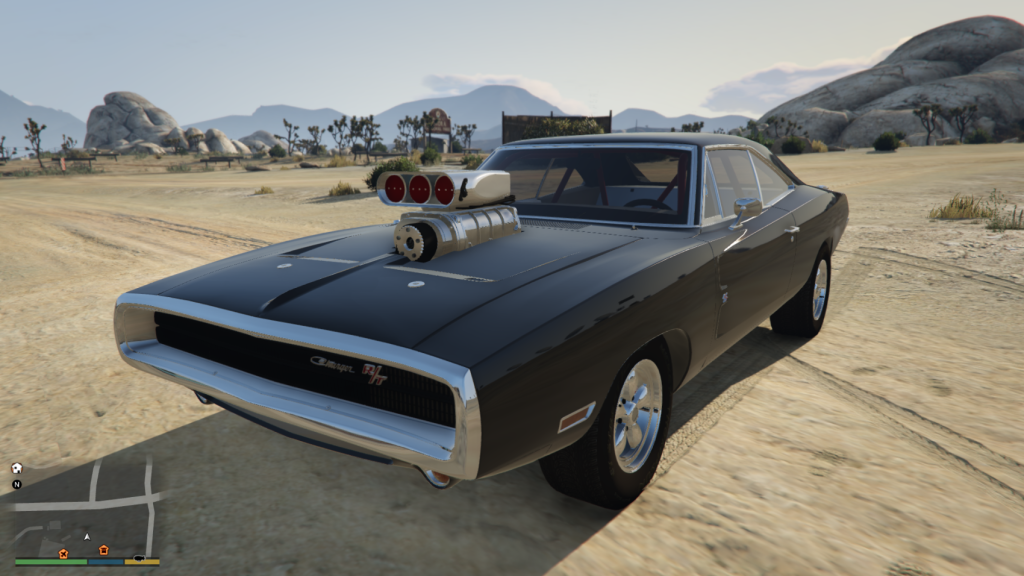
Fast Furious Car Pack Download For GTA Vice City GTA Com Ua Gta Vc Fast And Furious Car Pack 5 . Villain The Fast And The Furious 6 For GTA 4 17211 1363201868 GTAIV2013 03 1321 06 05 88 . Fast And Furious 6 Cars In Gta 5 Fast And Furious All Cars With Party . GTA IV Fast And Furious 6 Dodge Charger YouTube . Fast And Furious 6 Cars In Gta 5 Charger RT 70 From The Fast And The Furious 1024x576
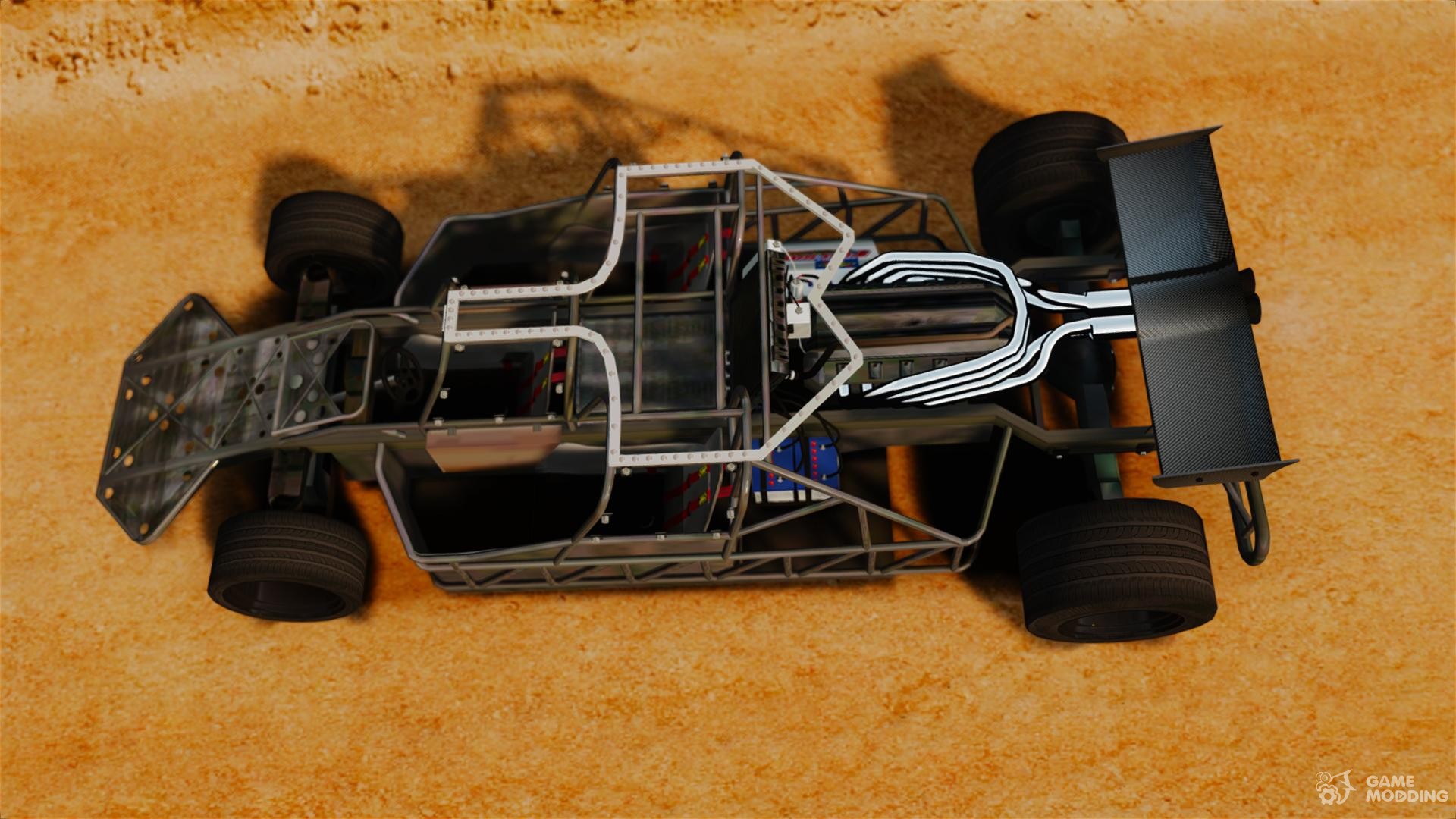


The Fast And The Furious Is Vehicle 6 For GTA 4 . Fast And Furious 6 Cars In Gta 5 Cars . GTA 4 Fast Furious 6 ProtoType Cars With Nitro POLICE MultiPlayer . GTA 4 Nissan GTR Fast And Furious Movie Car Mod GTAinside Com 1467914453 1467894060 1 . Villain The Fast And The Furious 6 For GTA 4 17213 1363201782 GTAIV2013 03 1321 06 12 08


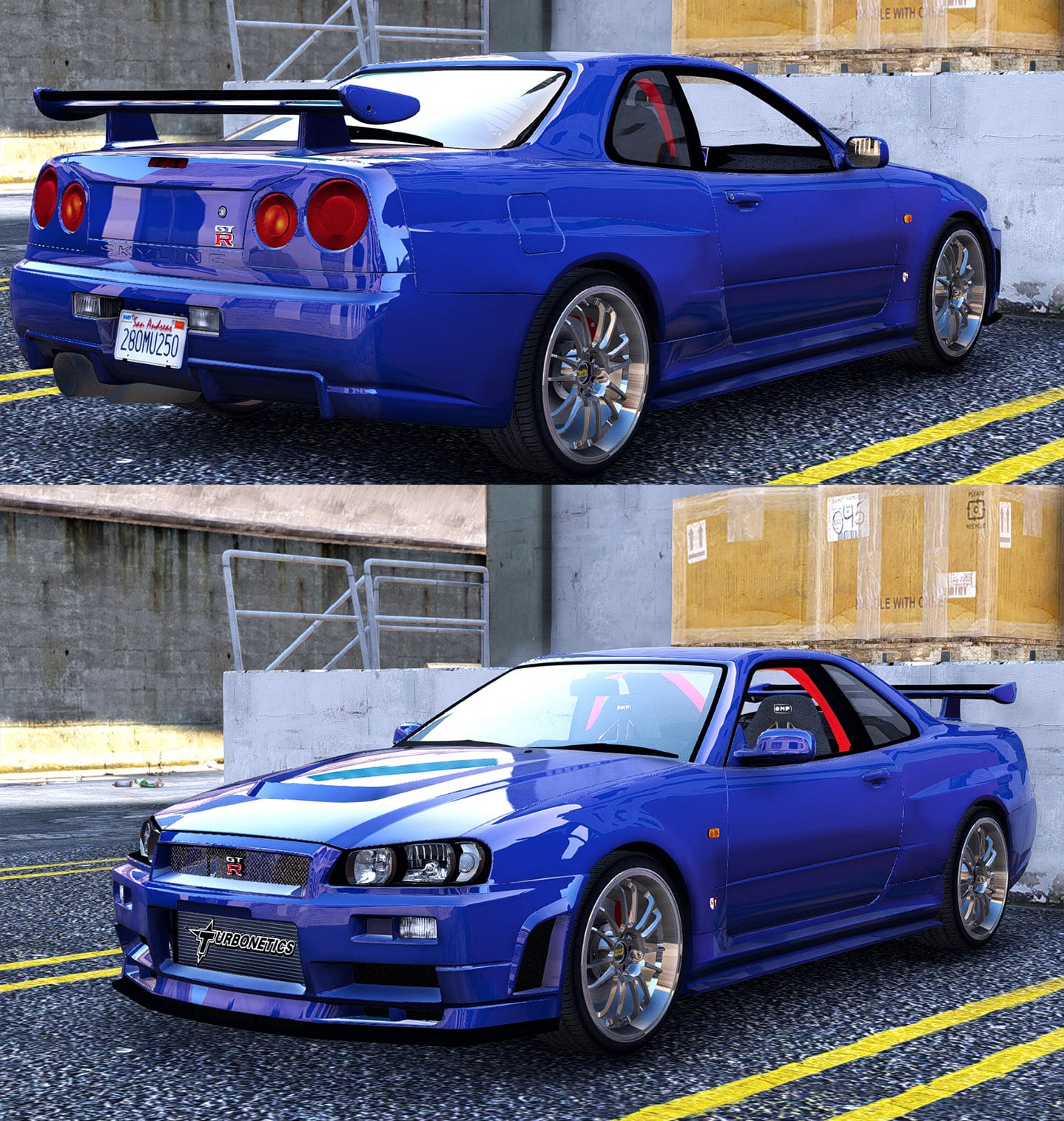
GTA 4 Nissan GTR Fast And Furious Movie Car Mod GTAinside Com 1467914453 5 . 1996 Mitsubishi Eclipse The Fast And The Furious GTA IV MOD ENB 2 . GTA 5 How To Download Fast And Furious 6 Flip Car Add On YouTube Hqdefault . GTA IV Fast And Furious 6 Flip Car YouTube . The Fast And The Furious Cars Pack Add On Animated GTA5 Mods Com B70984 6