Embark on a rewarding journey into Roblox game development and learn how to build Roblox experiences from scratch. This comprehensive guide is tailored for adult gamers balancing life, work, and their passion for gaming, offering practical, no-nonsense advice. Discover Roblox Studio's powerful tools, master the basics of Lua scripting, and understand core game design principles to create engaging worlds. Whether you dream of building a relaxing social hangout, an exciting adventure, or a challenging puzzle game, we cover everything from initial setup and ideation to publishing and even monetizing your creations. We'll explore how fellow US gamers, who dedicate over 10 hours a week to their passion, are leveraging Roblox to unwind, socialize, and build new skills. Get ready to turn your creative visions into interactive realities and connect with millions of players in the vibrant Roblox community. This resource will help you overcome common hurdles like setup issues, learning curves, and optimizing performance, all while making the most of your valuable gaming time.
How to get started with Roblox game development for free?
You can begin building Roblox games for free by downloading Roblox Studio from the official Roblox website. This powerful software is entirely free to use and provides all the tools you need to design, script, and publish your own experiences. There are no subscription fees to get started, making it accessible to anyone with a creative idea and a computer.
What programming language is used to build games on Roblox?
The primary programming language used for scripting game logic and interactions within Roblox is Lua. Lua is known for its lightweight nature, speed, and relative ease of learning, making it a popular choice for game development. Roblox Studio provides a built-in script editor to write and manage your Lua code.
Where can I find tutorials on how to build Roblox games for beginners?
Beginners looking to learn how to build Roblox games can find extensive resources on the official Roblox Developer Hub, which offers step-by-step guides and documentation. YouTube channels like TheDevKing and AlvinBlox also provide numerous video tutorials, covering everything from basic building to advanced scripting concepts. The Roblox Developer Forum is another excellent place for community support.
Can I create 3D models directly within Roblox Studio?
While Roblox Studio offers robust tools for assembling and manipulating parts to create structures and objects, it also includes basic 3D modeling features. For complex or highly detailed models, many developers create assets using external 3D modeling software like Blender and then import them into Roblox Studio as meshes. Studio's Part and Model tools allow for intuitive block-based construction.
What are 'Experiences' on Roblox, and how do they differ from 'Games'?
On Roblox, the term 'Experiences' has largely replaced 'Games' to better reflect the diverse range of interactive content available beyond traditional gaming. An Experience can be a game, a social hangout, a virtual concert, an educational simulation, or any interactive environment you create. The change emphasizes the platform's focus on user-generated content and varied engagement types.
How do I test my Roblox game before publishing it to the public?
You can rigorously test your Roblox game directly within Roblox Studio using its built-in play modes. Options include 'Play' (to test as a single player), 'Play Here' (to test from a specific location), and 'Run' (to see the game world in action without player movement). For multiplayer testing, 'Start Server & Players' allows you to simulate multiple users, crucial for balancing social and competitive aspects before making your experience public.
Is it possible to build a Roblox game entirely on a mobile device?
While you can play Roblox experiences on mobile devices, building and developing games on Roblox Studio requires a desktop or laptop computer. Roblox Studio is a robust development environment designed for PC and Mac operating systems, offering the comprehensive tools and interface necessary for intricate game creation. Mobile devices are primarily for consuming content, not creating it.
Are you a gamer who loves diving into virtual worlds, but secretly harbors a dream of building your own? Perhaps you spend your limited free time after work or family commitments seeking relaxation and fun in games, yet a small part of you wonders, "How can I build Roblox experiences that others can enjoy, too?" You're not alone. Many adult gamers, around 60% of whom play regularly, find immense satisfaction not just in playing, but in creating. With 87% of US gamers regularly spending 10+ hours a week on their passion, the desire to transition from player to creator is a natural evolution. Roblox, with its intuitive platform and massive global audience, presents an incredible opportunity to turn that creative spark into a tangible game, all while balancing your busy life.
This guide is designed for you: the dedicated gamer who values skill-building, social interaction, and making the most of every gaming session. We'll cut through the hype and provide practical, actionable advice on how to build Roblox games, addressing common pain points like getting started, understanding coding (or avoiding it where possible), and optimizing your creations without breaking the bank or sacrificing your precious relaxation time. From initial setup to publishing your first game, we'll equip you with the knowledge to start your journey as a Roblox developer, allowing you to create engaging content, potentially even earn some Robux, and connect with a vibrant community. Let's dive in and transform your gaming passion into a powerful creative outlet.
What is Roblox Studio and How Do I Get Started Building?
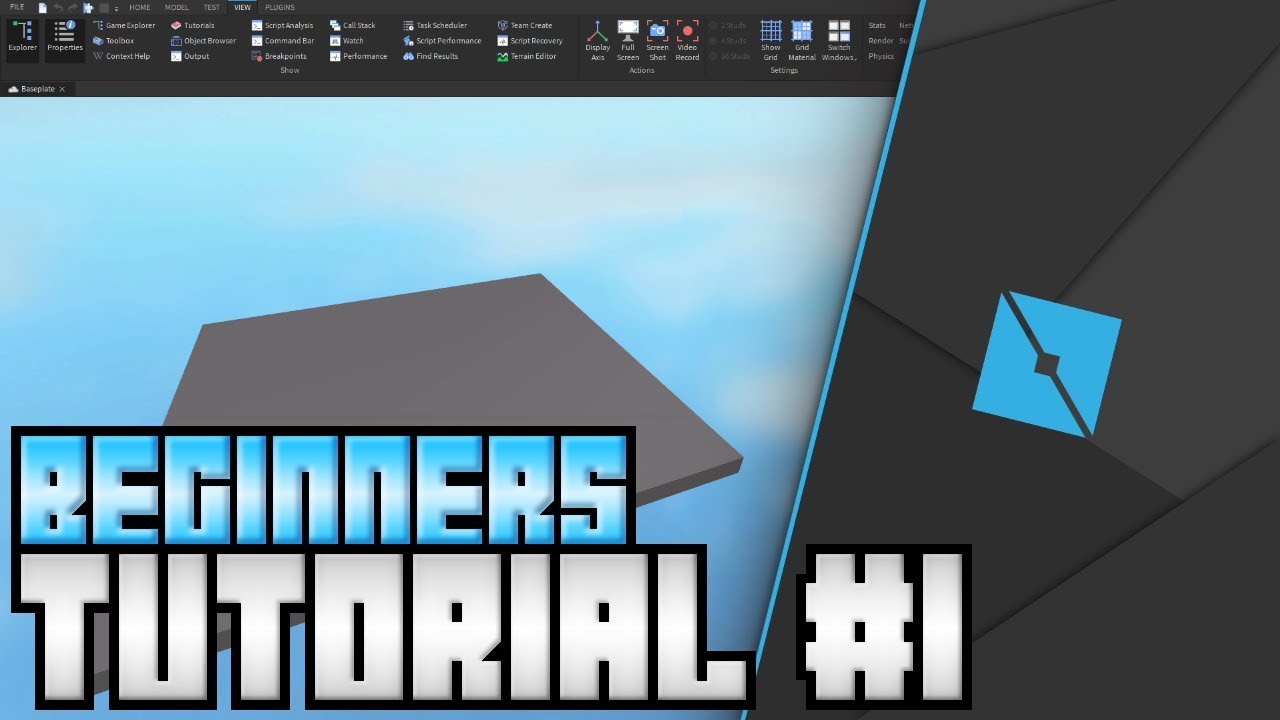
Roblox Studio is the free, powerful development environment where you design, build, and publish games and experiences on the Roblox platform. Think of it as your virtual workshop, complete with tools for building terrains, scripting game logic, and creating user interfaces. Getting started is straightforward. First, download Roblox Studio from the official Roblox website. Once installed, log in with your Roblox account. You'll be greeted by a template selection screen, offering various starting points like a Flat Terrain or a Baseplate. For beginners, choosing a Baseplate is ideal as it provides a blank canvas to experiment with basic building tools like parts, models, and materials. Spend some time familiarizing yourself with the interface: the Explorer window (for viewing game objects), the Properties window (for modifying object attributes), and the various toolbars for manipulation and testing. Many adult gamers, often pressed for time, find that starting with simple projects like building a small house or an obstacle course helps to quickly grasp the core mechanics without feeling overwhelmed.
Do I Need to Know How to Code to Build on Roblox?
While deep coding knowledge isn't strictly necessary to start building on Roblox, understanding the basics of Lua scripting will significantly unlock the platform's full potential and allow for truly dynamic and interactive experiences. You can create impressive static builds and even simple interactive elements using only Roblox Studio's visual tools, often leveraging pre-made assets and drag-and-drop functionality. However, to implement complex game mechanics, custom player interactions, or sophisticated UI elements, Lua is your go-to language. Fortunately, Lua is known for its simplicity and ease of learning, making it accessible even for those with no prior coding experience. There are countless free tutorials, community forums, and YouTube guides specifically tailored for Roblox Lua, many of which are designed with a practical, project-based approach perfect for busy adults. Starting with small scripts, like making a door open when a player touches it or changing a part's color over time, provides immediate and rewarding feedback, making the learning process engaging and fun.
What are the Core Principles of Good Game Design on Roblox?
Effective game design on Roblox, much like any platform, hinges on creating an engaging and fun experience that keeps players coming back. For US gamers who often balance gaming with life, relaxation and social play are key, so consider these principles. First, focus on a clear core loop: what do players do repeatedly, and how is it rewarding? Is it collecting items, overcoming obstacles, or socializing? Second, ensure intuitiveness; players should understand the game's objective and how to play quickly, avoiding frustrating learning curves. Third, provide progression and goals, whether through new levels, unlockable items, or leaderboards, giving players a sense of achievement. Fourth, prioritize performance optimization; a laggy game on mobile or older PCs is a quick turn-off for a significant portion of the audience. Finally, integrate social elements. Many popular Roblox games thrive on cooperative play, competitive leaderboards, or simply providing spaces for friends to hang out. Think about how your game can foster interaction and community, tapping into the trending social gaming aspects that resonate with today's players.
How Can I Monetize My Roblox Games and Earn Robux?
Monetizing your Roblox games allows you to potentially earn Robux, which can then be converted into real-world currency through the Developer Exchange (DevEx) program. The primary methods include selling Game Passes, Developer Products, and Premium Payouts. Game Passes are one-time purchases that grant players permanent perks, like special abilities, access to exclusive areas, or unique items. Developer Products are consumable items that players can buy multiple times, such as in-game currency, temporary power-ups, or extra lives. Premium Payouts are earned automatically when Roblox Premium subscribers spend time in your experience, rewarding you for engagement. To maximize earnings, focus on creating high-quality, engaging content that keeps players active, and ensure your in-game purchases offer clear value without feeling exploitative. Many successful creators find a balance by offering both cosmetic and functional items, appealing to a broad player base, including those on a budget who appreciate free content but might splurge on meaningful upgrades.
What are Common Pitfalls to Avoid When Building Roblox Experiences?
Building on Roblox can be incredibly rewarding, but there are several common pitfalls that new developers often encounter. One major issue is poor performance due to unoptimized assets or excessive scripting; this can lead to lag, especially for mobile players who dominate the platform. Always optimize your models, reduce script complexity, and utilize Roblox's performance tools. Another trap is neglecting player feedback. Your community is your best resource for identifying bugs, suggesting improvements, and understanding what works (or doesn't). Engage with players through social media or in-game feedback systems. Over-scoping is another common problem; trying to build an overly ambitious game as your first project can lead to burnout. Start small, iterate, and gradually expand. Lastly, be mindful of intellectual property (IP) and community guidelines. Using copyrighted material or creating inappropriate content can lead to your game being taken down. Always strive for originality and positive player experiences.
How Do I Publish My First Roblox Game and Get Players?
Publishing your first Roblox game is an exciting milestone. Once your game is ready, navigate to File > Publish to Roblox in Roblox Studio. You'll be prompted to provide a game title, description, and genre. Ensure your title is catchy and your description clearly communicates what players can expect, incorporating relevant keywords to aid discoverability. After publishing, your game will be private by default. To make it publicly accessible, go to your game's page on the Roblox website, click the three dots, select "Configure Experience," and change the privacy settings to Public. Getting players involves more than just publishing. Share your game link on social media platforms like X (formerly Twitter), Discord, and YouTube. Consider creating short, engaging video trailers or gameplay clips. Engage with the Roblox developer community, seek feedback, and make continuous updates based on player suggestions. Remember that consistency and visibility are key; an updated, actively managed game is more likely to retain and attract new players.
What Tools and Resources Can Help Me Learn Lua Scripting for Roblox?
Learning Lua for Roblox doesn't have to be daunting, even for gamers juggling demanding schedules. Roblox itself provides an excellent starting point with its Developer Hub, offering comprehensive documentation, tutorials, and API references. YouTube is a goldmine for visual learners, with channels like TheDevKing, AlvinBlox, and Peaspod offering beginner-friendly series that walk you through practical projects. Community forums, such as the official Roblox Developer Forum and various Discord servers, are invaluable for asking questions, getting feedback, and learning from experienced creators. Many adult gamers find that a project-based approach works best: pick a small feature you want to implement (e.g., a working door, a GUI button) and learn the Lua concepts needed to achieve it. Regularly experimenting in Roblox Studio's 'Play' mode allows for immediate testing and debugging, reinforcing your learning and building confidence with each successful script. Consistency, even if it's just 30 minutes a day, yields significant progress over time.
Can I Collaborate with Others on Roblox Game Development?
Absolutely, collaboration is a cornerstone of the Roblox development community and a fantastic way to tackle larger projects, leverage diverse skill sets, and even make new friends. Roblox Studio features a built-in 'Team Create' function that allows multiple developers to work on the same game simultaneously, with changes syncing in real-time. This is particularly useful for adult gamers who might have different availability or expertise in areas like building, scripting, UI design, or audio. Platforms like Discord are widely used for communication, project management, and sharing assets among team members. When collaborating, clear communication, defined roles, and a shared vision are crucial. Many successful Roblox games are the result of passionate teams working together, combining their strengths to create something bigger and better than they could individually. It’s a great way to expand your network, learn new techniques, and share the workload.
Building your own Roblox games is a deeply rewarding experience, transforming you from a passive player into an active creator. It's a journey that combines creativity, problem-solving, and community engagement, perfectly suiting the modern gamer who seeks more than just escapism. By embracing Roblox Studio, understanding fundamental game design, and dabbling in Lua, you can craft unique worlds that resonate with millions. Remember, every master builder started with a single block. Your biggest gaming challenge might just be taking that first step into creation. What's your biggest game development challenge? Comment below and let's tackle it together!
FAQ Section
What are the minimum system requirements for Roblox Studio?
Roblox Studio generally requires a relatively modern PC or Mac with a decent processor (Intel Core i3 or AMD Ryzen 3 equivalent or better), at least 4GB of RAM, and a graphics card capable of DirectX 10 or higher. A stable internet connection is also essential for downloading assets and publishing your games.
Is Roblox Studio only for creating games, or can I make other experiences?
While primarily known for games, Roblox Studio allows you to create a wide variety of interactive experiences beyond traditional games. This includes social hangouts, educational simulations, virtual concerts, art installations, and even training scenarios. The platform's flexibility encourages diverse forms of digital creation.
How long does it take to learn how to build a basic game on Roblox?
You can learn the very basics of building and scripting in Roblox Studio within a few hours of dedicated effort, creating a simple obstacle course or interactive object. To build a more comprehensive, polished game that attracts players might take weeks to months, depending on your commitment and the complexity of your vision.
Are there any free assets or templates I can use to start?
Yes, Roblox Studio offers a vast Library of free models, decals, audio, and plugins created by Roblox and other developers. The Toolbox within Studio provides easy access to these assets. Additionally, you can start with various game templates provided by Roblox to kickstart your development process.
How often does Roblox Studio get updated?
Roblox Studio receives regular updates, typically weekly, bringing new features, bug fixes, performance improvements, and changes to the API. Staying current with these updates is important to leverage the latest tools and ensure compatibility with the evolving Roblox platform.
What's the best way to get feedback on my game before publishing?
Before public release, share your game with a small group of trusted friends or fellow developers through Team Create or by making the game accessible to specific users. Engage in Roblox developer forums or Discord communities to solicit constructive criticism. Playtesting with a diverse group can reveal unexpected issues and areas for improvement.
Roblox Studio basics, Lua scripting essentials, game design principles, monetization strategies, publishing your first game, community engagement, debugging, performance optimization, balancing creation with life.
35




How To Message On Roblox 2026 A Quick Guide SL1500 . A Mother Or Father S Information To Utilizing Roblox In 2026 Ivugangingo 2026 Parental Guide For Roblox Usage UnicMinds . Definitive Guide To Roblox 2026 TM 07169 Definitive Guide To Roblox 2026 . How Do I Make Clothes On Roblox In 2026 . How To Make A Game Pass In Roblox 2026 Step By Step Guide Game Pass Roblox.webp

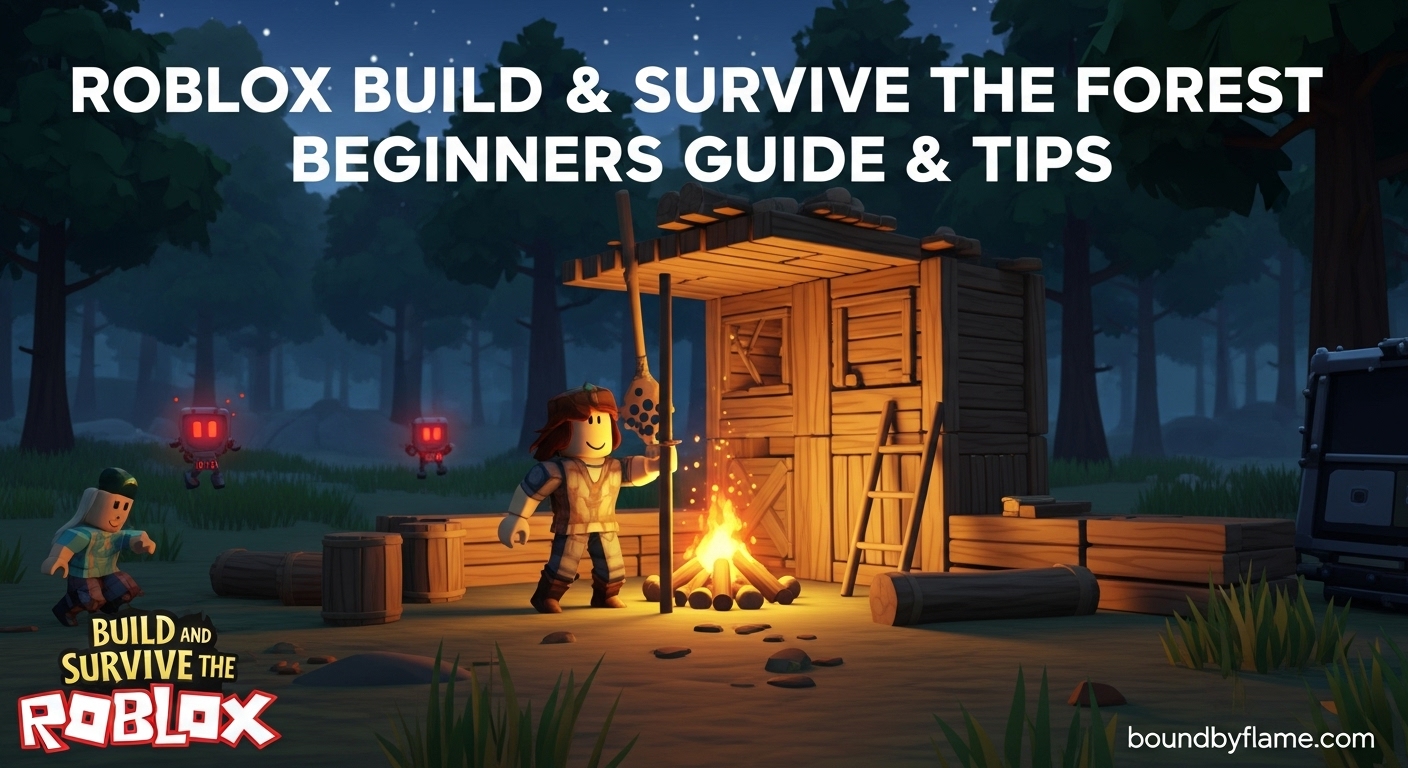

How Do I Make Clothes On Roblox In 2026 Cf35a359 Fafb 4b58 Ad28 Cover . How To Make A Game On Roblox In 2026 The Complete Beginner S Guide Image. How To Trade On Roblox 2026 Guide Image. Roblox Build Survive The Forest Beginners Guide March 2026 Roblox Build Survive . How To Create A Group On Roblox 2026 Make Roblox Group YouTube



How To Make A Roblox Game With AI Complete 2026 Guide Image. How To Message On Roblox 2026 A Quick Guide . How To Publish A Game On Roblox In 2026 Roblox YouTube . How To BUILD On ROBLOX Studio Beginners YouTube . How To Message On Roblox 2026 A Quick Guide


How Do I Make Clothes On Roblox In 2026 . How To Make Fog In Roblox Studio For 2026 A Quick Guide . Roblox At GDC 2026 Where To Find Us All Week Roblox. How To Message On Roblox 2026 A Quick Guide . How To Publish A Roblox Game 2026 Complete Roblox Studio Tutorial

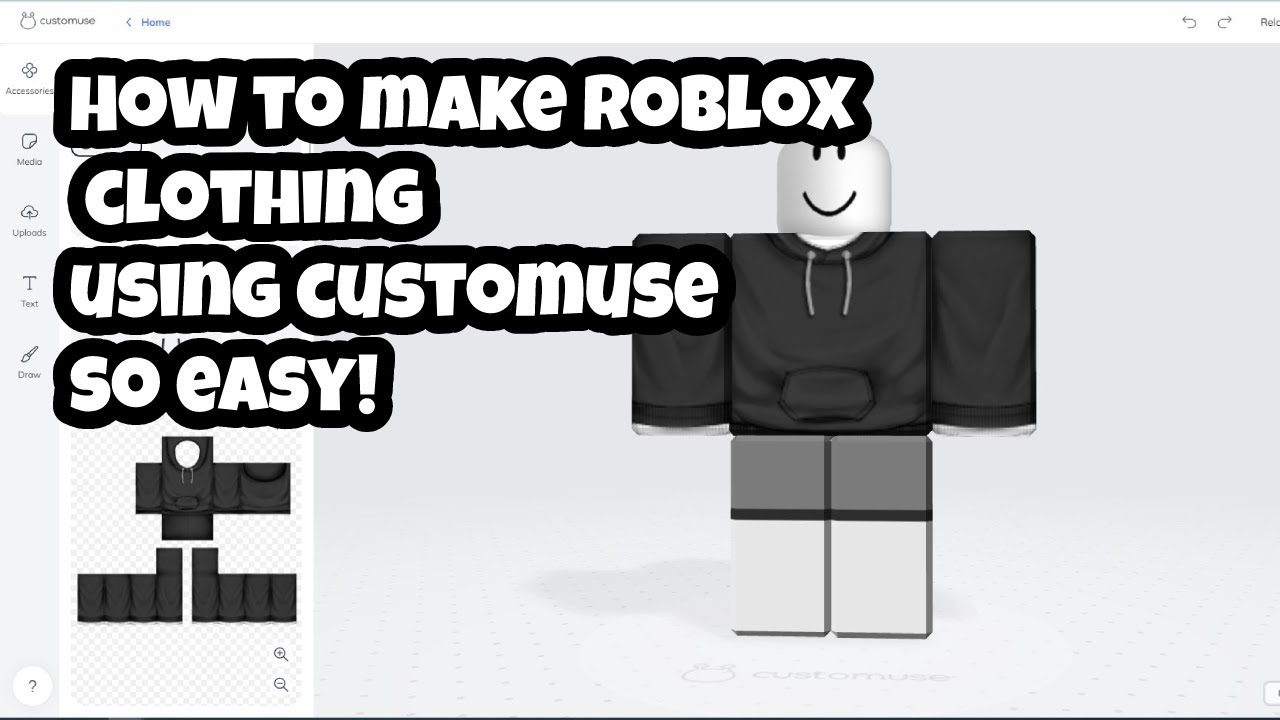
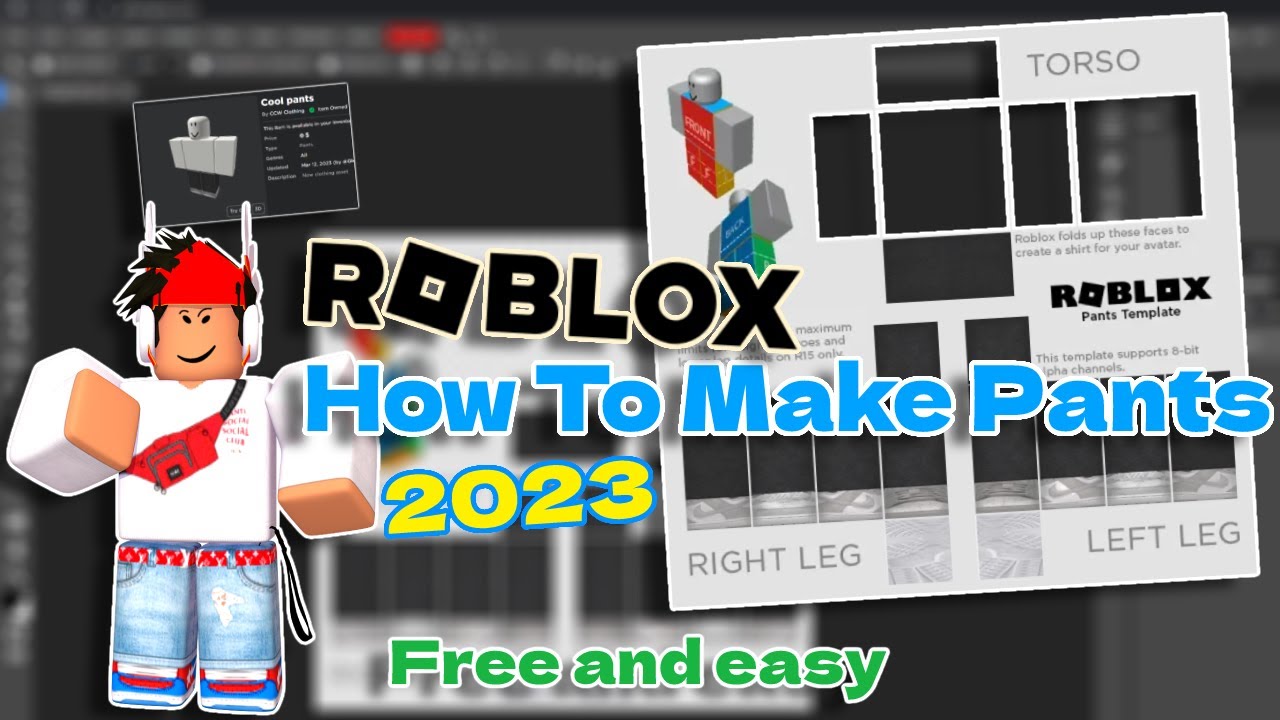

Roblox 2026 Logo REVEALED New Color New Look YouTube Maxres2 . How Do I Make Clothes On Roblox In 2026 . How Do I Make Clothes On Roblox In 2026 . How To Download Roblox Images In 2026 A Quick Guide . All Perks In Roblox Creator Showdown 2026 Deltia S Gaming RBLX Logo Launch Wordmark Ezgif.com Webp To Jpg Converter



Build Fight Steal Roblox Tips To Dominate The Arena June 2026 Build Fight Steal Roblox Tips . Roblox Building For Beginners Tutorial How To Use Roblox Studio . How To Make A Roblox Game A Beginner S Guide 2026 Hyper3D Blog 96 How To Make A Roblox Game.md . How To Make Roblox Content Videos For TikTok And YouTube Shorts 2026 YouTube Shorts Video Strategy . The Everything Factory Roblox Guide Tips Tricks And How To Build The Everything Factory Roblox How To Build The Best




How To Update Roblox In 2026 Fix Error Code 280 On PC Mobile Xbox Roblox Update It.webp. What Is Alien Hub Roblox And How Does It Work 2026 A Roblox Character Looking At An Event Hub . How Do I Make Clothes On Roblox In 2026 . A Roblox Movie 2026 Teaser Trailer YouTube . Roblox 2026 Insider Reveals Platform Evolution Safety