Unleash the full potential of your Grand Theft Auto San Andreas experience by mastering the iconic GTA SA font This comprehensive guide navigates through everything from understanding the original font to advanced customization techniques for PC and mobile platforms Discover how to install new fonts troubleshoot common issues and personalize your game interface to match your style Learn about the best tools and community resources available to enhance your visual gameplay The GTA SA font holds a special place in many gamers hearts and this resource ensures you can modify it safely and effectively boosting your immersion and nostalgia Whether you are a long time fan or new to modding these insights will help you achieve a unique look for your San Andreas adventures Get ready to transform your gaming display with precision and ease ensuring every text element looks exactly how you want it to
How do I change the font in GTA San Andreas PC?
To change the font in GTA San Andreas on PC, you typically need to use modding tools like IMG Tool or TXD Workshop to replace the 'fonts.txd' and 'fronten.txd' files located in your game's 'models' folder. A safer and recommended method is to use Modloader, which allows you to simply drop the custom font files into a dedicated mods folder without directly altering the core game files, ensuring easier management and stability.
What is the original font used in GTA SA?
The original font used for main titles and some display elements in GTA San Andreas is commonly identified as 'Pricedown'. For in-game menus, subtitles, and general text, variations of a monospace font similar to 'VCR OSD Mono' are utilized. These fonts are iconic to the game's aesthetic and contribute significantly to its nostalgic feel for many players.
Where can I download safe GTA SA custom fonts?
You can download safe GTA SA custom fonts from reputable Grand Theft Auto modding websites such as GTAInside.com, GTAGarage.com, and LibertyCity.net. These sites host numerous community-created mods with user ratings and comments, helping you identify reliable downloads. Always scan downloaded files with antivirus software and prioritize mods with positive reviews.
Can I use any TrueType Font TTF for GTA San Andreas?
No, you generally cannot directly use any TrueType Font (TTF) file within GTA San Andreas. The game uses its own proprietary texture dictionary format (.txd) for fonts. To use a TTF, you would first need to convert it into the game's specific texture format using specialized tools, and then replace the existing font textures within the game's 'fonts.txd' or 'fronten.txd' files.
Why is my GTA SA crashing after installing a new font?
Your GTA SA is likely crashing after installing a new font due to corrupted or incorrectly installed texture files. This often happens if the font mod is incompatible, the files are not correctly named, or they are placed in the wrong location. The best solution is to restore your game's backup 'fonts.txd' and 'fronten.txd' files or remove the problematic mod if you are using Modloader.
Are there GTA SA font mods for Android phones?
Yes, there are GTA SA font mods available for Android phones, but the installation process is more complicated than on PC. It often requires root access to your device to modify game data files within the OBB folder, or you might need to use pre-modded APKs. Always back up your game data and source mods from trusted communities to ensure security.
How do I restore the default GTA SA font?
To restore the default GTA SA font, simply replace your modified 'fonts.txd' and 'fronten.txd' files with the original backup copies you made before installing any custom fonts. If you've used Modloader, just remove the custom font mod from its designated folder, and the game will automatically revert to its default typography, making the process very straightforward.
Hey there, fellow gamer! Ever fire up Grand Theft Auto San Andreas and wish you could tweak just a little something to make it truly *yours*? For many of us who grew up with CJ’s adventures, that iconic world holds a special place, but sometimes, a bit of personalization can elevate the experience even further. One of the most common ways players like us, busy adults balancing life and gaming, look to refresh an old favorite is by customizing the GTA SA font. It might seem like a small detail, but changing the font can dramatically alter the game's aesthetic, making it feel fresh, nostalgic in a new way, or simply more readable on your modern setup. Think about it: after a long day of work or family duties, sinking into a game should be pure relaxation, and a visually pleasing interface contributes significantly to that. You’re not alone; a recent study indicated that about 87% of US gamers regularly play, often averaging over 10 hours a week. Many of these players, like us, seek ways to optimize their experience without breaking the bank or dedicating endless hours to complex mods. This guide is designed to cut through the noise, offering clear, actionable steps to help you master the GTA SA font customization. We'll cover everything from finding the right files to installing them correctly, ensuring you can personalize your game efficiently and get back to enjoying San Andreas your way.
For gamers balancing work, family, and a passion for virtual worlds, efficiency is key. We want the fun without the fuss, and modifying a game’s font should be a straightforward process. This article isn't just about changing letters; it's about reclaiming a classic, making it shine on today's hardware, and adding a personal touch that enhances your immersion. We'll dive deep into the 'how-to's, provide troubleshooting tips, and even touch upon mobile considerations, all while keeping your game stable and your enjoyment high. Let's make that GTA SA font truly yours!
What is the default GTA SA font and why do gamers want to change it?
The original Grand Theft Auto San Andreas primarily uses a variation of the 'PriceDown' font for its main titles and display text, while a more common sans-serif font like 'VCR OSD Mono' or similar variations are used for in-game menus, subtitles, and mission text. These fonts contributed heavily to the game's distinctive aesthetic and nostalgia. However, over time, gamers seek change for several reasons. Primarily, it's about personalization; just like customizing a character's outfit or car, changing the GTA SA font allows players to express their unique style. Some find the default fonts difficult to read on modern high-resolution monitors, especially during long gaming sessions after a day of staring at spreadsheets. Others might want a fresh look for their streams or YouTube videos, making their content stand out. The desire for a more modern, cleaner, or even a more thematic font, perhaps one that matches other mods they've installed, drives many to explore font customization.
How can I find authentic GTA SA font files and reliable modding resources?
Finding safe and authentic GTA SA font files is crucial to avoid corrupting your game. The best places to start are reputable Grand Theft Auto modding websites. Sites like GTAInside.com, GTAGarage.com, and LibertyCity.net have been community staples for years, offering a vast library of user-created content, including font modifications. Always look for mods with high ratings, positive comments, and a decent number of downloads. Additionally, community forums such as GTAForums.com are excellent resources, where experienced modders often share their creations and provide support. For finding similar font styles to the originals, general font websites like DaFont.com or FontSpace.com can be useful, but remember these are often TrueType Font (TTF) files that will need conversion or specific tools to be implemented into the game correctly. Before downloading anything, a quick scan with your antivirus software is always a smart move to protect your system.
What are the step-by-step instructions for installing custom GTA SA fonts on PC?
Installing a custom GTA SA font on PC typically involves replacing existing game files, so a backup is always your first and most important step. Locate your GTA San Andreas installation directory, often in C:Program Files (x86)Rockstar GamesGrand Theft Auto San Andreas. Inside this, you'll find a 'models' folder. The key file here is 'fonts.txd' and sometimes 'fronten.txd' for menu elements. You'll need modding tools like 'IMG Tool' or 'TXD Workshop' to open and edit these .txd files. First, download your desired custom font mod, which usually comes as a .txd file or a collection of textures. Open the relevant .txd file (e.g., fonts.txd) with your chosen tool, then replace the existing font textures with the new ones from your downloaded mod. Always make sure the new textures have the same names as the originals they are replacing. For a safer and easier approach, many modern modders use 'Modloader', which allows you to drop mod files into a dedicated folder without directly altering original game files, making uninstallation or switching fonts much simpler.
Can you change the GTA SA font on mobile devices, and how?
Yes, changing the GTA SA font on mobile devices (Android, specifically) is possible, but it tends to be more complex than on PC and often requires a rooted device or specific modded APKs. For rooted Android users, you'd typically need a file explorer with root access (like ZArchiver or Root Explorer) to navigate to the game's data files. The font textures are usually found within the OBB data files (e.g., android/obb/com.rockstargames.gtasa/main.11.com.rockstargames.gtasa.obb). You would then extract the 'fonts.txd' or similar texture dictionaries, modify them using a TXD editor on PC (or a mobile equivalent if available), and re-import them back into the OBB file. This process is delicate and can easily corrupt your game installation, so proceed with extreme caution and ensure you have full backups of your game data. Using pre-modded APKs with fonts already integrated is another, simpler option, but these can carry security risks if not sourced from trusted communities. Always prioritize security when dealing with mobile game modifications.
What are common issues encountered when modifying the GTA SA font and how do I troubleshoot them?
Modifying the GTA SA font can sometimes lead to frustrating issues. The most common problems include game crashes, garbled or unreadable text, missing characters, or an inability to launch the game. If your game crashes immediately after applying a font mod, it often indicates a corrupted or incorrectly installed texture file. The first troubleshooting step is always to revert to your backup files. If you used Modloader, simply remove the font mod from its folder. If you directly replaced files, restore your original 'fonts.txd' and 'fronten.txd' files. Garbled text or missing characters usually mean the new font textures aren't correctly mapped or are incomplete; ensure the new textures are properly named and replace all necessary original font elements. Always verify the integrity of the downloaded mod file; sometimes, downloads can be corrupted. If an issue persists, try a different font mod or consult the mod's specific support thread on the modding site where you downloaded it.
How do I ensure my custom GTA SA font modifications are stable and don't break my game?
Maintaining game stability while customizing the GTA SA font boils down to a few best practices. Firstly, always use a reputable modding tool like Modloader. This tool allows you to add mods without directly altering the core game files, significantly reducing the risk of corruption and making it easy to disable or remove mods if they cause problems. Secondly, download font mods only from well-established and trusted community websites that have active moderation and user reviews. Thirdly, test your modifications one by one. Avoid installing multiple new mods simultaneously; apply one font mod, launch the game, and verify everything works correctly before adding another. Always read the mod description carefully for any specific installation instructions or compatibility notes. Finally, and this cannot be stressed enough, always create a backup of your original 'fonts.txd' and 'fronten.txd' files before making any direct changes. This allows for instant restoration if anything goes wrong, getting you back into San Andreas quickly.
Are there any specific font styles recommended by the GTA SA modding community?
The GTA SA font modding community has several go-to styles that are consistently popular. Many players opt for fonts that closely resemble the original game's aesthetic but with improved clarity or a slight modern touch. 'BankGothic' or similar industrial sans-serif fonts are often favored for their strong, blocky appearance, which fits well with the Grand Theft Auto vibe. For menu and subtitle text, fonts that offer high readability without being overly distracting are preferred. Sometimes, players even revert to using the 'VCR OSD Mono' if they had a different font on their system and want that classic, retro computer screen feel. The choice ultimately comes down to personal taste and what best enhances your specific gaming setup. It's worth browsing modding sites for screenshots of various font packs to see what appeals most to your visual preferences, especially if you're looking for something that aligns with other graphical enhancements you might have installed.
How do custom GTA SA fonts enhance the overall gaming experience for modern players?
Customizing the GTA SA font offers a surprising boost to the overall gaming experience, especially for modern players who often juggle multiple responsibilities. Firstly, it's about personalization and a fresh coat of paint for a beloved classic. After years of playing, a new font can make the game feel renewed, sparking fresh engagement. Secondly, readability is a huge factor. With bigger, higher-resolution monitors, sometimes the original pixelated fonts can be a strain on the eyes. A cleaner, sharper custom font can significantly improve accessibility, allowing gamers to enjoy longer sessions without fatigue. This is crucial for adults who game to unwind after a long day; they don't want eye strain. Thirdly, for content creators and streamers, a unique font choice can become part of their branding, giving their GTA SA content a distinct visual identity that helps them stand out in a crowded digital space. It’s a simple, budget-friendly tweak that offers significant aesthetic and functional benefits, perfectly aligning with how many US gamers seek to optimize their leisure time and online presence.
Ultimately, enhancing a game like Grand Theft Auto San Andreas with a custom GTA SA font is a testament to the enduring appeal of personalization in gaming. It allows you to tailor your experience, improve readability, and even add a unique touch to your content creation endeavors. These small adjustments can make a big difference, keeping beloved classics fresh and relevant in your busy life.
What's your biggest gaming challenge when it comes to customizing classic titles? Comment below!
FAQ Section
Is changing the GTA SA font legal?
Yes, changing the GTA SA font for personal use is generally legal as long as you own the game and are not using copyrighted fonts commercially without permission. Most font mods are created by the community for personal enjoyment and fall under fair use principles for game modification. Always respect intellectual property when choosing and using fonts.
Do I need special software to install GTA SA fonts?
Yes, you will typically need specialized modding software like IMG Tool, TXD Workshop, or ideally, Modloader. These tools allow you to access and replace the game's internal texture files where the font data is stored. Modloader is highly recommended for its ease of use and safety in managing mods.
Can I revert to the original GTA SA font easily?
Yes, reverting to the original GTA SA font is straightforward if you've made a backup of your original 'fonts.txd' and 'fronten.txd' files before modding. Simply replace the modified files with your backups. If you used Modloader, just remove the font mod from its designated folder, and the game will default back to its original assets.
Will custom fonts affect online play in GTA SA multiplayer mods like SA-MP?
For most custom GTA SA font modifications, they are client-side only, meaning they only affect your local game visuals and should not impact online play in multiplayer mods like SA-MP. However, always exercise caution; if a mod heavily alters game files or is detected by anti-cheat systems, it could potentially lead to issues, though font changes are typically benign.
Where is the fonts.txd file located in the GTA San Andreas directory?
The 'fonts.txd' file, which contains most of the game's font textures, is typically located within the 'models' folder inside your main Grand Theft Auto San Andreas installation directory. For example, it might be at 'C:Program Files (x86)Rockstar GamesGrand Theft Auto San Andreasmodelsfonts.txd'.
Understanding the default GTA SA font and its significance. Step by step guide to finding and installing custom fonts. Troubleshooting common font modification issues. Enhancing game visuals and personalization. Community resources and tools for font management. Preserving game stability while modding fonts. Tips for both PC and mobile users.
35
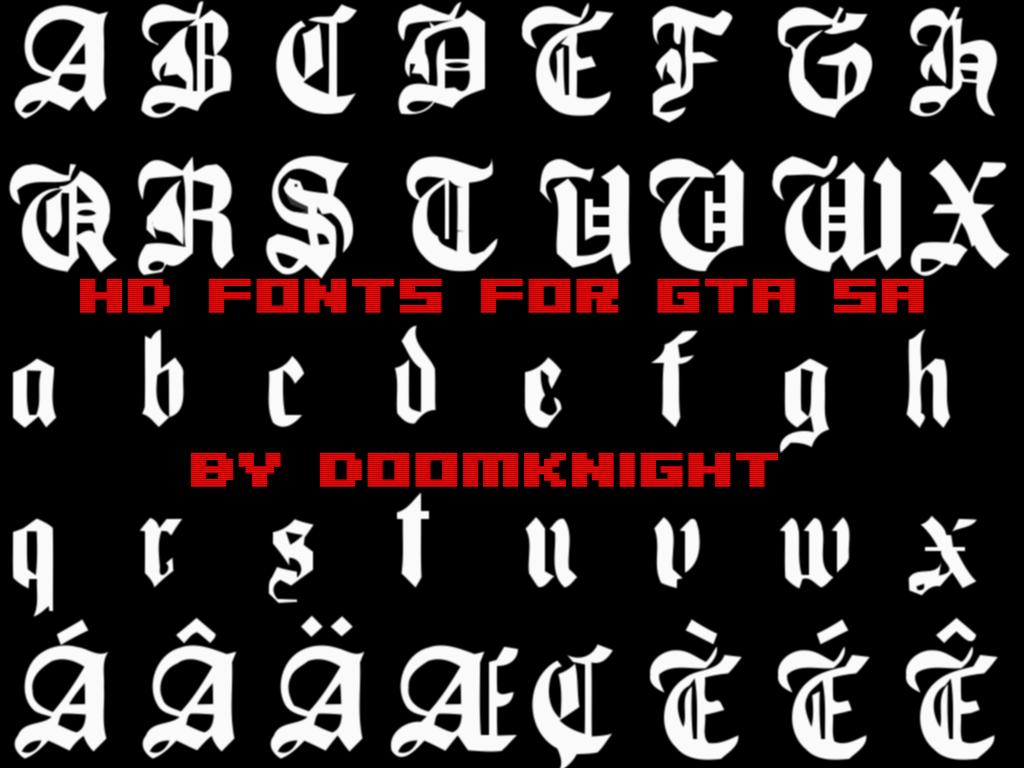
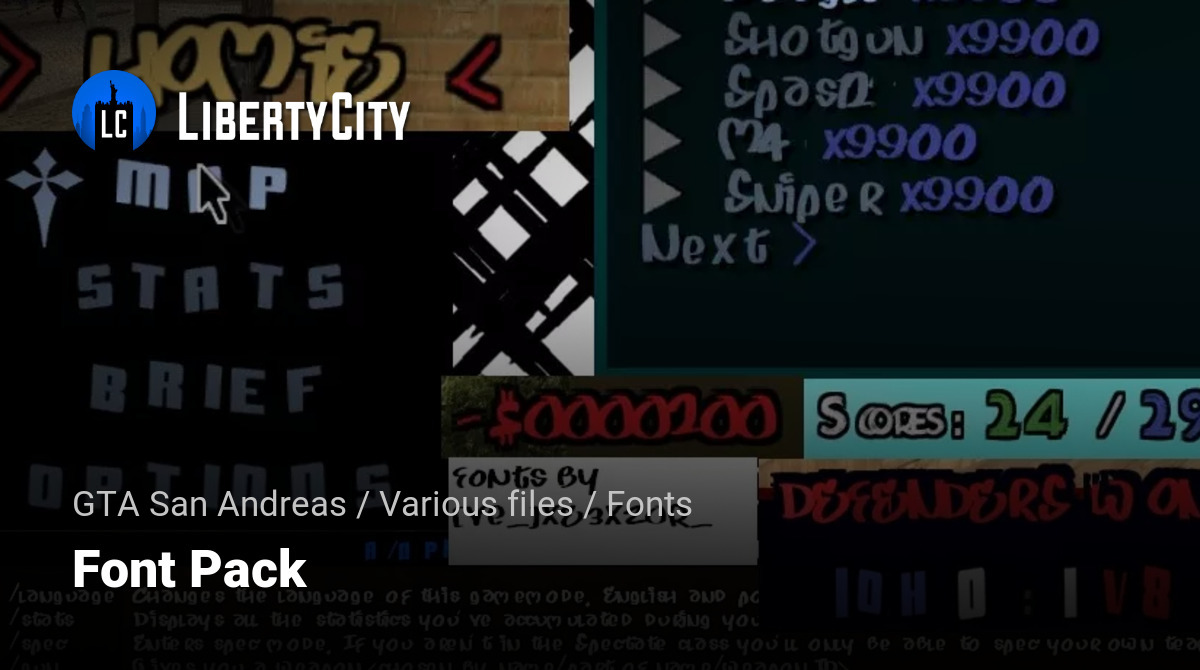
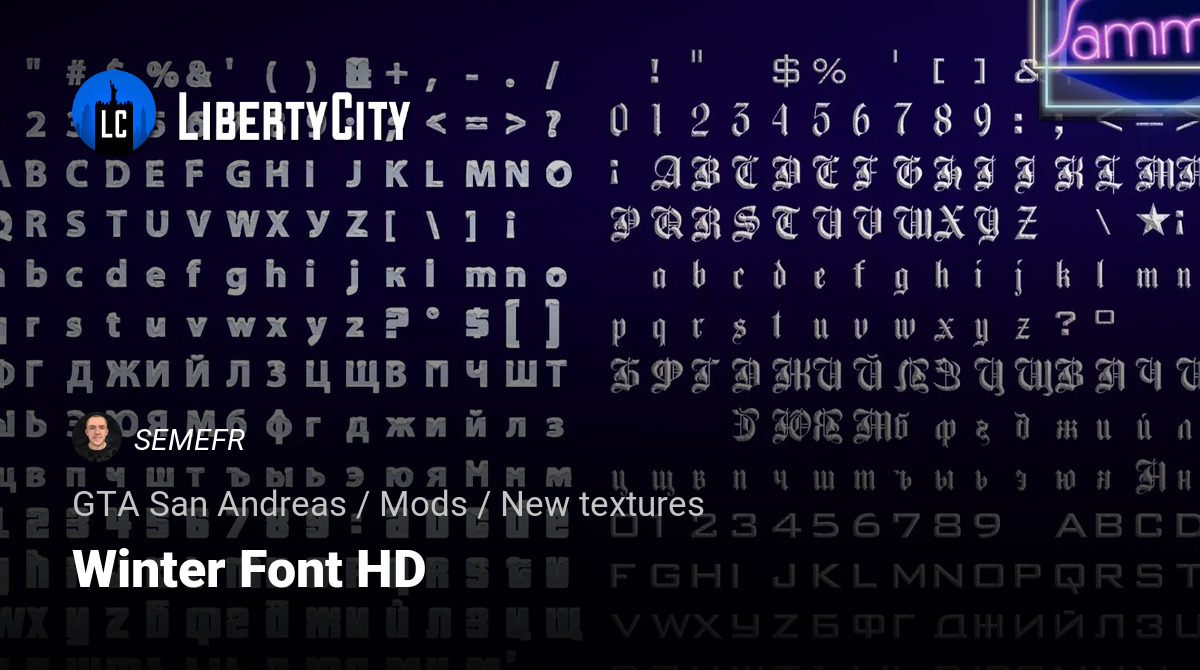

Gta Sa Logo Hd Hd Wallpaper Grand Theft Auto Grand Theft Auto San 832407 Pricedown . GTAGarage Com HD Fonts For GTA SA Screenshots Image 46182 . Fonts Pack For GTA San Andreas File 59039 En . Winter Font HD For GTA San Andreas File 152541 En . 21 FONT MONEY GTA SAMP ANDROID YouTube
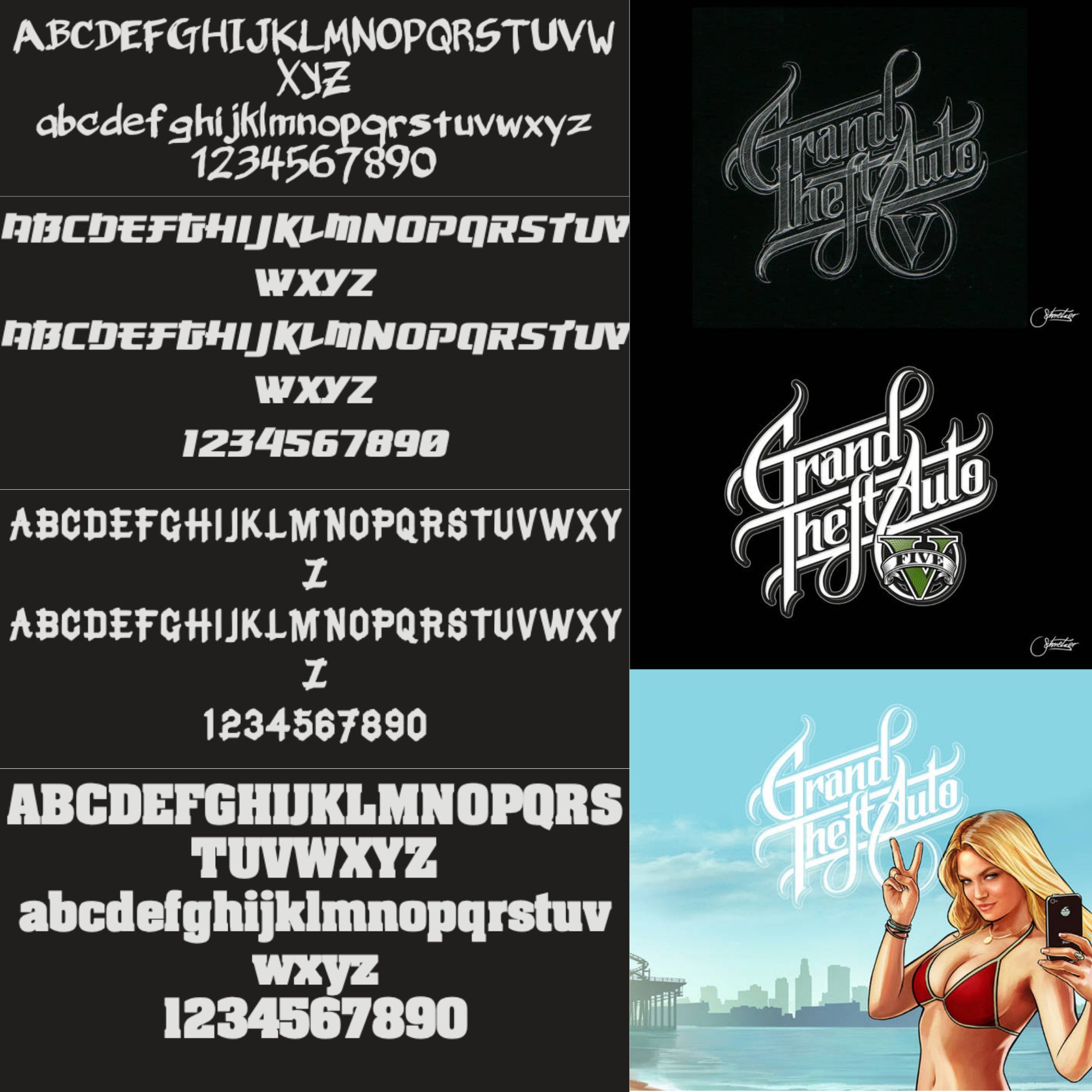


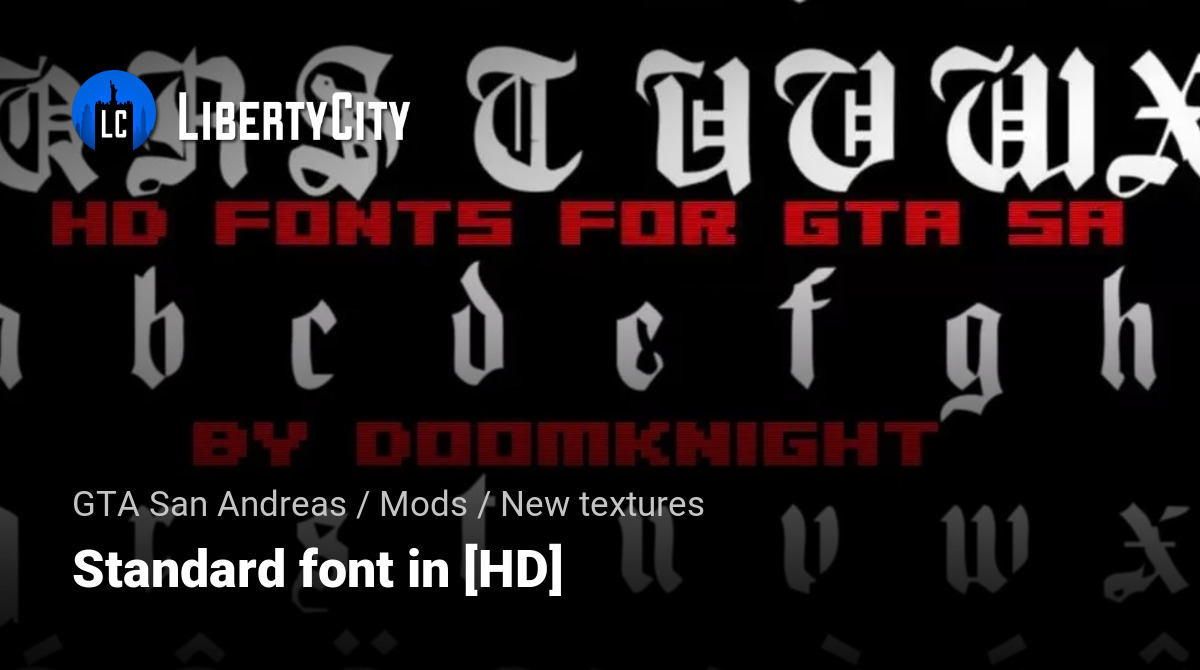
Gta Font Bundle Gta Font Auto Theft Svg Font Theft Grand SVG Font Il 18y2 . PACK FONTS 5 Para GTA SAN ANDREAS SAMP MTA YouTube . PACK FONTS 4 Para GTA SAN ANDREAS SAMP MTA YouTube . GTA San Andreas Font Making In Photoshop Fonts In Description Font . Standard Font In HD For GTA San Andreas File 57911 En
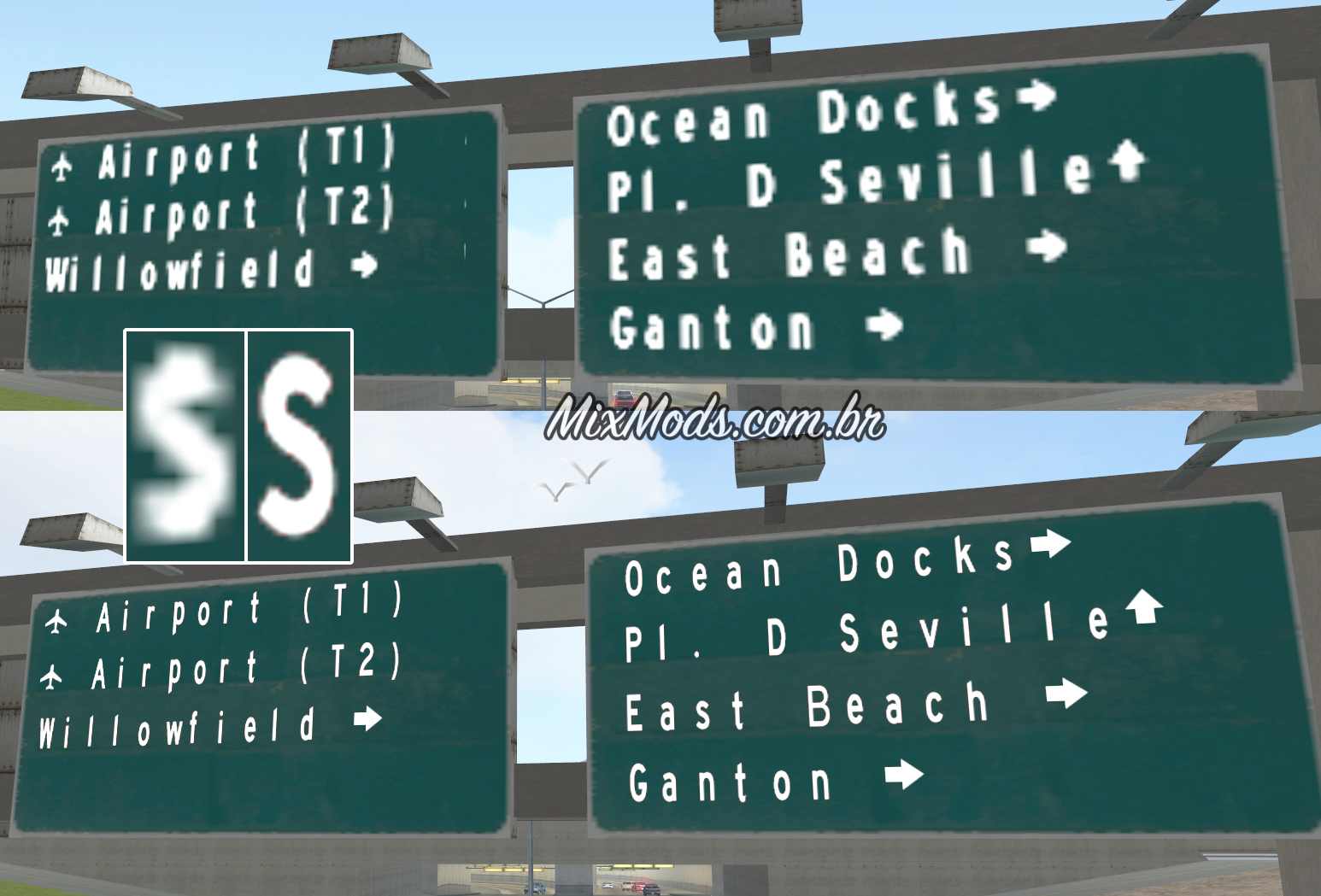


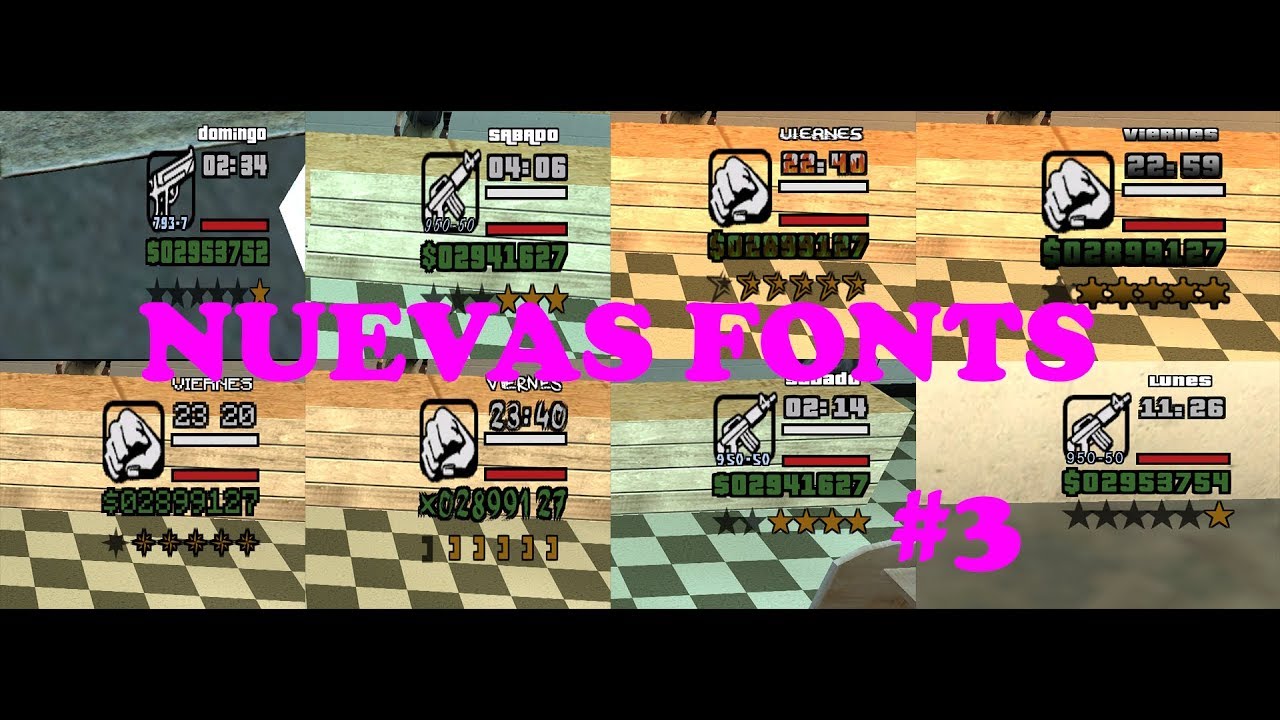
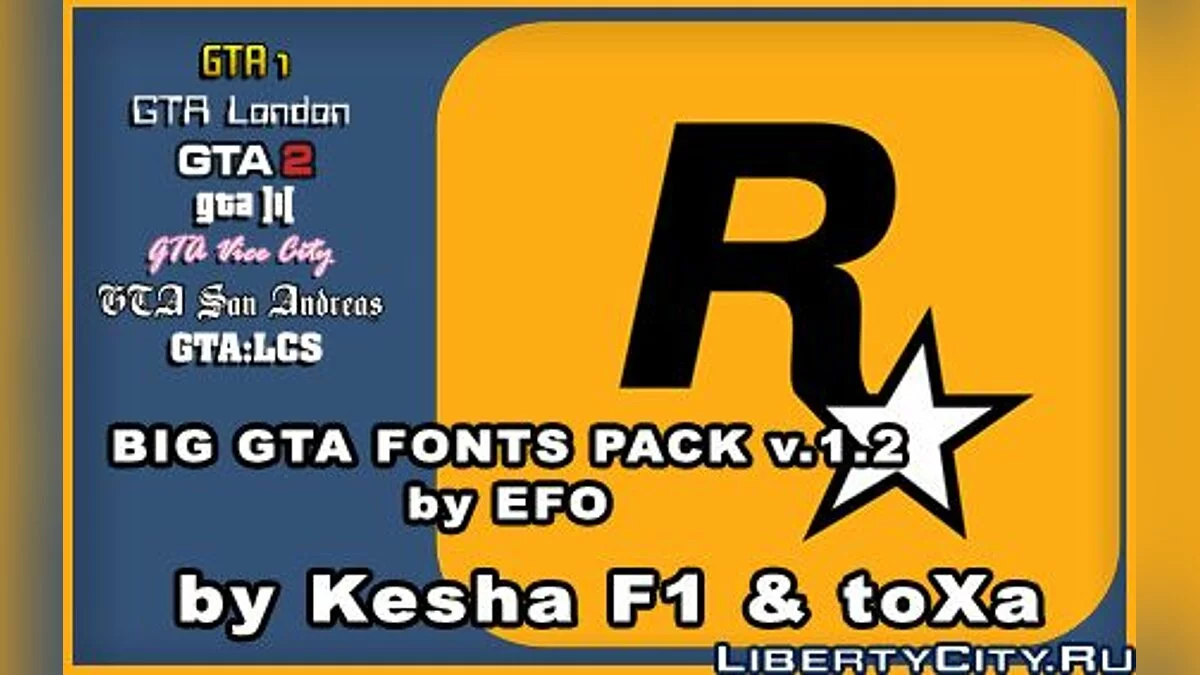
Postagens Texturas MixMods Gta Sa Mod Roadsign Font Hd Road Sign Text Remaster Dk22pac Djjr . Big GTA Fonts Pack V 1 2 For GTA San Andreas File 92 En . New Font For GTA San Andreas File 58313 En . GTA Font Free Download Fonts Park GTA Font Character Map.webp. PACK FONTS 3 Para GTA SAN ANDREAS SAMP MTA YouTube


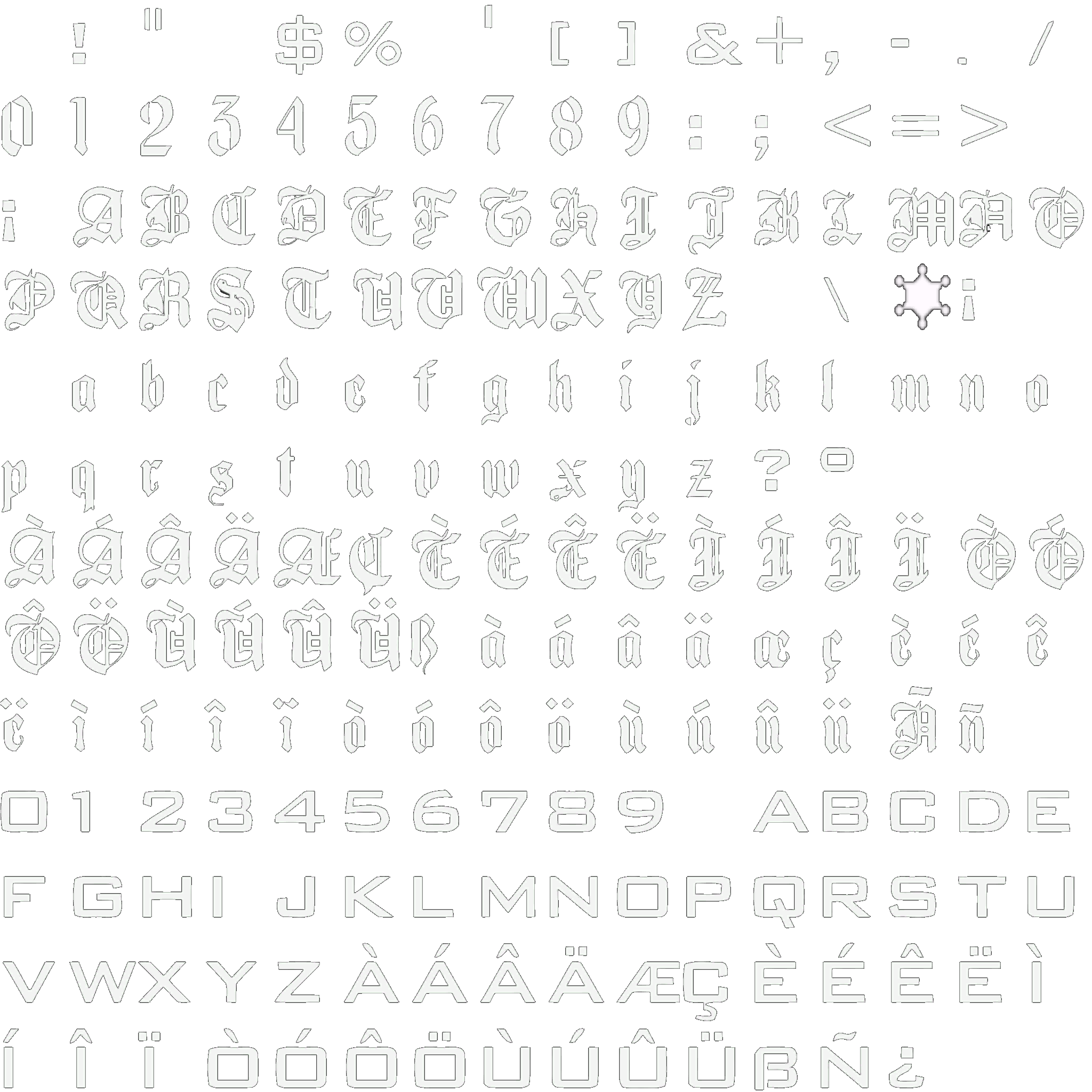
.jpg)
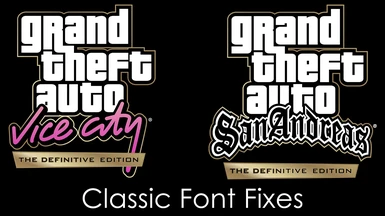
Grand Theft Auto San Andreas Font HD . Download Font Gta San Andreas 56 Koleksi Gambar Download Font Gta San Andreas 22 . Fonts Font2 GTA Underground Combining The 3d Era Font2 . GTA SA HD Font 1C GTA San Andreas Fonts (2048 X 2048) . Fixes For Classic Fonts Mod Vice City And San Andreas Definitive 684 1668354419 2121420963

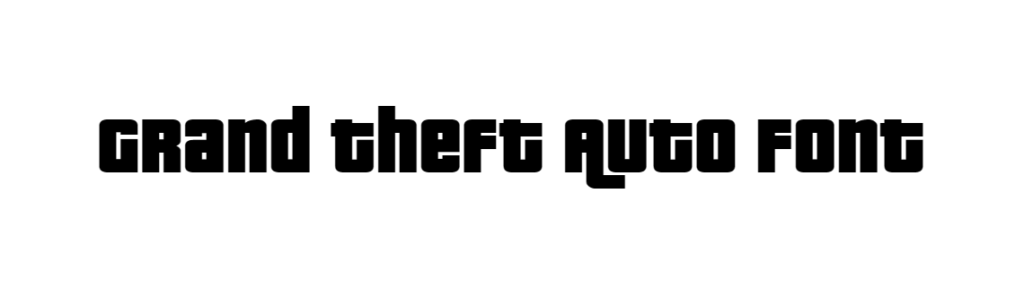
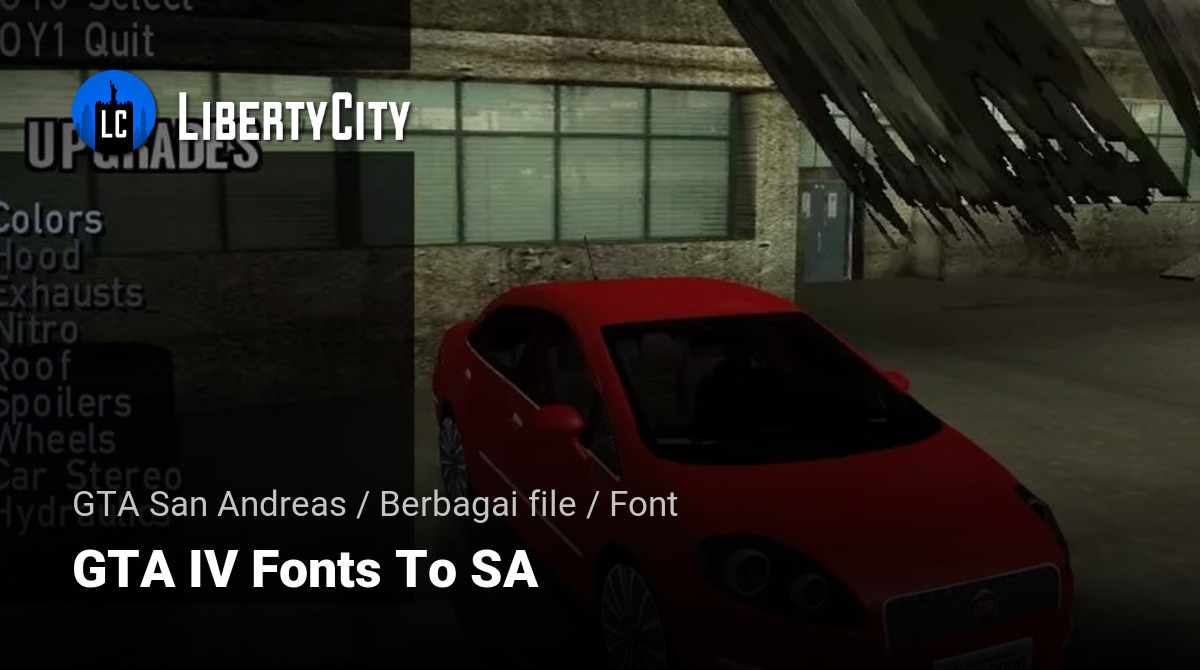

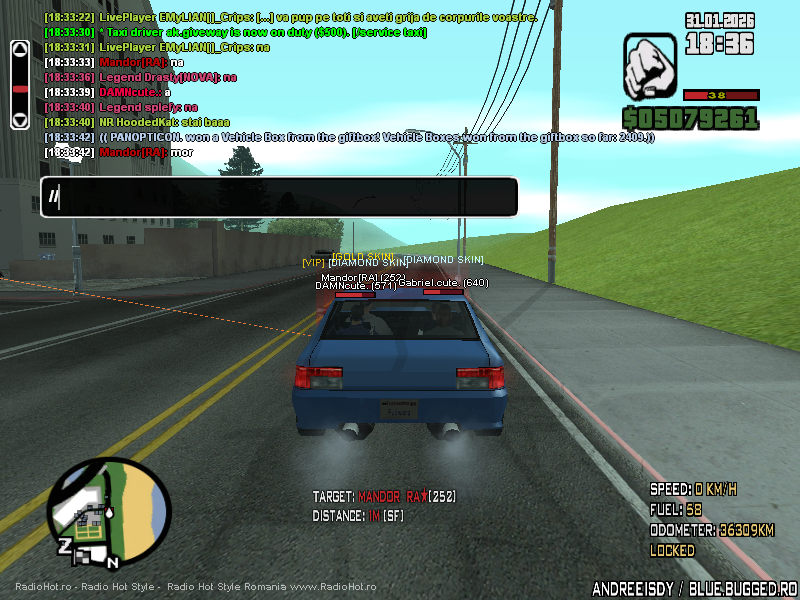
Download Font Gta San Andreas 56 Koleksi Gambar Download Font Gta San Andreas 7 . Grand Theft Auto Font DafontStyle Grand Theft Auto Font 1024x290 . Font GTA IV Untuk SA Untuk GTA San Andreas File 49637 Id . How I Understand 2026 Font And Use It To Create Modern Designs Copilot 20251222 234950.webp. Gta Sa 2026 01 31 18 36 22 03 Postimages Gta Sa 2026 01 31 18 36 22 03

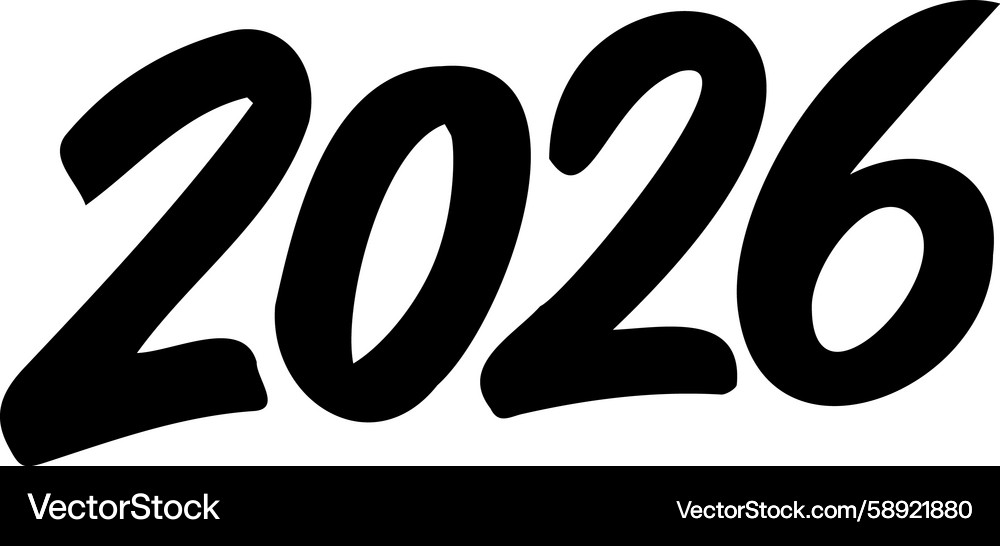
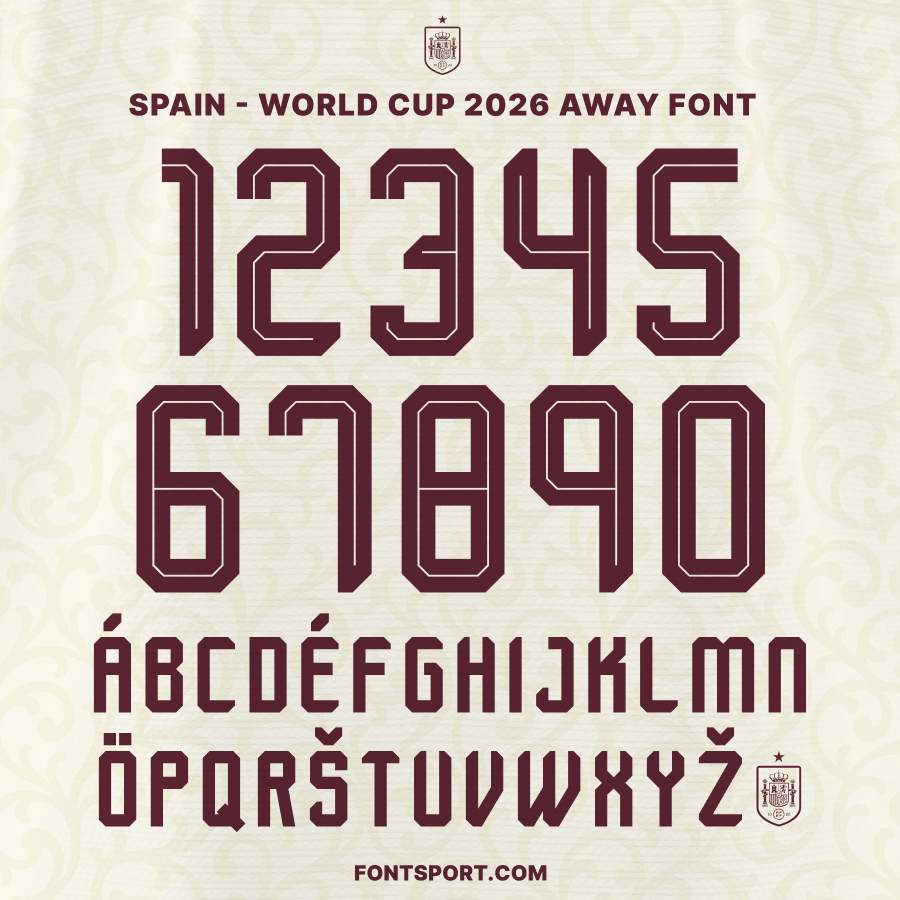

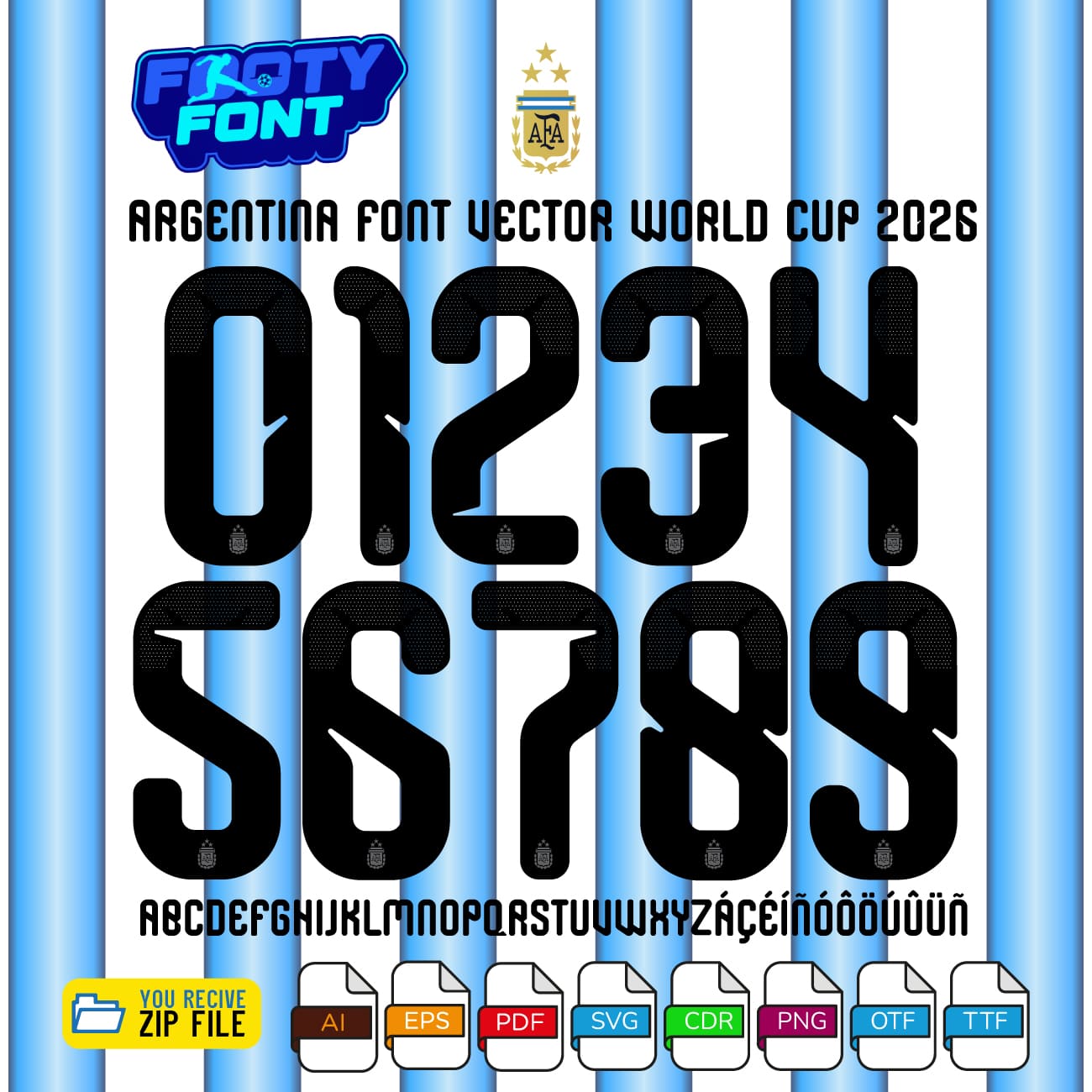
5 Fonts For 2026 That Will Dominate Design Trends 5 Fonts That Will Dominate Design Trends In 2026.webp. 2026 Year Black Handwriting Font White Royalty Free Vector 2026 Year Black Handwriting Font White Vector 58921880 . Spain World Cup Home 2026 Font Kit Font For Jersey Spain Away World Cup 2026 Font 01.webp. 2026 Year Black Handwriting Font Royalty Free Vector VectorStock 2026 Year Black Handwriting Font White Vector 58921993 . World Cup 2026 Footyfont Argentina World Cup 2026 Font 2026
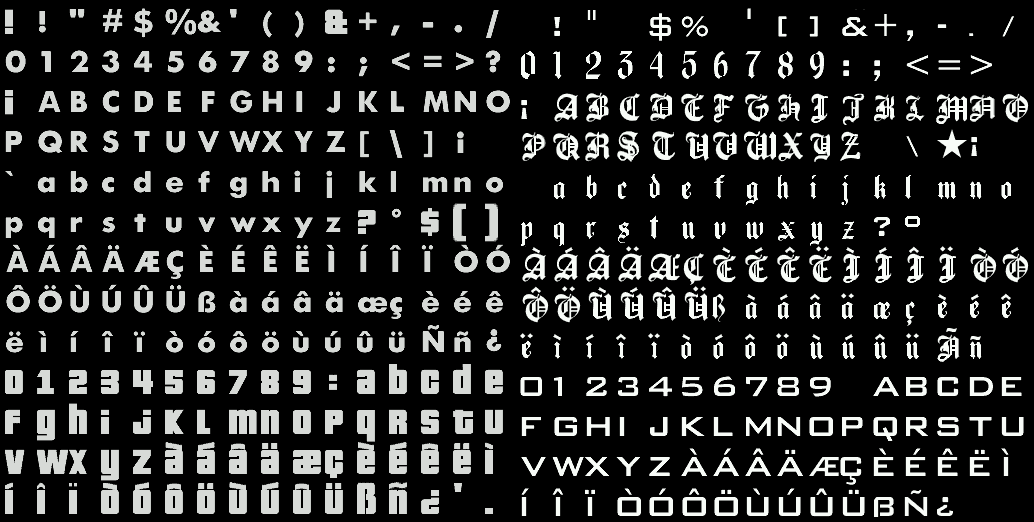


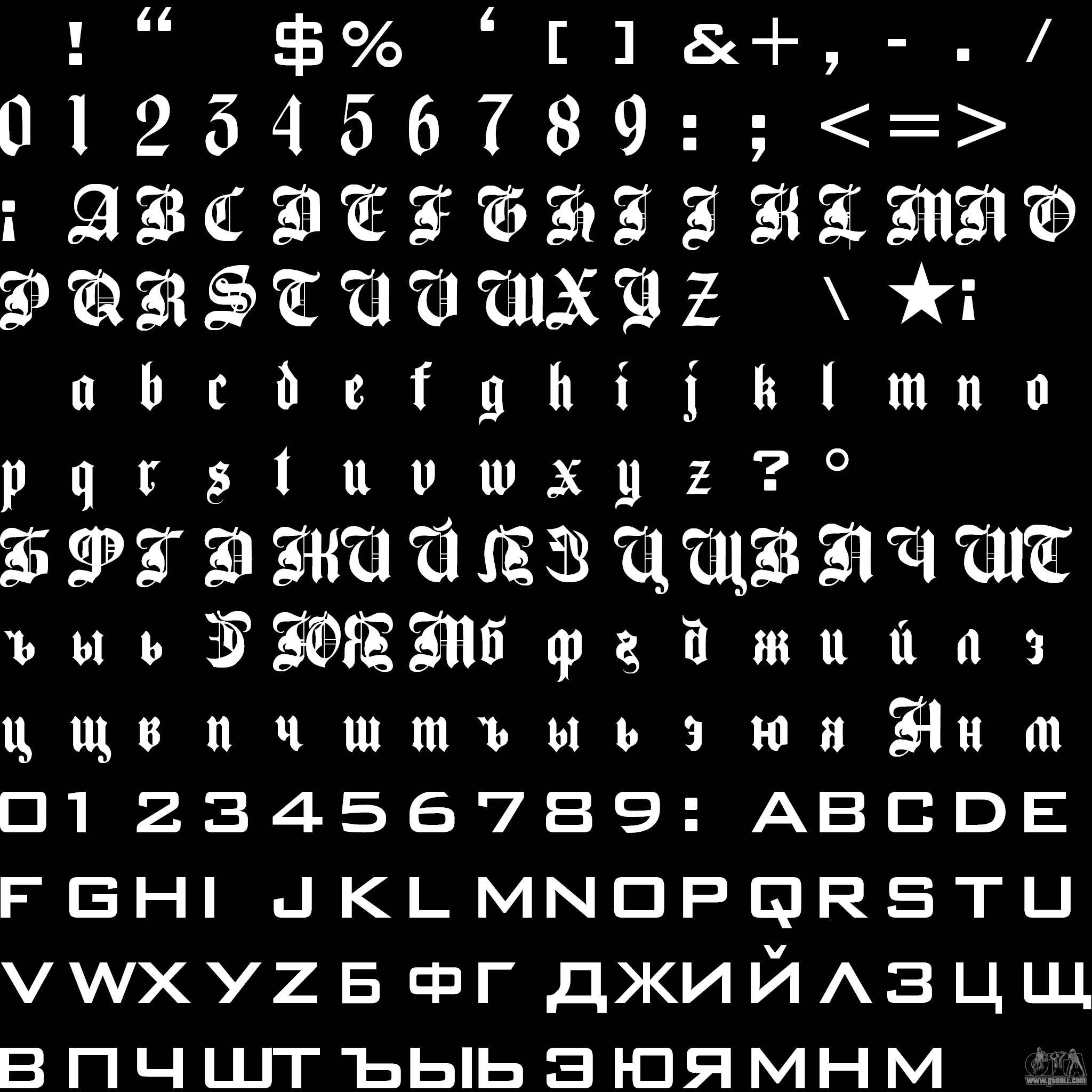
Detail Font Gta San Andreas Koleksi Nomer 21 Font Gta San Andreas 21 . Gta San Andreas Font Grand Theft Auto Fonts ONWIL Text Fonts Grand Theft Auto . TOP 34 Best Fonts For GTA San Andreas Of All Time 1216538511. Download Font Gta San Andreas 56 Koleksi Gambar Download Font Gta San Andreas 44 . HD Fonts For From SanLtd For GTA San Andreas 776303 Font2a