Dive into the critical world of animation length in Roblox Studio, a key factor often overlooked by both new and experienced developers. This guide explores how precise animation timing can dramatically enhance gameplay feel, character responsiveness, and overall player immersion. Learn why understanding and manipulating animation length is essential for creating polished, professional-looking experiences in Roblox. We'll cover everything from basic adjustments to advanced techniques, ensuring your creations stand out in a competitive platform. Discover how to troubleshoot common issues related to animation timing, optimize performance, and even utilize community tools for better workflow. Master animation length to build more engaging, visually appealing, and fluid games on Roblox, making your development journey smoother and more rewarding for players balancing life and gaming. It's about delivering those seamless moments that make unwinding with a game truly enjoyable.
How Do Roblox Animations Impact Gameplay and Player Engagement?
Roblox animations significantly impact gameplay and player engagement by directly influencing the fluidity and realism of interactions. Well-timed, expressive animations make every action – from walking to casting spells – feel responsive and impactful, drawing players deeper into the virtual world. When animations are clunky or misaligned, it breaks immersion, creating frustration for the average US gamer who values seamless experiences for relaxation. Smooth animations contribute to intuitive controls, a sense of progression, and ultimately, a more enjoyable and memorable game that keeps players coming back, fostering community and social interaction.
What are the Key Properties for Controlling Animation Length in Roblox Studio?
The primary properties for controlling animation length in Roblox Studio involve keyframe placement and the `AnimationTrack.Speed` property in scripts. Within the Animation Editor, you directly manipulate the duration by adding, removing, or dragging keyframes along the timeline. The distance between keyframes dictates the pace of specific movements, and the span from the first to the last keyframe defines the overall length. Programmatically, applying an `AnimationTrack.Speed` factor to a playing animation track will scale its duration without altering the asset itself. For instance, a speed of 0.5 makes it play twice as long, while 2.0 halves its effective length.
How Can I Achieve Realistic Animation Timings for Humanoid Characters?
Achieving realistic animation timings for Roblox humanoid characters involves careful observation of real-world physics and movement, combined with iterative testing. Focus on the principles of animation: anticipation, action, and follow-through. A punch, for example, needs a brief wind-up (anticipation), the actual strike (action), and a recoil (follow-through). Each phase requires appropriate timing – too fast, it feels weightless; too slow, it feels sluggish. Experiment with different keyframe durations and easing styles within the Animation Editor to simulate acceleration and deceleration, making movements feel natural. Seeking feedback from fellow developers or players, especially those balancing gaming with life, can provide invaluable insights into what feels right.
What Role Does Animation Length Play in Synchronizing Multiplayer Actions in Roblox?
Animation length plays a critical role in synchronizing multiplayer actions in Roblox by ensuring all players witness actions occurring at the same perceived time. If an attack animation has a different length on the client versus the server, or between different clients due to lag, it can lead to desynchronization – players seeing different events at different times. The server typically dictates the authoritative timing, and client animations should be carefully matched to this. Consistent animation lengths, combined with robust network handling, help prevent
Hey fellow gamers and creators! Ever played a Roblox game where the character animations felt a bit off – maybe a jump seemed clunky, or an attack animation just didn't quite land with the impact you expected? We've all been there. As gamers who juggle jobs, family, and life, we crave smooth, intuitive experiences that let us unwind without friction. And as creators, we want to deliver exactly that. The secret sauce to many of these polished experiences often comes down to one crucial, yet sometimes overlooked, detail: animation length in Roblox. Understanding and mastering animation length isn't just about making things look pretty; it's about optimizing performance, enhancing player immersion, and ultimately, delivering a satisfying experience that keeps players coming back. With over 87% of US gamers engaging regularly and many spending 10+ hours a week, ensuring your game feels responsive and professional is more important than ever. This guide is designed for you, the dedicated gamer and creator, to cut through the confusion and equip you with the knowledge to refine your Roblox animations, ensuring your creations are as fluid and engaging as possible. Let's dive into how you can take control of your **Roblox animation length** and elevate your game development.
What Exactly Does Animation Length Mean in Roblox Studio?
Animation length in Roblox Studio refers to the total duration, in seconds, from the very first keyframe to the very last keyframe of an animation sequence. It dictates how long a specific motion or pose will play out before it naturally ends or loops. Think of it like the total runtime of a short video clip. This length is defined when you create or import an animation, and it’s a fundamental property that affects everything from how snappy a character's jump feels to how long a weapon swing lasts. An animation might have a length of 0.5 seconds for a quick punch or 3 seconds for a more elaborate spell casting. Understanding this core concept is your first step towards mastering control over character movements and overall game pacing.
Why Is Optimizing Animation Length a Game-Changer for Player Experience?
Optimizing animation length is a true game-changer because it directly impacts how responsive and immersive your Roblox game feels to players. Imagine a player trying to jump over a gap, but the jump animation is too long, making the character feel sluggish and heavy. Or an enemy's attack animation is too short, and they hit you before you even see the wind-up. These disconnects break immersion and lead to player frustration, especially for adult gamers who value their limited gaming time. Correct animation length ensures actions sync perfectly with visual feedback, making controls feel tight, character movements natural, and the overall gameplay loop satisfying. This level of polish can significantly boost player retention and engagement, transforming a good game into a great one.
How Do You Precisely Adjust Animation Length Using Roblox's Animation Editor?
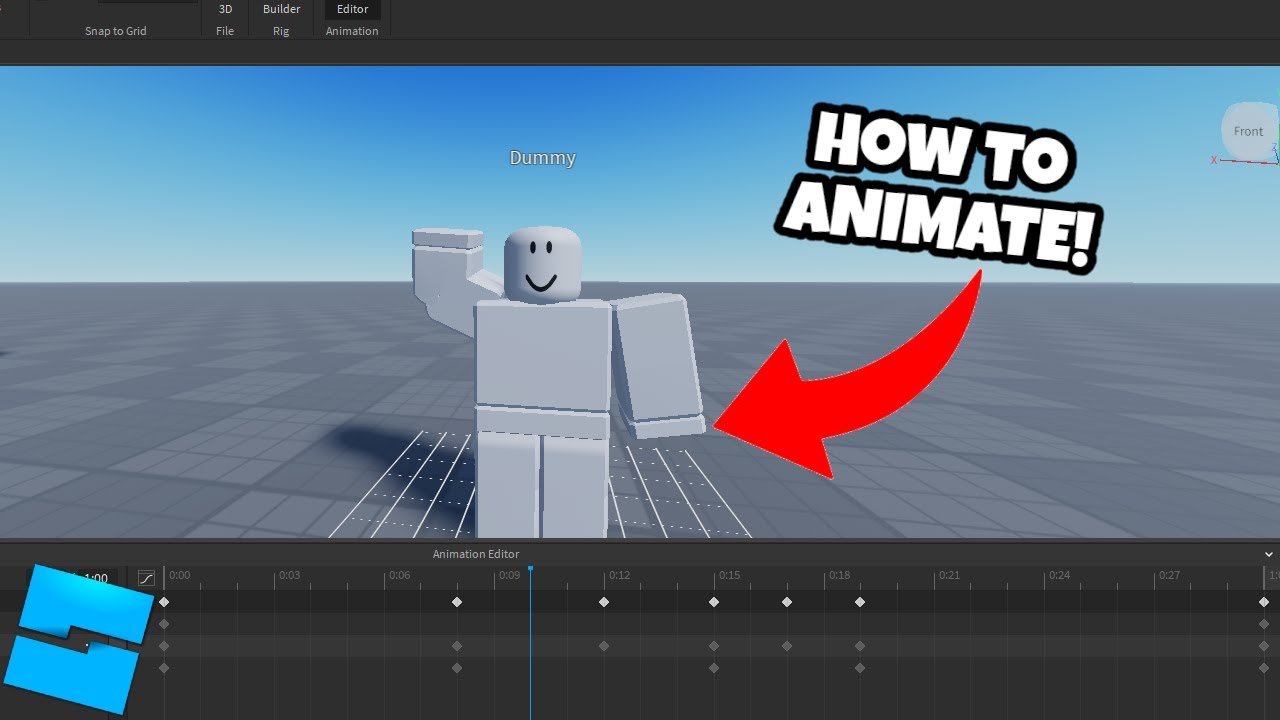
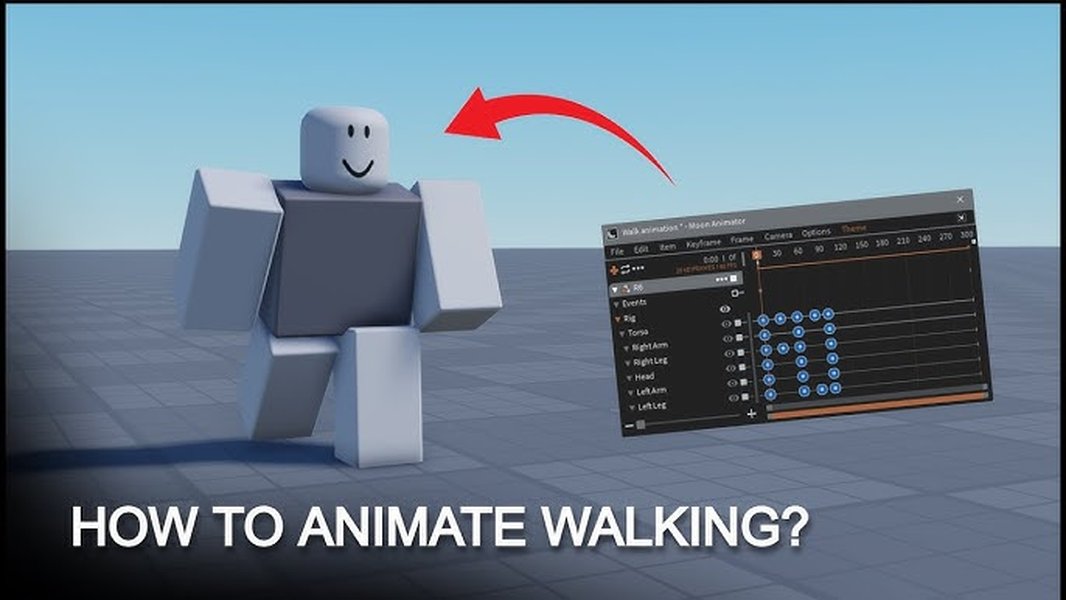
Adjusting animation length in Roblox Studio's Animation Editor is relatively straightforward once you know where to look. First, open your animation in the editor. You'll see a timeline at the bottom, marked with keyframes. To change the overall length, you can drag the last keyframe or the end marker of your animation timeline to extend or shorten it. You can also move individual keyframes to adjust the pacing of specific segments within the animation. For more precise control, you can manually input specific time values for keyframes or use the
Optimizing Roblox animation length improves gameplay fluidity. Correct timing enhances character responsiveness and immersion. Learn to adjust animation properties in Roblox Studio. Proper length prevents visual glitches and performance issues. Understanding animation curves is crucial for realistic movement. Leverage Roblox's Animation Editor for precision. Custom animations offer creative control over player experiences.
34

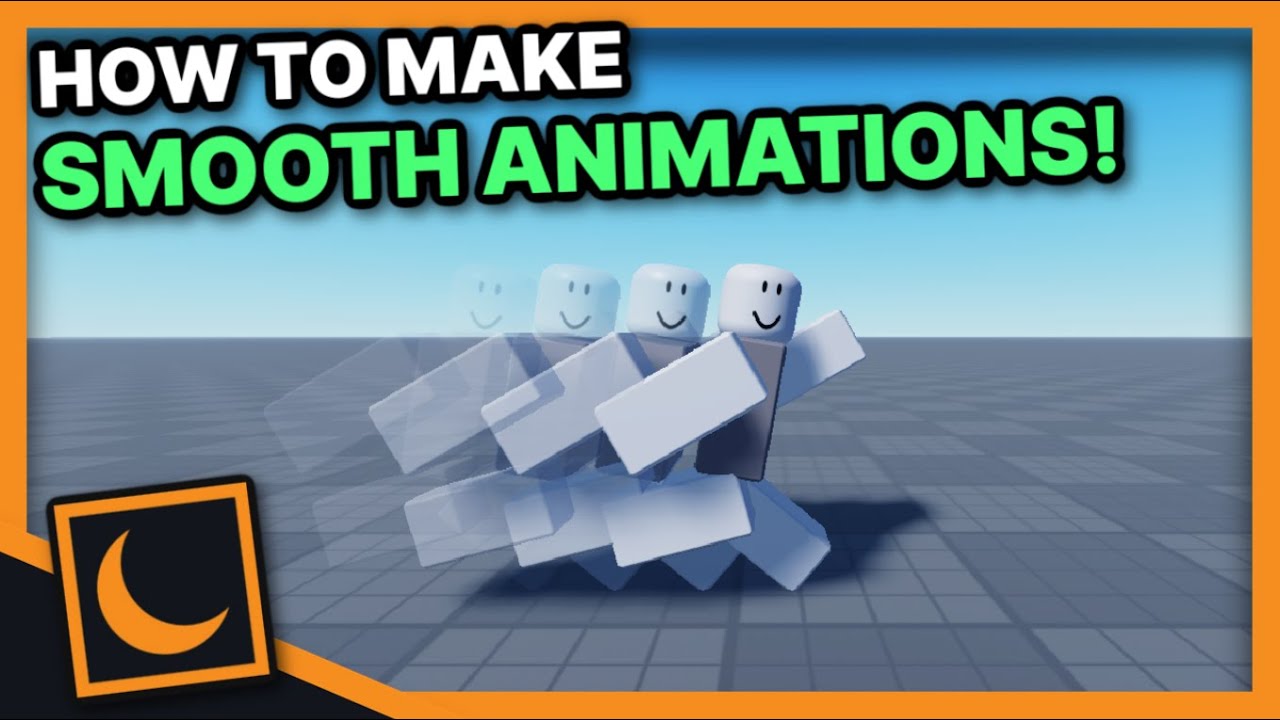
Unlocking Roblox Animation Power With Moon Animator Up To Date 2026 SL1500 . Animation Controller Roblox All Animations Auto Moderated For Rig . Animation Roblox Studio H Ng D N Chi Ti T T O V T I U H A Chuy N . How To Change Animation Timeline Length In Roblox Studio Quick Tutorial . Unlocking Roblox Animation Power With Moon Animator Up To Date 2026
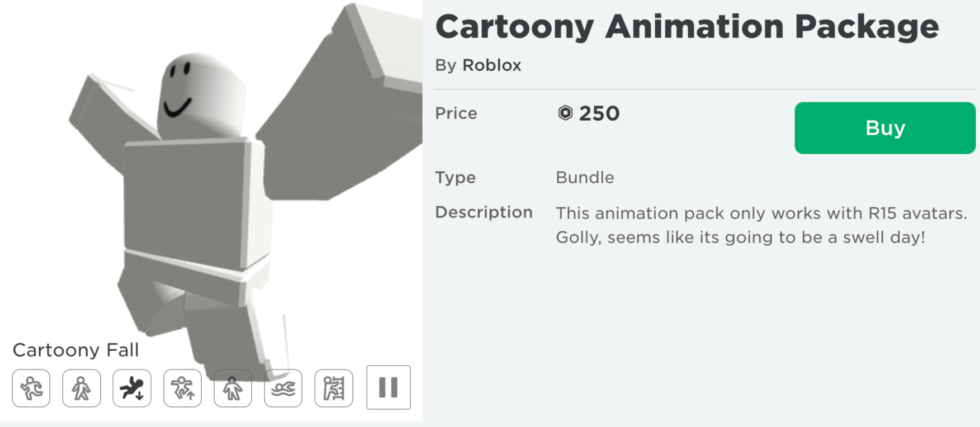


Guide 20 Best Roblox Animations 2026 10 Best Roblox Animation Packages In 2022 3 980x427 . Guide 20 Best Roblox Animations 2026 Roblox Animation Guide For Developers Lbykerd7 1 . Roblox Glow Motion Animation Pack Everything You Need To Know Fans Roblox Glow Motion Animation Pack Everything You Need To Know.webp. Miraculous Rabbids Team Up For First Of Its Kind Crossover In Miraculous X Rabbids Roblox . Full Release Animation Clip Editor Improved Importing And GlTF



Even Roblox Has Max Trail Length Why Don T Unreal And Unity Real . The Definitive Guide To Roblox Annual 2026 Phillips Toys 61HEet5s7ML 1445x . Evolution Of Roblox Animations 2013 2024 Roblox Hqdefault . How To Make Idle Animation In Roblox Studio 2025 YouTube . Create Fully Customized Roblox Animation 3d Animation Roblox Scripter Create Fully Customized Roblox Animation 3d Animation Roblox Scripter



Animation Length Is 0 Scripting Support Developer Forum Roblox . Happy 2026 Roblox Animation YouTube . Make Roblox Animation Roblox 3d Animation Animation Roblox Video Make Roblox Animation Roblox 3d Animation Animation Roblox Video Game . Create A Custom Roblox Animation Video For Your Game Or Channel By Create A Custom Roblox Animation Video For Your Game Or Channel . Prepare For 2026 With Roblox Trends TikTok Img

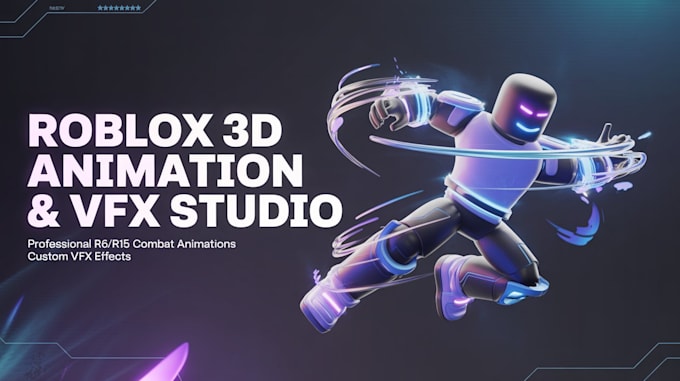

Roblox Animation Editor . Create Roblox Animation 3d Character Animation Custom Animation Create Roblox Animation 3d Character Animation Custom Animation Roblox Combat . Unlocking Roblox Animation Power With Moon Animator Up To Date 2026 . Create A 3d Roblox Movement With R6 R15 Animation Fight Roblox Vfx Create A 3d Roblox Movement With R6 R15 Animation Fight Roblox Vfx Studio Roblox . Untitled Roblox Animation The Next Big Thing Roblox Animation Ids
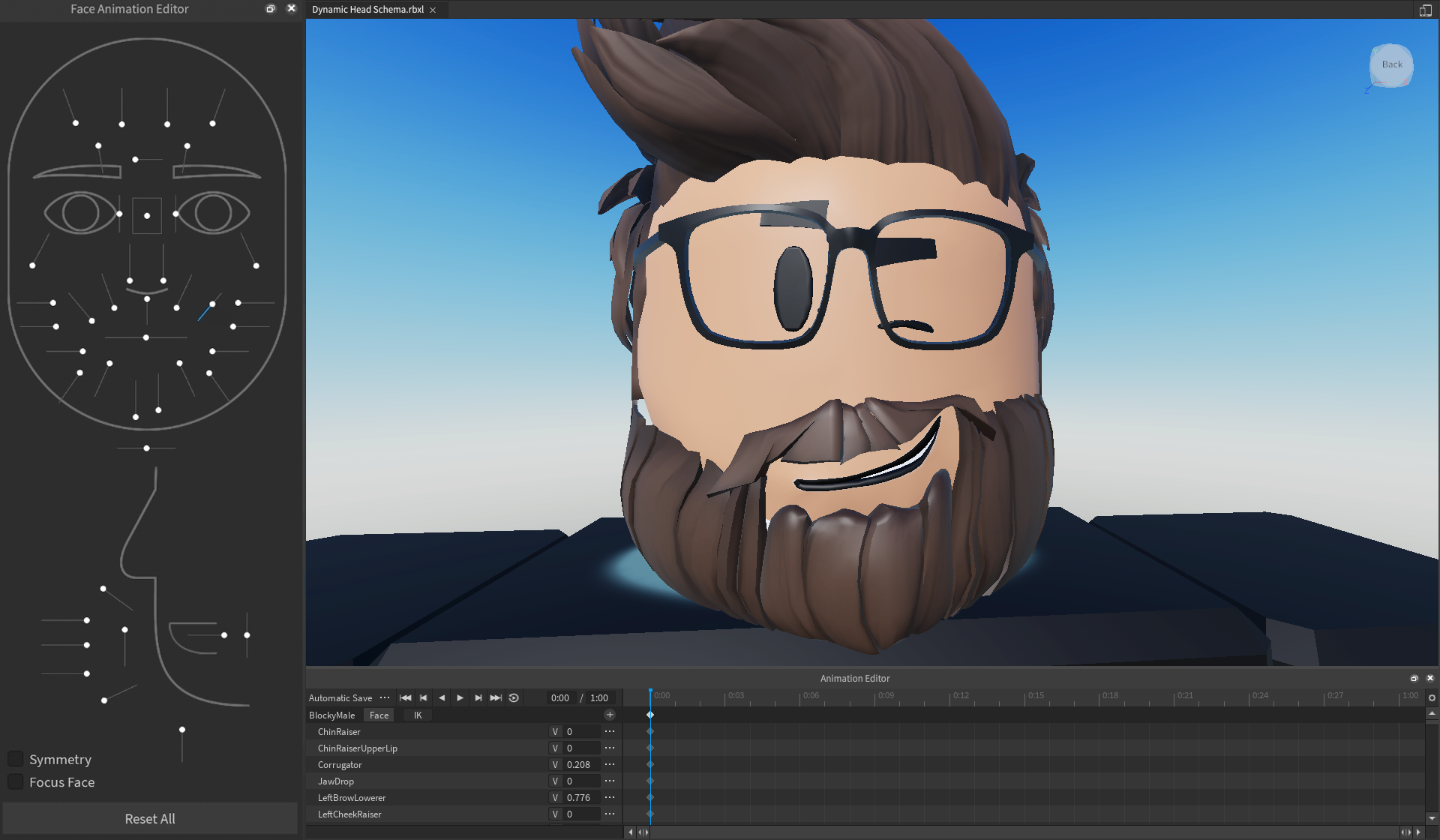


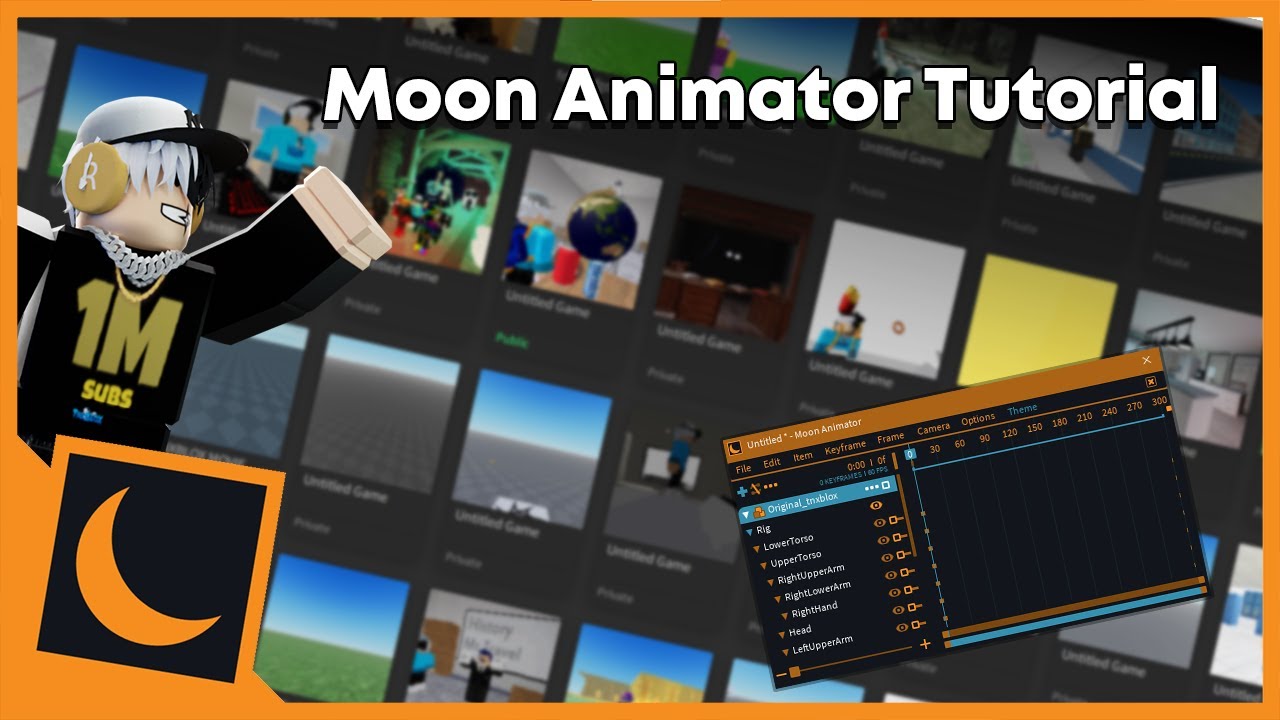

Expressive Body And Face Animations Overview . A Roblox Movie 2026 Teaser Trailer YouTube . Unlocking Roblox Animation Power With Moon Animator Up To Date 2026 . Unlocking Roblox Animation Power With Moon Animator Up To Date 2026 . Animate Roblox Characters Studio Combat 3d Animation Vfx And Video Animate Roblox Characters Studio Combat 3d Animation Vfx And Video Animation

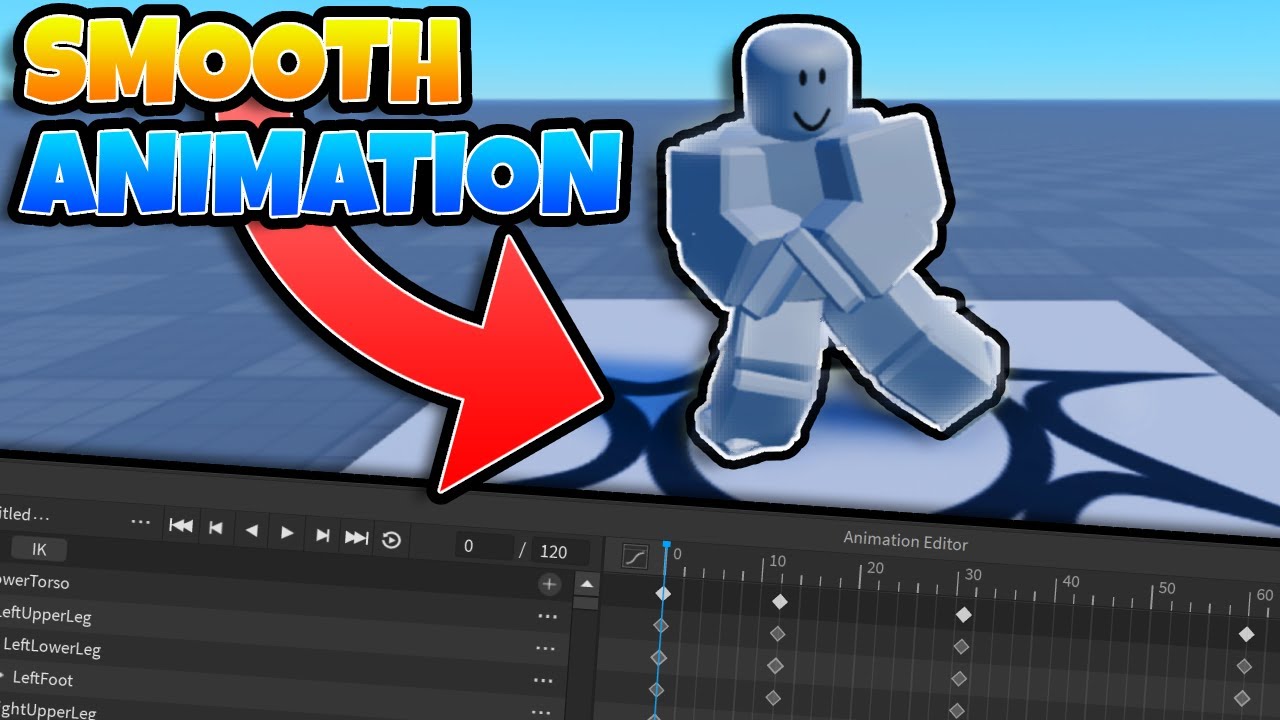


Guys Time Flies 2026 Roblox Ytshorts Rblx Time Trend YouTube Oar2 . How To Make Your Own Animation Roblox Studio At Darlene Whitely Blog . Create 3d Animation Combat Sequences And Skinned Mesh Rigging For Create 3d Animation Combat Sequences And Skinned Mesh Rigging For Roblox . How Export Animations In Roblox Studio Make Animations In Roblox