Unlock the secrets to effectively managing your Roblox game as an administrator. This comprehensive guide, tailored for busy adult gamers, dives deep into what it truly means to be a Roblox admin, offering practical advice, essential tools, and strategies for fostering a positive game community. Learn how to implement admin commands, handle rule-breakers, optimize your game experience, and balance your gaming passion with real-world responsibilities. Discover the difference between platform moderators and game admins, explore popular third-party admin systems, and gain insights into staying current with Roblox's evolving safety policies. Whether you're a developer or an aspiring game manager, this resource provides actionable steps to enhance your Roblox administration skills and create a thriving, engaging environment for players in 2026 and beyond. Get ready to elevate your game and community management expertise with clear, no-nonsense guidance designed for gamers who value efficiency and fun.
Is there an official way to become a Roblox platform administrator?
No, becoming an official Roblox platform administrator, one who works directly for Roblox Corporation, is a very rare and highly selective process, usually requiring specific employment roles at Roblox, not something players can apply for through in-game actions.
What is the difference between a Roblox game admin and a Roblox moderator?
A Roblox game admin manages a specific game experience created by a developer, controlling player behavior and game settings within that single game. A Roblox moderator, on the other hand, is an employee of Roblox Corporation responsible for enforcing rules across the entire platform.
How can I get admin commands in a Roblox game?
To get admin commands in a Roblox game, you typically need to be granted permissions by the game's owner or developer. This is often done by adding your username to an admin list within the game's scripts or by using a trusted admin system installed by the owner.
What are the best free admin systems for Roblox games?
For free admin systems on Roblox, HD Admin and Basic Admin Essentials 2.0 are among the most popular and reliable choices. They offer robust features, are well-maintained, and are widely used by developers for their ease of installation and comprehensive command sets.
Can I lose my admin privileges in a Roblox game?
Yes, if you were granted admin privileges by a game owner, they can revoke those privileges at any time. This often happens if you violate the game's rules, misuse your powers, or if the game owner simply decides to remove you.
How important is community management for a Roblox game admin?
Community management is critically important for a Roblox game admin. Effective management fosters a positive, engaging environment, reduces toxicity, and encourages player retention. It directly impacts the success and longevity of your game, making it a more enjoyable place for players to spend their time.
What scripting knowledge is needed to set up admin in Roblox?
While basic admin systems like HD Admin can be installed without extensive scripting knowledge (often drag-and-drop), understanding Lua scripting is beneficial for customizing commands, setting up advanced permissions, or troubleshooting any integration issues. It gives you more control over your admin tools.
Are you a dedicated Roblox player, perhaps even a developer with your own creations, who often finds themselves balancing late-night gaming sessions with a demanding job and family life? If you're like 87% of US gamers who regularly dive into virtual worlds, spending over 10 hours a week unwinding or connecting with friends, you know the struggle of wanting to optimize your game experience without wasting precious time. Many of us, especially those in the average age bracket of 36, crave seamless, fun, and well-managed environments where our limited gaming hours truly count. One common challenge for game creators is maintaining order, fostering a positive community, and ensuring fair play within their own Roblox experiences. The thought of 'how to be an administrator in Roblox' for your game might seem daunting, conjuring images of complex coding or endless moderation battles. But what if there was a clear path to becoming an effective game admin, one that empowers you to create the kind of engaging, safe, and fun world you and your fellow gamers deserve, all without overwhelming your already packed schedule? This article is designed for you. We'll cut through the hype and offer practical, actionable advice on how to be an administrator in Roblox for your own games. We'll cover everything from the basics of admin roles to advanced community management, tools, and best practices, ensuring you can enhance your game, build a great community, and still have time for life's other adventures. Let's make your Roblox experience not just playable, but truly exceptional.
What Does Being a Roblox Administrator Actually Mean?
When we talk about 'how to be an administrator in Roblox,' it's crucial to distinguish between two main types of administrative roles. First, there are official Roblox Corporation administrators or moderators, who are employees responsible for enforcing rules across the entire Roblox platform. These are highly specialized positions that users cannot apply for through in-game means. Second, and the focus of this guide, are game administrators. A game administrator is someone, typically the game developer or an entrusted individual, who manages a specific Roblox experience. Their powers are limited to that particular game and involve overseeing player behavior, utilizing in-game commands, and ensuring the game's rules and community guidelines are upheld. It's about maintaining a healthy, enjoyable environment within your digital creation, which is vital given how social gaming has become, with trends showing a significant portion of US gamers engaging in multiplayer experiences regularly.
Can Anyone Just Become a Roblox Admin? The Reality
No, you can't just 'become' an administrator on any Roblox game you play. The ability to administer a game is granted by the game's owner or developer. For those looking into how to be an administrator in Roblox for a game you don't own, the direct answer is that you can't simply take on the role. You would need to be invited or hired by the developer. However, if you are the owner or co-developer of a Roblox experience, then you inherently have the power to implement and control admin systems within your own creation. This distinction is important for many players who might misunderstand the scope of 'admin' roles, often thinking it applies globally across the platform. Realistically, if you want admin powers, the most straightforward path is to create your own game and integrate an admin system.
How Do I Become an Administrator for a Roblox Game I Own?
Becoming an administrator for a Roblox game you own is relatively straightforward, as you have full control over your experience. The primary method involves integrating an admin system into your game. There are several popular and well-maintained third-party admin script packages available on the Roblox Creator Marketplace, designed specifically to help developers implement 'how to be an administrator in Roblox' functionality without extensive coding. These systems allow you to grant admin privileges to specific users (including yourself), set moderation levels, and manage game settings. Many busy gamers who also develop appreciate these systems because they offer robust tools that save time and effort, allowing them to focus on gameplay development rather than building admin features from scratch. This month, such streamlined tools are more critical than ever for developers balancing game creation with other life commitments.
What Are the Key Responsibilities of a Roblox Game Administrator?
The responsibilities of a Roblox game administrator are diverse and crucial for a thriving game environment. They primarily involve maintaining order, fostering a positive community, and ensuring fair play. Key duties include:
- Moderating Player Behavior: Enforcing game-specific rules and Roblox's Terms of Service by kicking, banning, or muting disruptive players.
- Managing Game Settings: Adjusting in-game parameters, like game speed, weather, or event triggers, to enhance the player experience or host special events.
- Resolving Disputes: Mediating conflicts between players to maintain a harmonious atmosphere.
- Preventing Exploiting/Cheating: Using admin tools to identify and address players using exploits or cheats to gain an unfair advantage.
- Community Engagement: Sometimes involving direct interaction with players to gather feedback, answer questions, and build rapport.
These tasks are essential for ensuring that players, many of whom seek relaxation and social interaction, have a consistently enjoyable experience in your game.
How Can I Effectively Manage a Growing Roblox Community?
Managing a growing Roblox community effectively requires a blend of moderation, communication, and proactive engagement. Given that social gaming is a major trend, with many US gamers using platforms like Roblox to connect, building a strong community is paramount. Here are some tips:
- Set Clear Rules: Establish transparent, easy-to-understand game rules that align with Roblox's general guidelines. Post them prominently.
- Be Visible and Responsive: Regularly interact with your players, whether in-game or through associated platforms like Discord. Address concerns promptly.
- Empower Trusted Players: Consider promoting reliable, positive community members to helper or junior admin roles to assist with moderation and support.
- Host Events: Organize regular in-game events or challenges to keep players engaged and foster a sense of community.
- Gather Feedback: Actively solicit player feedback on game features, issues, and potential improvements. This shows you value their input.
- Automate Where Possible: Utilize admin systems with automated moderation features to handle common infractions, freeing up your time for more complex issues.
Balancing these aspects helps create a self-sustaining and enjoyable environment, which is especially valuable for developers who juggle gaming with work and family.
What Tools and Commands Do Roblox Admins Use?
Roblox game administrators rely on a suite of tools and commands to manage their experiences. These typically come packaged within an admin system you integrate into your game. Common commands often include:
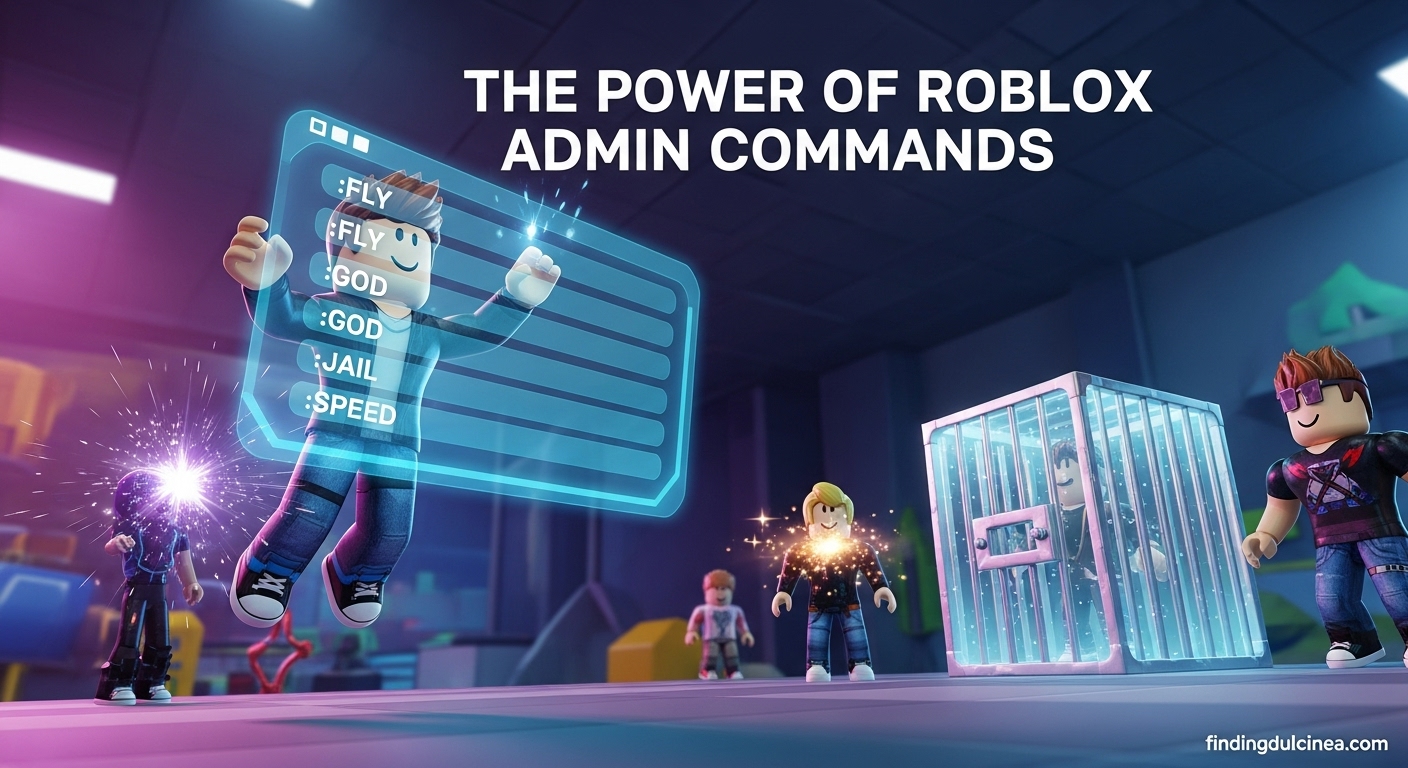
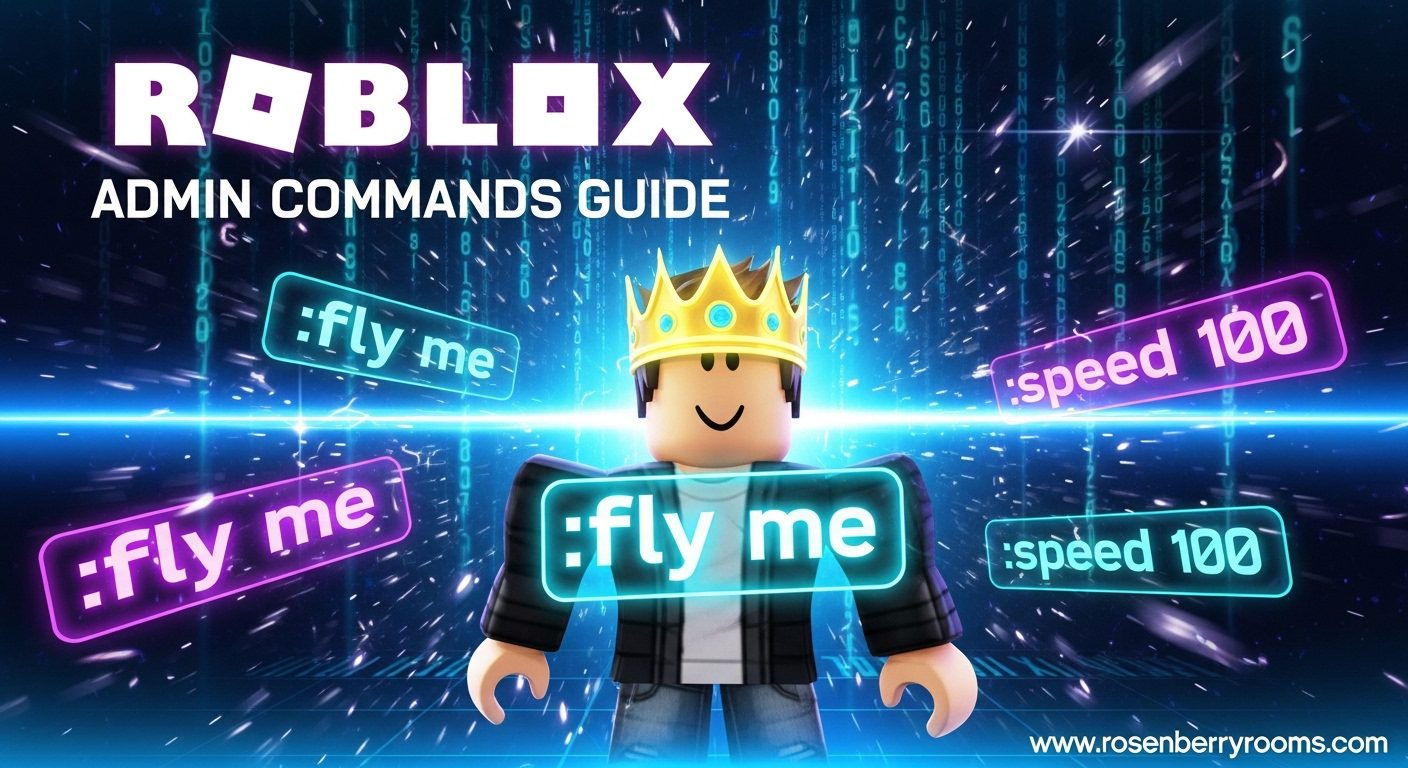
:kick [player] [reason]: Removes a player from the game.:ban [player] [reason]: Prevents a player from rejoining for a set period.:warn [player] [reason]: Sends a warning message to a player.:teleport [player] [destination]: Moves a player to a different location in the game.:bring [player]: Teleports a player to your location.:respawn [player]: Forces a player to respawn.:m [message]or:pm [player] [message]: Sends a message to all players or a specific player.:ff [player]: Toggles forcefield on/off for a player.
Most robust admin systems also feature a graphical user interface (GUI) that makes executing these commands much easier, often with player lists and clickable actions. For developers looking into how to be an administrator in Roblox efficiently, choosing an admin system with a user-friendly GUI is a game-changer.
How Do I Deal with Trolls and Rule-Breakers as an Admin?
Dealing with trolls and rule-breakers is an inevitable part of being a game administrator, but it can be managed effectively. Many adult gamers play to escape stress, so disruptive behavior needs to be handled swiftly and fairly. Here's a structured approach:
- Observe and Verify: Don't react immediately. Observe the player's behavior to confirm they are indeed breaking rules. Screenshots or video evidence can be helpful.
- Issue a Warning: For minor infractions, a clear warning using the
:warncommand is often sufficient. Clearly state the rule broken and the consequence of continued behavior. - Temporary Kick/Ban: For repeated minor offenses or moderate rule-breaking, a temporary kick or short ban (e.g., 30 minutes, 1 day) allows the player to cool off and understand the seriousness of their actions.
- Permanent Ban: Reserve permanent bans for severe offenses like exploiting, hate speech, repeated major rule violations, or any behavior that compromises player safety or the integrity of your game.
- Document Actions: Keep a log of moderation actions, especially for repeat offenders. This helps maintain consistency and provides a record if a player appeals.
- Stay Calm and Professional: Avoid engaging in arguments. As an admin, your role is to enforce rules, not to get emotional.
Implementing these steps helps ensure a fair and consistent moderation process, which is key for maintaining a positive community and reputation.
Are There Any Third-Party Admin Systems I Should Consider for My Game?
Absolutely! For developers serious about how to be an administrator in Roblox without building custom tools from scratch, several excellent third-party admin systems streamline the process. These systems are widely used and trusted within the Roblox community. Two of the most popular and recommended options are:
| Admin System | Key Features | Ease of Use | Community Support |
|---|---|---|---|
| HD Admin | Extensive command list, customizable prefix, robust permission levels, anti-exploit features, GUI, easy setup. | High (drag-and-drop installation, clear documentation) | Very active, large user base, frequently updated. |
| Adonis Admin | Advanced command set, modular design, webhook integration, customizability, anti-exploit/anti-cheat, GUI. | Medium (requires some configuration for advanced features) | Active community, good documentation. |
| Basic Admin Essentials 2.0 | Solid foundational commands, user-friendly interface, good for beginners, stable. | High (simple setup) | Moderate, reliable. |
Each offers a unique set of features, so consider your game's specific needs and your comfort level with configuration when choosing. Many developers opt for HD Admin due to its balance of powerful features and ease of installation, making it perfect for busy individuals wanting robust admin functionality quickly.
How Can I Stay Current with Roblox's Moderation and Safety Policies?
Staying current with Roblox's moderation and safety policies is paramount for any game administrator. The platform is constantly evolving, with new updates to its Community Standards and Terms of Use regularly implemented to ensure a safe environment for its diverse global user base. For adult gamers who want to ensure their game aligns with current best practices, here’s how to stay informed:
- Regularly Review Roblox Community Standards: Make it a habit to visit the official Roblox Community Standards page on their website at least once a month. This is the definitive source for what is and isn't allowed.
- Follow Official Roblox Blogs and Announcements: The Roblox Developer Forum and official blog frequently post updates regarding new features, policy changes, and safety initiatives.
- Join Developer Communities: Engage with other Roblox developers on platforms like Discord or dedicated forums. These communities often share insights and interpretations of recent policy changes.
- Participate in Creator Events: Attend virtual or in-person Roblox creator events when possible. These often include sessions on platform safety and policy enforcement.
- Understand New Technologies: Keep an eye on how new technologies, like AI-driven moderation, are being integrated into Roblox, as these can impact how policies are enforced.
Being proactive in understanding these policies helps you run a compliant and safe game, protecting both your players and your reputation as a developer.
What Are the Benefits of Being a Game Admin for Players and Developers?
Being a game administrator on Roblox offers significant benefits for both the players within your experience and you, the developer/admin. For players, a well-administered game means a consistently fair, safe, and enjoyable environment. It reduces exposure to disruptive behavior, fosters a sense of community, and ensures that hard-earned progress isn't undermined by cheaters. This contributes to higher player retention and positive word-of-mouth. For developers, taking on the 'how to be an administrator in Roblox' role for your game is about gaining control and enhancing your creation's longevity. It allows you to:
- Protect Your Vision: Ensure your game's intended experience is maintained, free from exploits or negative influences.
- Build a Loyal Community: Active moderation and engagement lead to a more dedicated player base.
- Improve Game Quality: By directly addressing issues and listening to feedback, you can make targeted improvements.
- Increase Monetization Potential: A healthy, active game often translates to better engagement and potential for in-game purchases, especially in the free-to-play model that dominates much of Roblox.
- Gain Valuable Experience: Developing and managing an online community builds transferable skills in leadership, problem-solving, and conflict resolution.
Ultimately, effective administration makes your game a more attractive destination, allowing you to maximize the enjoyment for everyone involved.
How Do I Promote a Positive and Engaging Environment?
Promoting a positive and engaging environment in your Roblox game goes beyond just banning rule-breakers; it's about actively cultivating a welcoming space where players feel valued. This is crucial for busy gamers who value relaxation and social connection in their limited free time. Here’s how you can make a real difference:
- Lead by Example: Your behavior as an admin sets the tone. Be polite, fair, and approachable in your interactions.
- Reward Good Behavior: Acknowledge and appreciate players who contribute positively to the community. This could be through in-game shout-outs, roles in a Discord server, or even small virtual rewards.
- Create Inclusive Spaces: Design your game to be welcoming to all types of players, promoting respectful interaction and diverse playstyles.
- Encourage Constructive Feedback: Provide clear channels for players to submit ideas or report issues, and respond thoughtfully to their input.
- Run Engaging Activities: Host regular events, contests, or Q&A sessions. This month, social events and collaboration challenges are particularly popular in the gaming community, fostering connection and fun.
- Transparency in Moderation: When you do take action, if appropriate, briefly explain why. This helps players understand the rules and perceive your moderation as fair.
- Regular Updates: Keep your game fresh with new content, features, and bug fixes. This shows players that their engagement is appreciated and the game is actively maintained.
By focusing on these proactive strategies, you move beyond mere damage control to genuinely building a vibrant, self-sustaining community around your Roblox experience.
Conclusion
Navigating the world of Roblox game administration can seem like a lot, especially when you're juggling a career, family, and other life commitments. However, by understanding the role of a game admin, leveraging powerful third-party tools like HD Admin, and implementing clear community guidelines, you can transform your Roblox experience into a thriving, positive space. Remember, it's not just about stopping bad actors; it's about actively nurturing a community that reflects the fun and engagement you want to see. For the 60% of US gamers who integrate gaming into their busy lives, having a well-managed space to unwind and connect is invaluable. By following the guidance on how to be an administrator in Roblox for your own game, you're not just a developer; you're a community leader ensuring a top-tier experience for everyone. What's your biggest challenge in managing your Roblox game's community? Comment below!
FAQ Section
Can I get admin powers on any Roblox game?
No, you can only get admin powers if the game's owner or developer grants them to you. Admin abilities are specific to individual games and are not a universal role you can obtain across the entire Roblox platform.
Is becoming a Roblox Admin paid?
Typically, becoming an admin for another player's Roblox game is a voluntary, unpaid position given to trusted community members. Official Roblox platform administrators are paid employees of Roblox Corporation.
How do admin commands work in Roblox?
Admin commands are special text inputs (e.g., :kick, :ban) entered into the in-game chat. When recognized by an installed admin system, they execute specific actions within that game, affecting players or game properties.
What's the best admin system for a new Roblox game?
For new Roblox games, HD Admin is highly recommended. It's user-friendly, offers a wide range of commands, has excellent community support, and is easy to set up, making it ideal for developers balancing gaming with life.
Can I create my own admin commands?
Yes, if you are the game owner, you can create custom admin commands by scripting them directly into your game or by extending existing admin systems with your own modules. This requires some Lua scripting knowledge.
What is the difference between a game admin and a game moderator?
While often used interchangeably, a game admin typically has broader control over game settings and player actions within a specific game. A game moderator usually focuses solely on enforcing rules and ensuring fair play, often with fewer technical controls.
Learn how to effectively administer your own Roblox game, understand the role of a game administrator versus a platform moderator, explore essential admin tools and commands, implement strategies for managing player behavior and fostering a positive community, discover popular third-party admin systems like HD Admin and Adonis, and stay updated on Roblox safety policies. This guide focuses on practical, real-world solutions for game owners.
35


How To Be An ADMIN In Roblox Get Admin In Any Roblox Game Become . How To Become An On Roblox Easy Tutorial How To Become An On Roblox . How To Make An Admin Panel In ROBLOX Studio 2026 YouTube . How To Give Yourself Admin In Your Roblox Game 2026 Quick Easy . How To Add Admin Commands In Your Roblox Game 2026 Step By Step


HOW TO BECOME AN ACTUALLY ADMIN IN ROBLOX TUTORIAL YouTube . How To Make Custom HD Admin Commands In Roblox Studio 2026 Roblox . Timeline How To Become A Roblox Admin YouTube . How To Become An Admin On Roblox Easy Steps 2025 Easy Steps 2025 . How To Become An Admin In ANY ROBLOX GAME YouTube



How To Add Admin Commands In Your Roblox Game Full Guide YouTube . How To BECOME AN ADMIN In Roblox YouTube . Become A Roblox Admin Your Guide Aid2152132 V4 1200px Add Admin Commands To Your Roblox Place Step 12 . Roblox Studio How To Give Yourself ADMIN In Your Roblox Game Change . How To Add Admin Commands In Roblox Studio YouTube


How To BECOME ADMIN In Roblox 2021 Tutorial YouTube . How To Become Roblox ADMIN ONLY WAY 2026 YouTube . How To Become Admin In ROBLOX How To Get Admin On ROBLOX YouTube . HOW TO BECOME AN ADMIN IN ANY ROBLOX GAME IN 2022 YouTube . How To Give Yourself Admin In Your Roblox Game Roblox Studio Tutorial


How To Use Roblox Admin Commands May 2026 Full List Roblox Admin Commands . How To Get Roblox Badge 2024 FULL GUIDE YouTube . How To Get ADMIN In ANY ROBLOX GAME 2026 Get Admin In Roblox Oardefault . How To Get Badge ROBLOX Working 2024 YouTube . HOW TO BECOME A ROBLOX ADMIN YouTube



HOW TO MAKE SOMEONE AN ADMIN IN ROBLOX GROUP 2026 FULL GUIDE YouTube . How To Become An Admin In ANY ROBLOX GAME YouTube . How To BECOME ADMIN In ROBLOX How To Get Admin In Any Roblox Game . How To Use Roblox Admin Commands 200 Commands 2026 How To Use Roblox Admin Commands . C Mo Ser Admin En Roblox En 2026 Entregamers Como Ser Admin En Roblox



Definitive Guide To Roblox 2026 TM 07169 Definitive Guide To Roblox 2026 . How To Become An On Roblox Easy Tutorial Type . How To Give Yourself Admin In Your Roblox Game Easy Fix YouTube . How To Add HD Admin To Your Game In Roblox Studio 2025 YouTube . How To Put Admin In Your Roblox Place 14 Steps With Sddefault