Unlock your Roblox potential effortlessly! This comprehensive guide provides step-by-step instructions on how to redeem Roblox gift cards on any device, ensuring you get your Robux or Premium subscription without a hitch. Gamers juggling work, family, and play can quickly convert their gift cards into in-game currency or membership benefits, maximizing their valuable gaming time. Discover common troubleshooting tips, understand different card types, and learn exactly what you can buy after redemption. Stay updated with the latest methods and ensure a smooth, frustration-free experience, allowing you to dive back into the vast world of Roblox faster and enjoy new items, experiences, and social interactions with friends. This article is your go-to resource for seamless Roblox gift card redemption.
How Do I Redeem My Roblox Gift Card Step by Step?
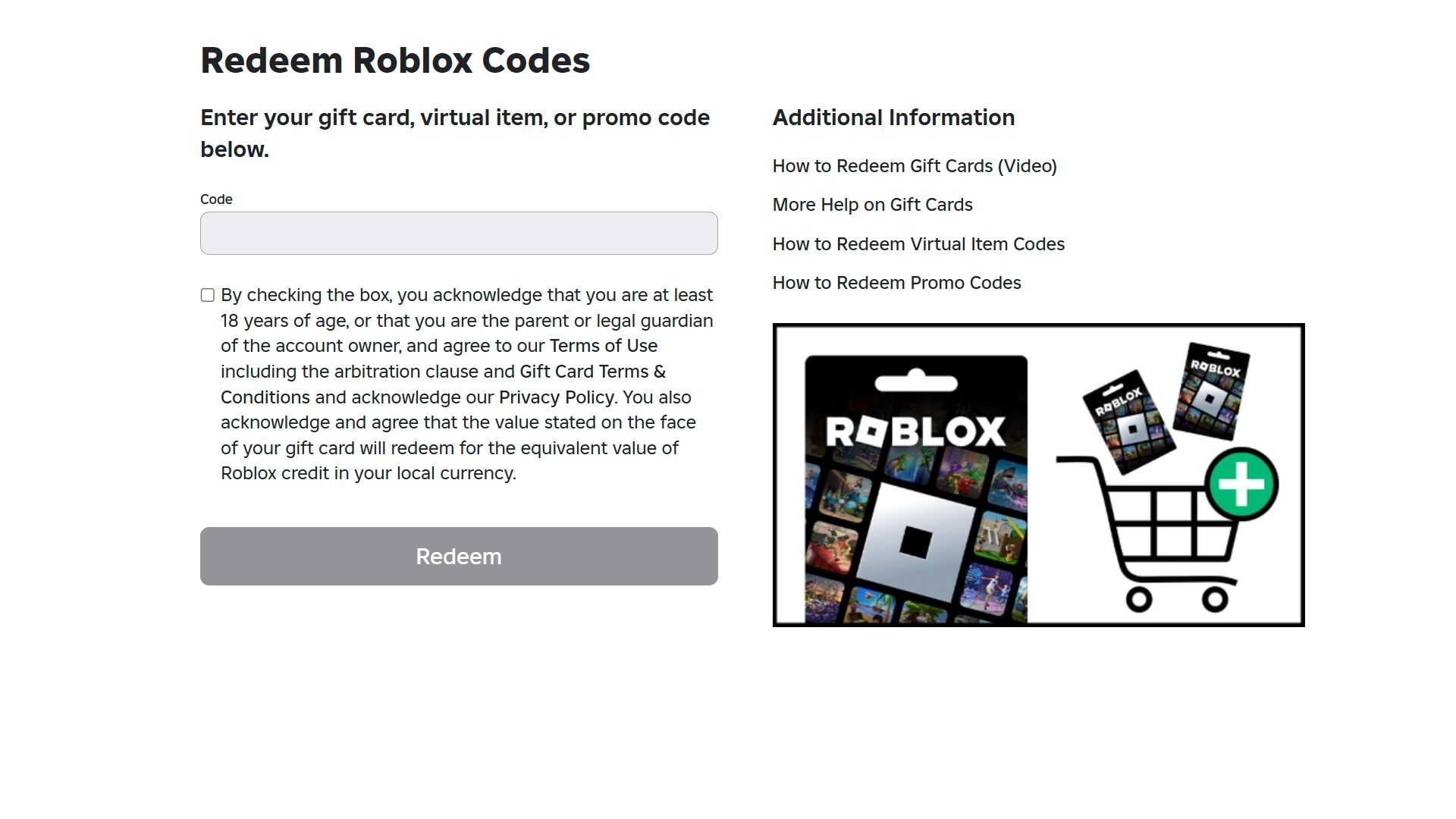
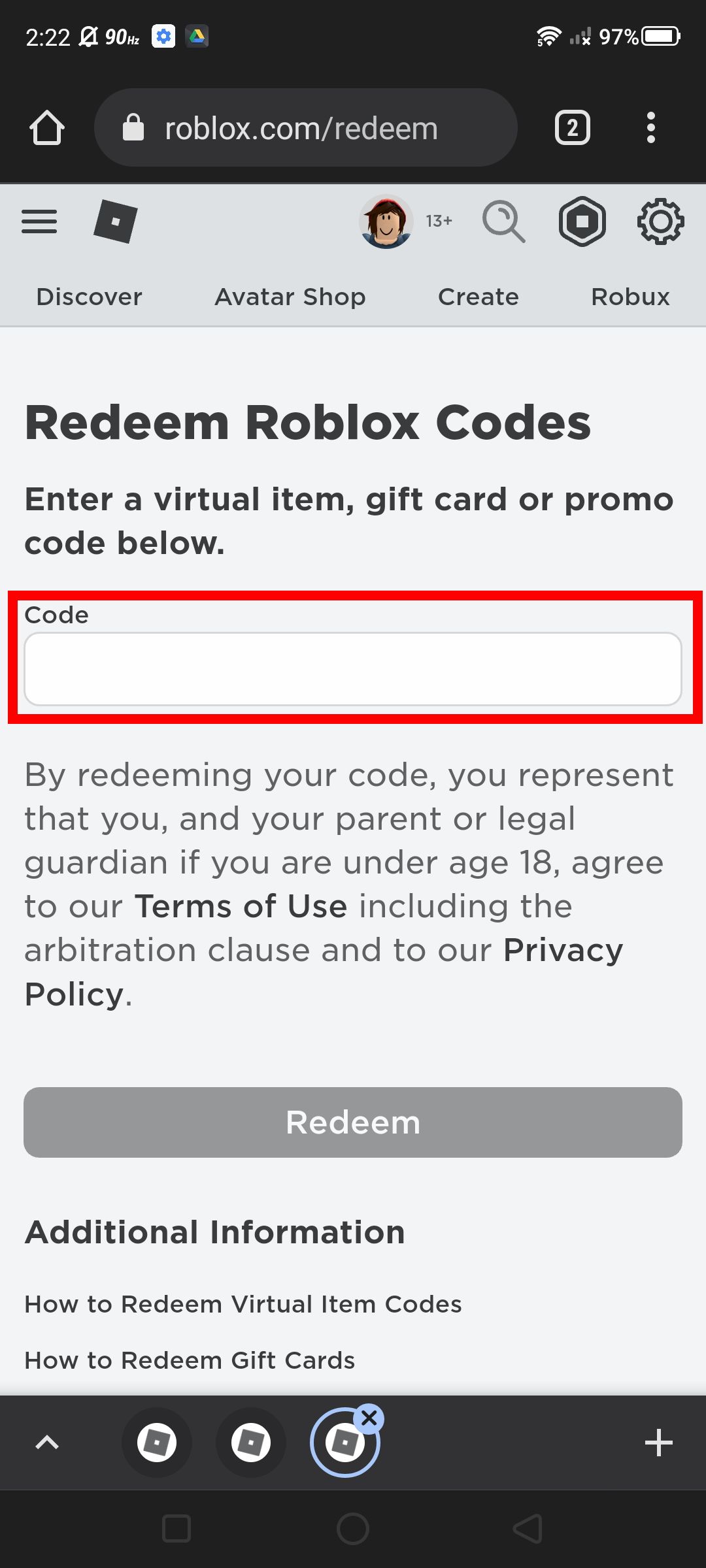
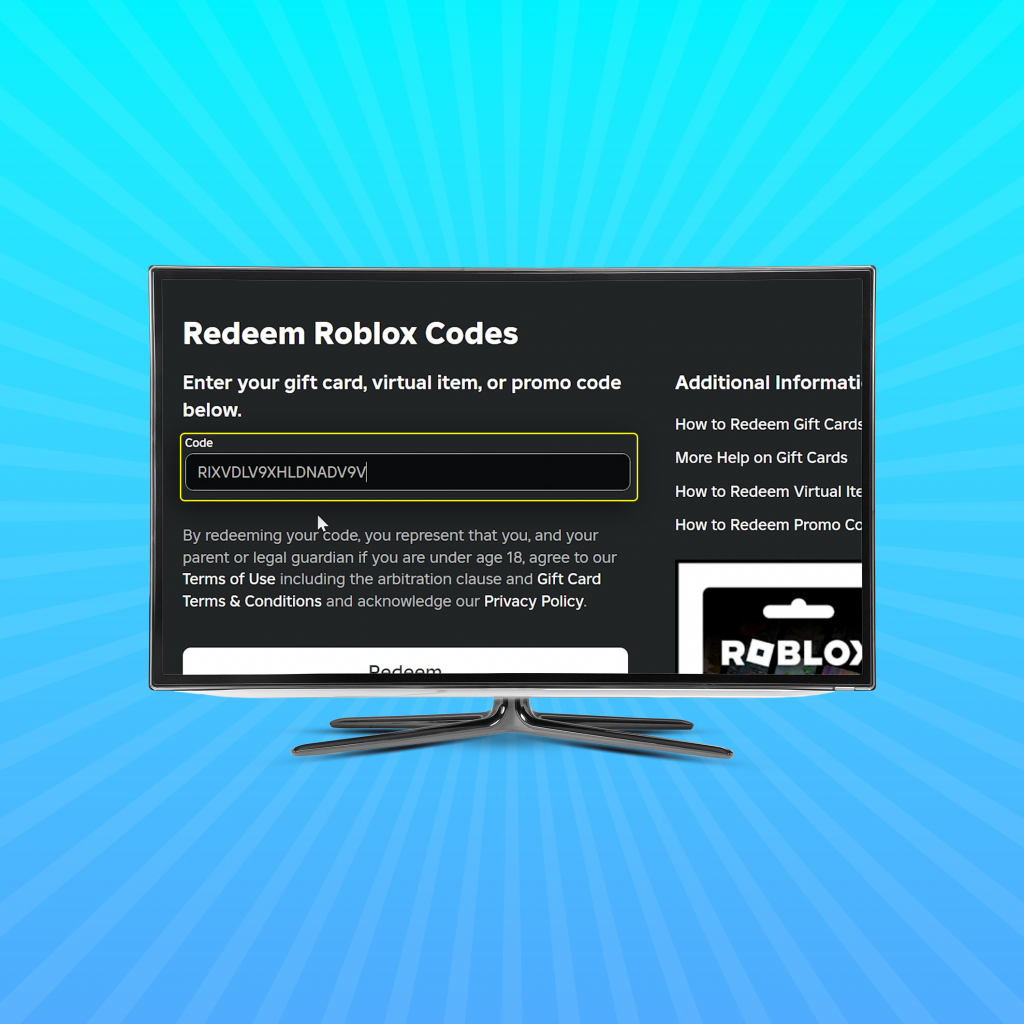
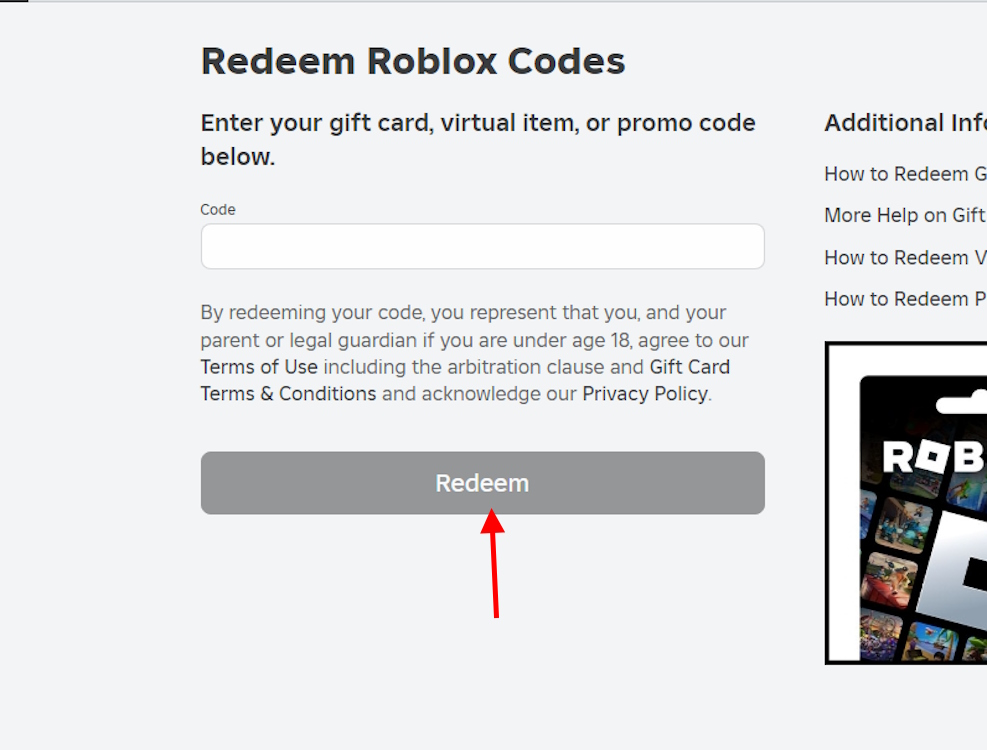
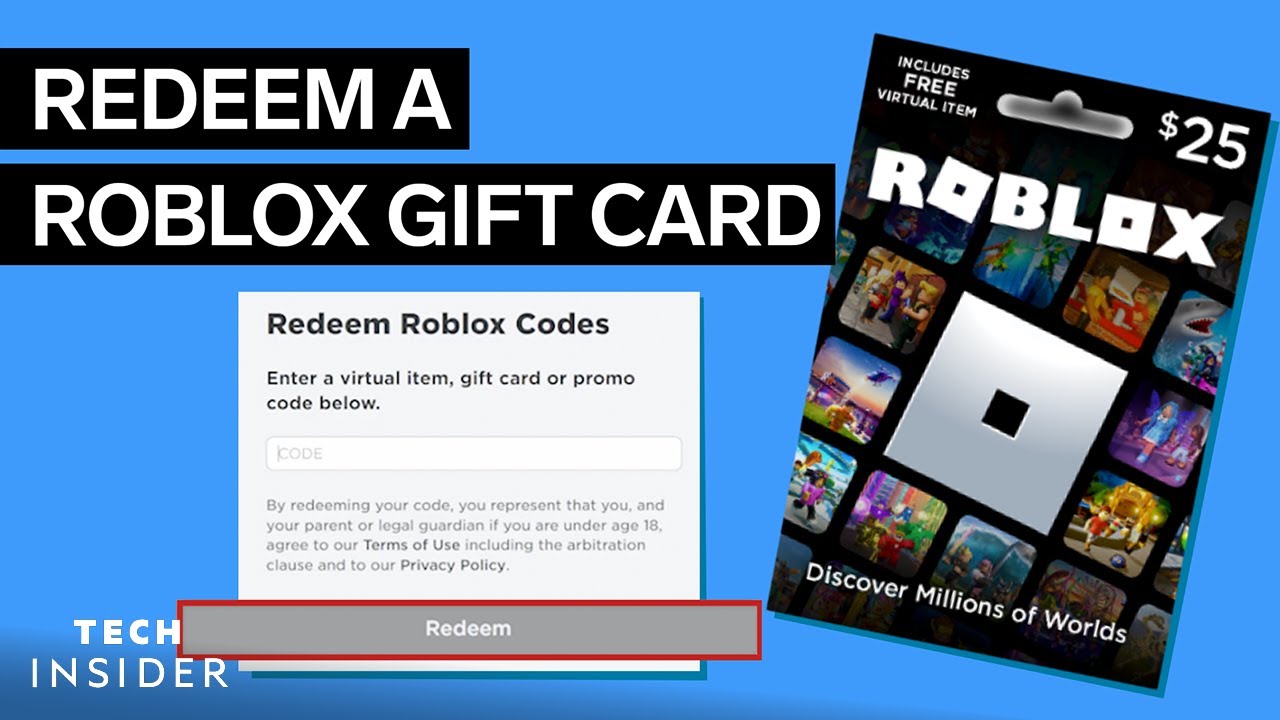
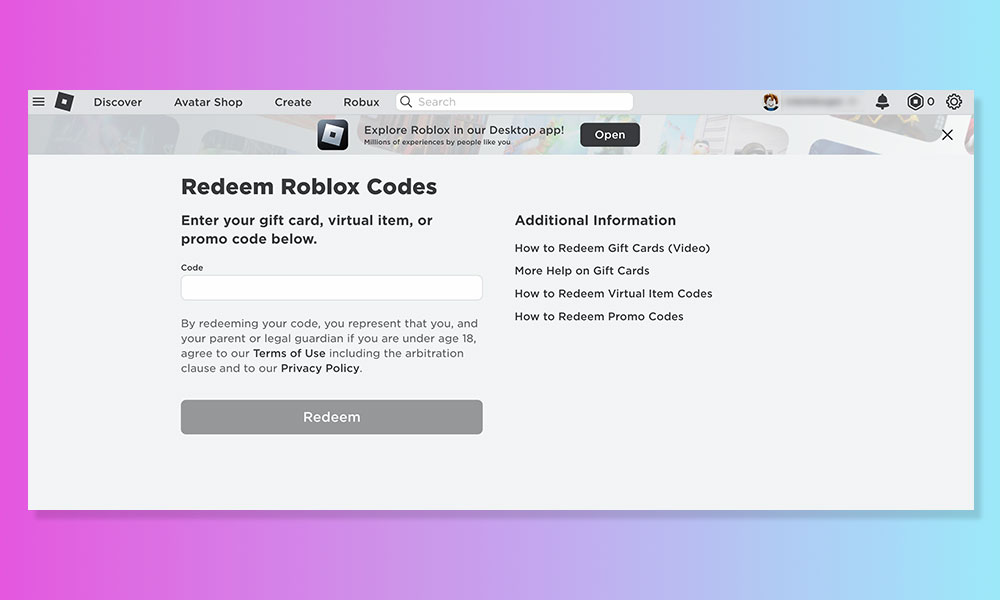
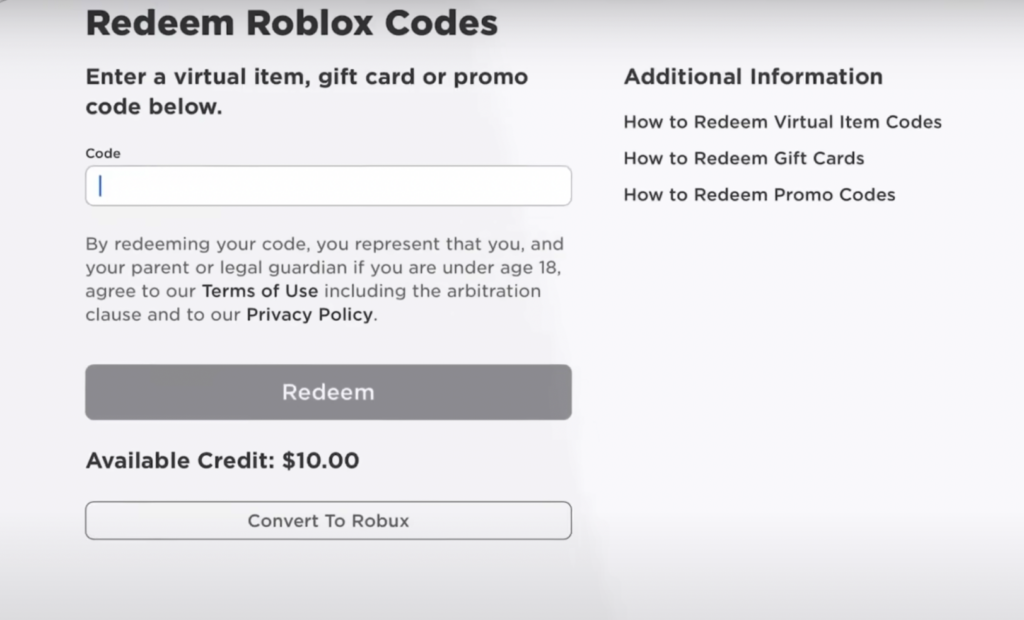
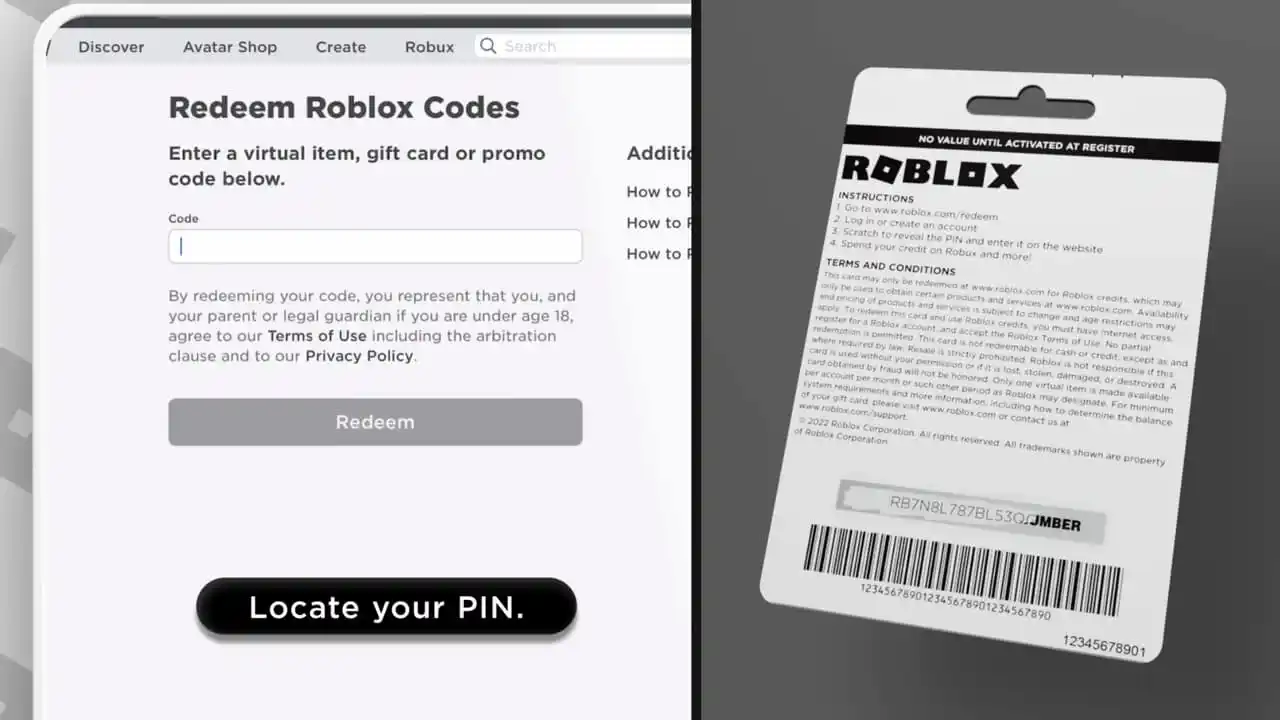
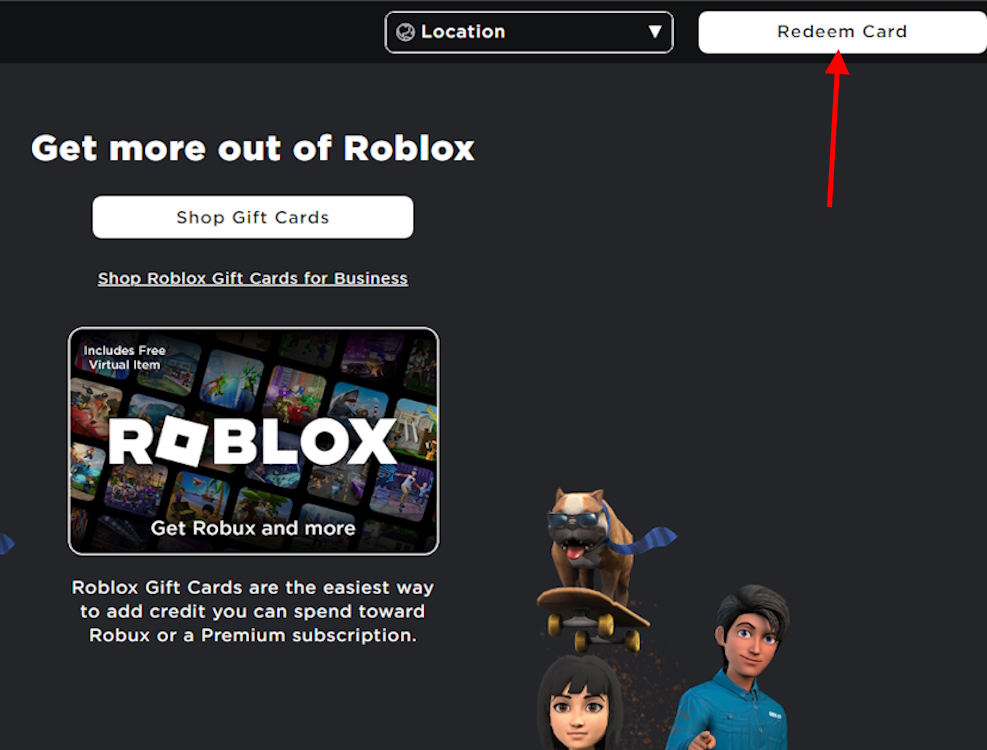
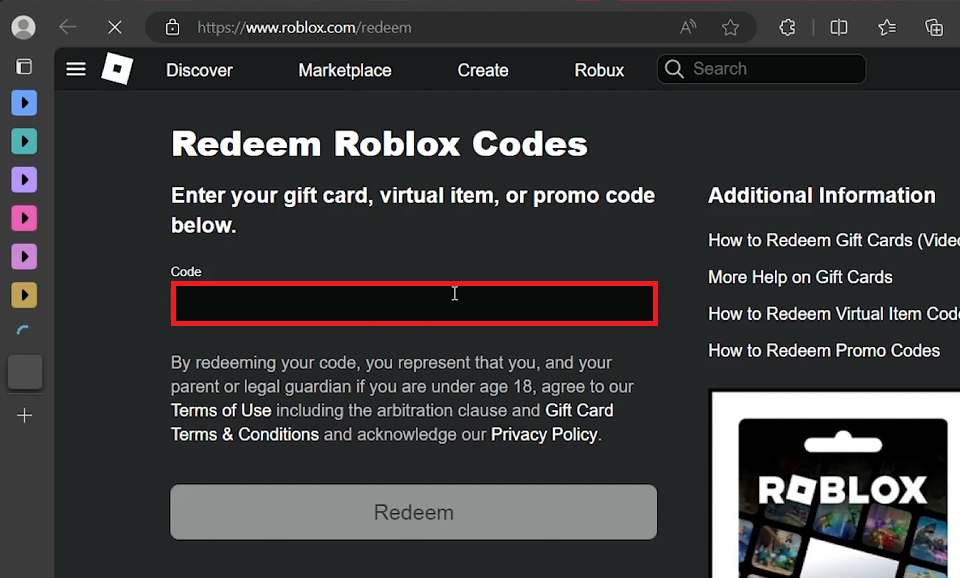
Redeeming your Roblox gift card is simple. First, visit the official redemption page at www.roblox.com/redeem on your web browser. Log into your Roblox account. Scratch off the silver panel on your physical card to reveal the PIN, or locate the digital PIN from your email. Carefully enter this PIN into the redemption box and click 'Redeem'. Your Robux or account credit will be added instantly, letting you jump back into your favorite games without delay.
What Should I Do If My Roblox Gift Card PIN Is Damaged?
If your Roblox gift card PIN is damaged or unreadable, do not try to guess it. First, double-check that you've fully scratched off the panel without damaging the numbers. If still unreadable, gather your purchase receipt and the damaged card, then contact Roblox Support immediately. Provide them with all purchase details and a clear photo of the card. They are best equipped to help recover the PIN or advise on next steps, ensuring you don't lose your valuable Robux.
Can I Use a Roblox Gift Card for Roblox Premium?
Yes, you can use a Roblox gift card to purchase Roblox Premium. If you redeem a gift card that provides account credit (e.g., $10 credit), you can then use this credit to subscribe to Roblox Premium from your account's Premium page. This is a popular option for gamers looking to enjoy the exclusive benefits of Premium, including a monthly Robux stipend, bonus Robux on purchases, and advanced trading features, enhancing their overall Roblox experience.
Are There Any Fees When Redeeming a Roblox Gift Card?
No, there are absolutely no additional fees incurred when redeeming a Roblox gift card. The value printed on the card or provided digitally is the exact amount of Robux or account credit you will receive. Roblox ensures a transparent redemption process, meaning you get full value for your purchase without hidden charges. This allows gamers to budget effectively and get the most out of their gift cards.
How Long Does It Take for Robux to Appear After Redemption?
Typically, Robux appear in your Roblox account instantly after a successful gift card redemption. Once you click 'Redeem' and receive the confirmation, you should see your balance update almost immediately in the upper-right corner of the Roblox website or within the mobile app. In very rare instances, due to high server traffic, it might take a few minutes. If you experience a significant delay, consider basic troubleshooting or contacting Roblox Support.
What If I Enter the Wrong PIN for My Roblox Gift Card?
If you enter the wrong PIN for your Roblox gift card, the system will typically inform you that the code is invalid or incorrect. It's crucial to re-enter the PIN carefully, checking for any typos or transposed characters. Multiple incorrect attempts might temporarily lock the redemption process for security reasons. If you're certain you're entering the correct PIN and it's still failing, refer to the troubleshooting guide or contact Roblox Support with your card details and receipt.
Where Can I Purchase Official Roblox Gift Cards?
Official Roblox gift cards can be purchased from a wide range of reputable retailers, both online and in physical stores. Major retailers like Walmart, Target, Best Buy, and GameStop typically carry them. Online, you can buy digital gift cards directly from Amazon, the official Roblox website, or through other trusted digital retailers. Always ensure you are purchasing from an authorized seller to guarantee the card's authenticity and validity, safeguarding your gaming investment.
Hey fellow gamers! We know the drill. You've just snagged a Roblox gift card, maybe for your birthday, a holiday, or as a treat after a long week. Now you're itching to convert that plastic into Robux or a Premium subscription to snag that limited-edition item, join an exclusive game, or just enjoy more perks. But sometimes, navigating redemption pages, figuring out PINs, or troubleshooting an unexpected error can feel like a boss battle after a long day of work, family commitments, and life responsibilities. We get it. You want to unwind, build something cool, or just hang out with friends in a virtual world without the extra hassle.
In 2026, over 87% of US gamers play regularly, often dedicating 10+ hours a week, and a significant portion balance this with demanding jobs and families. Mobile gaming continues its dominance, alongside PC and console cross-play, making seamless, quick processes essential. Social gaming, like that found on Roblox, is a huge draw for building friendships and de-stressing. This guide is designed to be your ultimate cheat sheet for "how to redeem Roblox gift card" quickly and efficiently, ensuring your valuable time is spent gaming, not troubleshooting. We'll cover everything from simple step-by-step instructions to common snags and how to overcome them, so you can jump back into building, playing, and socializing in Roblox without missing a beat.
How to Redeem Roblox Gift Cards on Any Device?
Redeeming your Roblox gift card is a straightforward process, whether you're on a desktop PC, a laptop, or even a mobile device via a web browser. The key is to access the official Roblox redemption page, as using third-party sites can pose security risks. Ensure your internet connection is stable before you begin.
Here's the universal step-by-step process:
- Go to the official Roblox Gift Card Redemption Page: Open your web browser and navigate to www.roblox.com/redeem.
- Log In to Your Roblox Account: If you aren't already logged in, you'll be prompted to enter your Roblox username and password. Make sure you're logging into the account where you want the Robux or Premium to be applied.
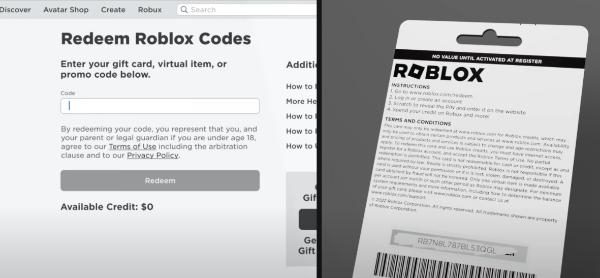
- Locate Your PIN: Gently scratch off the silver strip on the back of your physical gift card to reveal the unique PIN. For digital cards, the PIN will be provided in the email or digital receipt.
- Enter the PIN: In the redemption field on the website, carefully type in the PIN. Double-check for any typos.
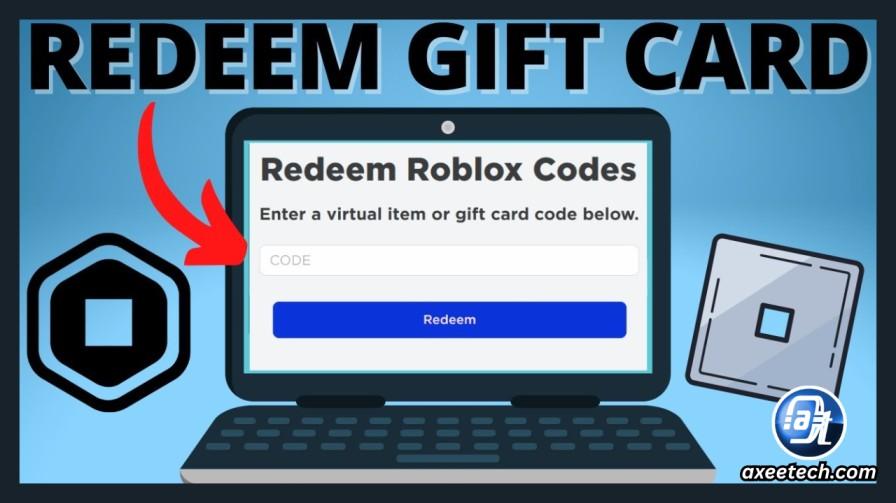
- Click Redeem: After entering the PIN, click the green 'Redeem' button.
- Confirmation: You'll receive a confirmation message. If the redemption is successful, the Robux will be immediately added to your account balance, or you'll be given the option to apply the credit towards a Premium subscription.
What Types of Roblox Gift Cards Are There?
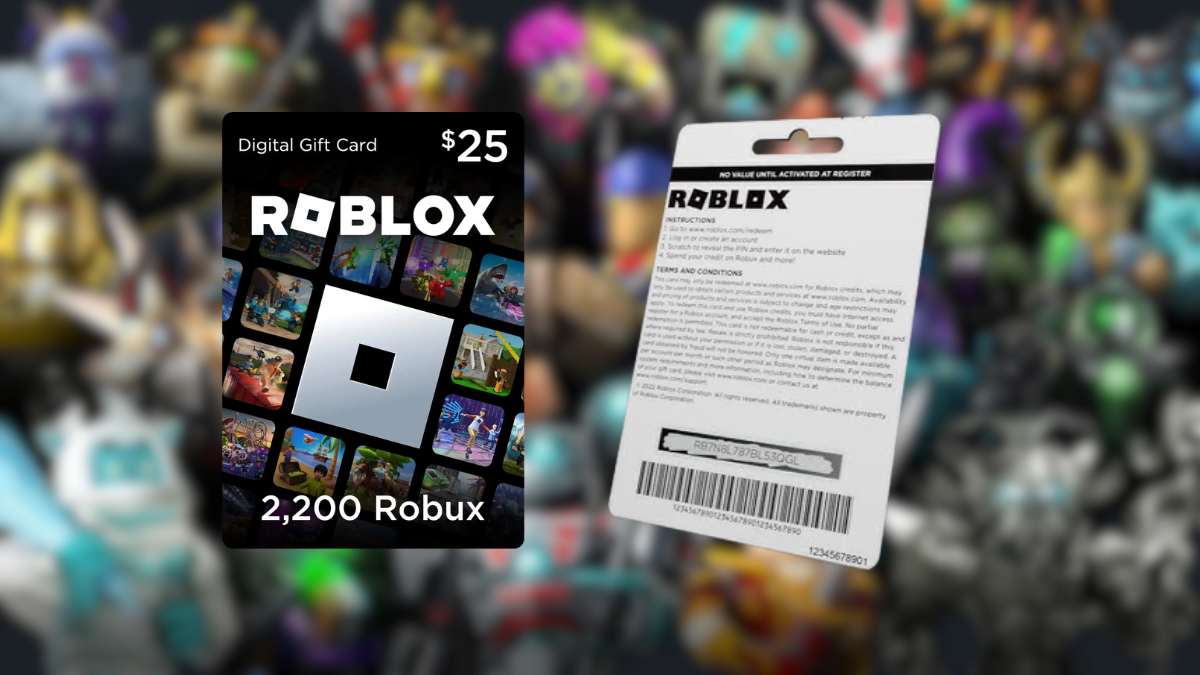
Roblox gift cards primarily come in two forms: those that give you a specific amount of Robux, and those that offer credit that can be used for Robux or a Roblox Premium subscription. It's important to understand the distinction to make the most of your purchase.
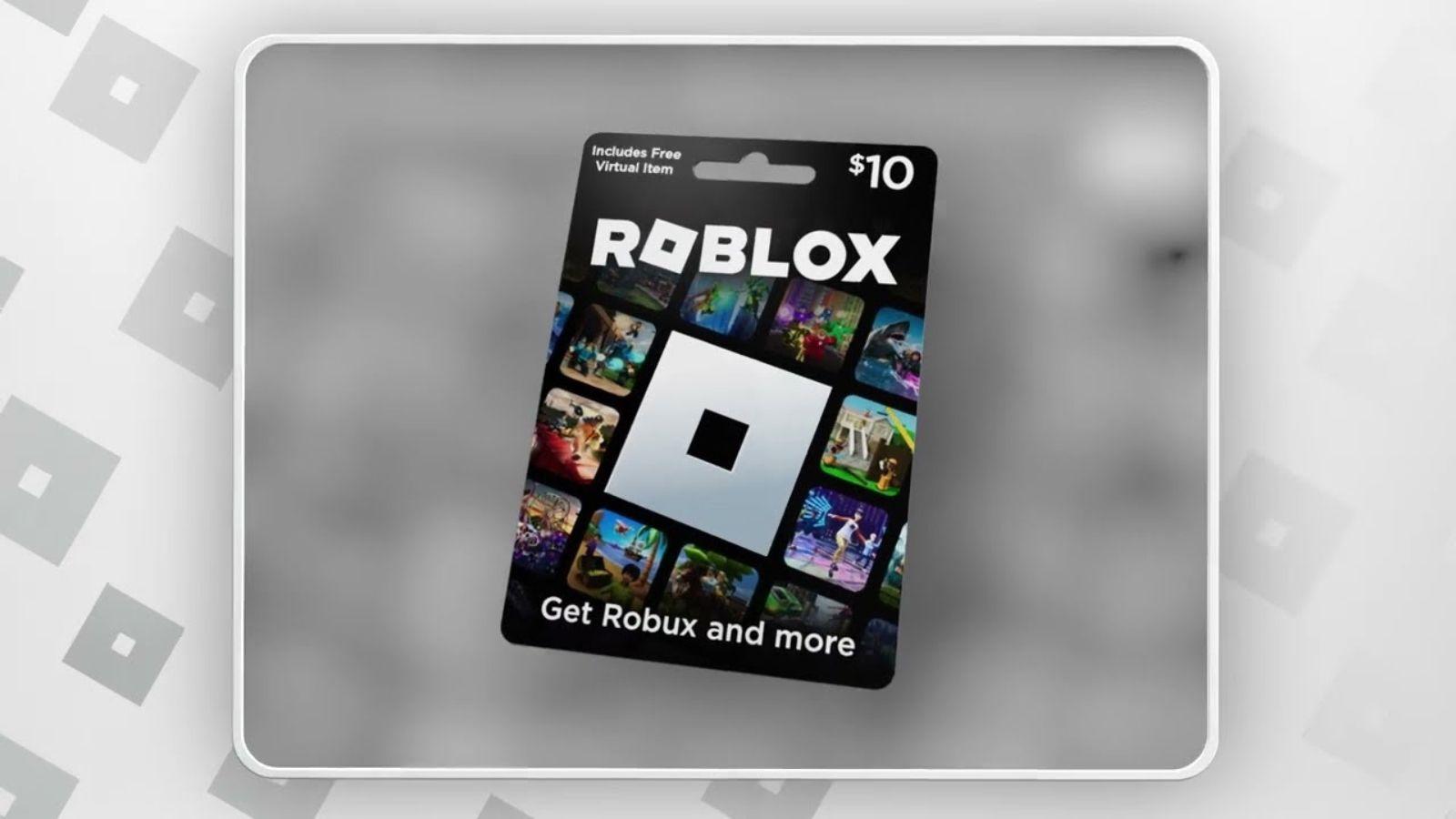
- Robux Gift Cards: These cards are pre-loaded with a set amount of Robux, like 800 Robux, 1700 Robux, or more. Once redeemed, the specified Robux are added directly to your account.
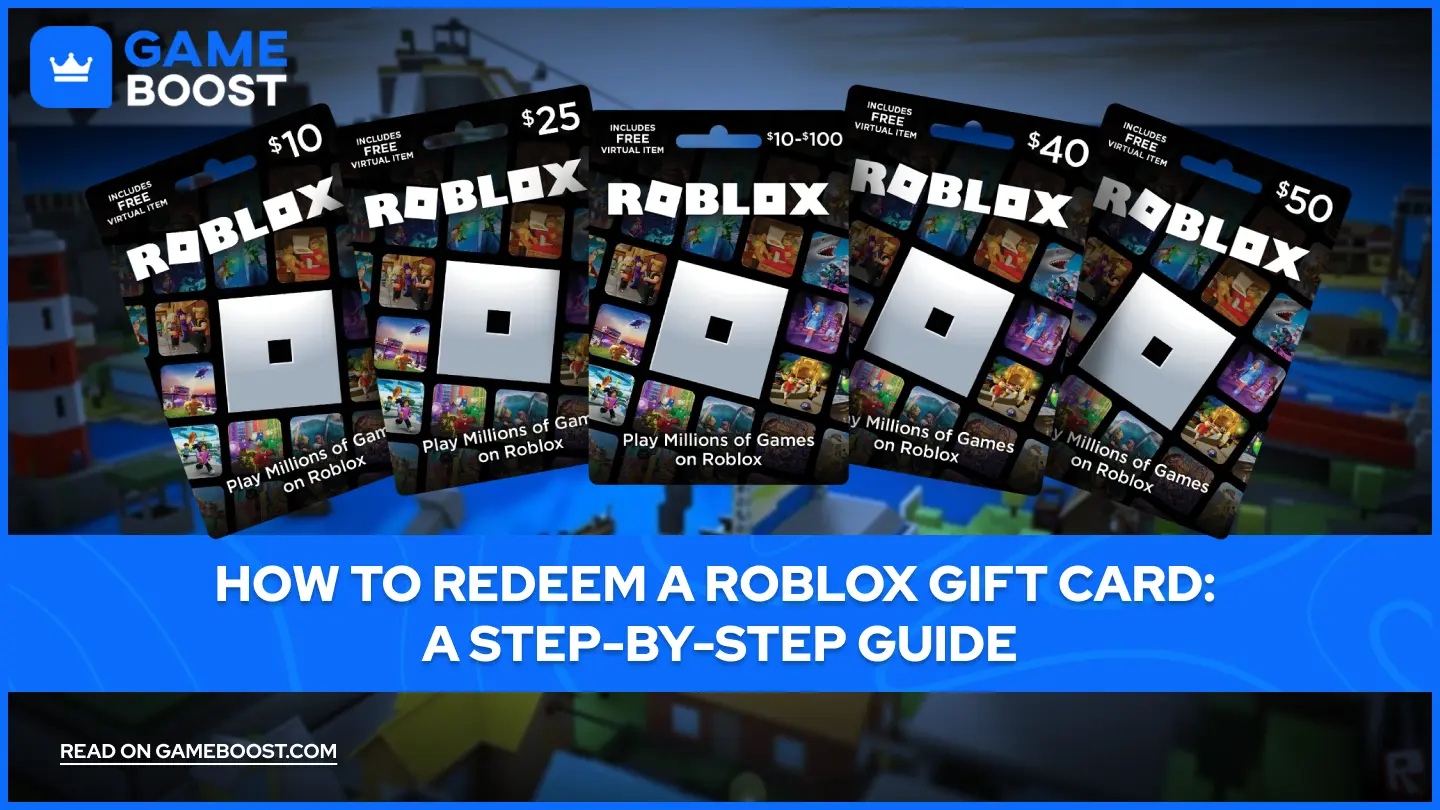
- Credit Gift Cards: These cards provide a monetary value, such as $10, $25, or $50. Upon redemption, this credit is added to your account balance. You then have the flexibility to use this credit to buy Robux or purchase a Roblox Premium subscription, which offers a monthly Robux stipend, exclusive items, and trading access. Many gamers appreciate the flexibility of credit cards, especially those looking to try out Premium benefits.
Where Can I Find My Roblox Gift Card PIN?
Finding your Roblox gift card PIN is crucial for successful redemption. The location varies slightly depending on whether you have a physical card or a digital one.
- Physical Gift Cards: For physical cards purchased from retailers like Walmart, Target, or GameStop, the PIN is typically located on the back of the card, hidden under a scratch-off silver or gray strip. Use a coin or your fingernail to gently scratch it off and reveal the code. Be careful not to scratch too hard and damage the numbers.
- Digital Gift Cards: If you received a digital Roblox gift card via email or through an online purchase, the PIN will be included directly in the email or on the digital receipt. It's usually prominently displayed within the message or attached as a printable voucher. Always check your spam or junk folder if you can't find it in your main inbox.
Why Is My Roblox Gift Card Not Working? Troubleshooting Tips.
Running into an issue when trying to redeem your Roblox gift card can be frustrating, especially when you're eager to get back to your favorite games. Don't worry, many common problems have simple solutions. Here are some troubleshooting steps to consider.
- Check the PIN Carefully: The most common error is a mistyped PIN. Double-check every character. Remember, Roblox PINs are usually 10-12 digits long and are alpha-numeric, meaning they can contain both letters and numbers, but they are generally all numbers or a mix without special characters. Ensure you haven't confused numbers like '0' with letters like 'O', or '1' with 'I'.
- Ensure Proper Scratch-Off: If it's a physical card, make sure you've fully scratched off the protective strip and can clearly see all digits of the PIN. Sometimes residue can obscure a digit.
- Verify Redemption Page: Always use the official www.roblox.com/redeem page. Using unofficial sites can lead to scams and your card not being redeemed.
- Check Account Status: Ensure you are logged into the correct Roblox account. Sometimes users accidentally try to redeem on a different account or are not logged in at all.
- Internet Connection: A weak or unstable internet connection can sometimes cause redemption failures. Try refreshing the page or switching to a more stable network.
- Browser Issues: Clear your browser's cache and cookies, or try using a different web browser. Browser extensions can sometimes interfere with website functionality.
- Card Validity and Activation: Confirm the gift card was properly activated at the point of purchase. If bought in-store, sometimes the cashier forgets to scan or activate it correctly. If you suspect this, you might need to contact the retailer with your receipt.
- Contact Roblox Support: If all else fails, reach out to Roblox Support. They can investigate the card's status. Have your gift card PIN, purchase receipt, and your Roblox username ready.
Can I Redeem Roblox Gift Cards on Mobile?
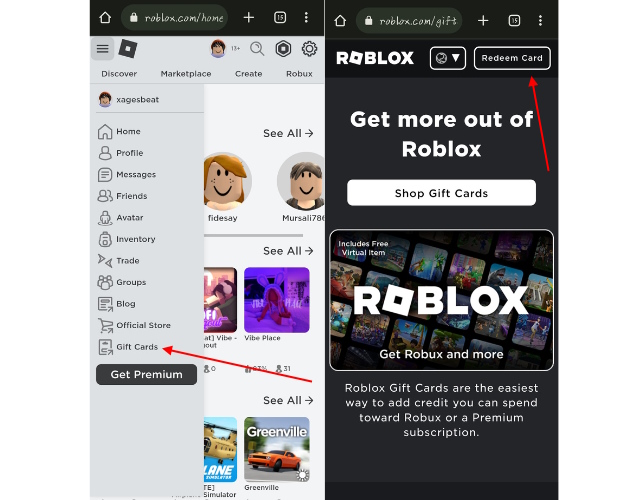
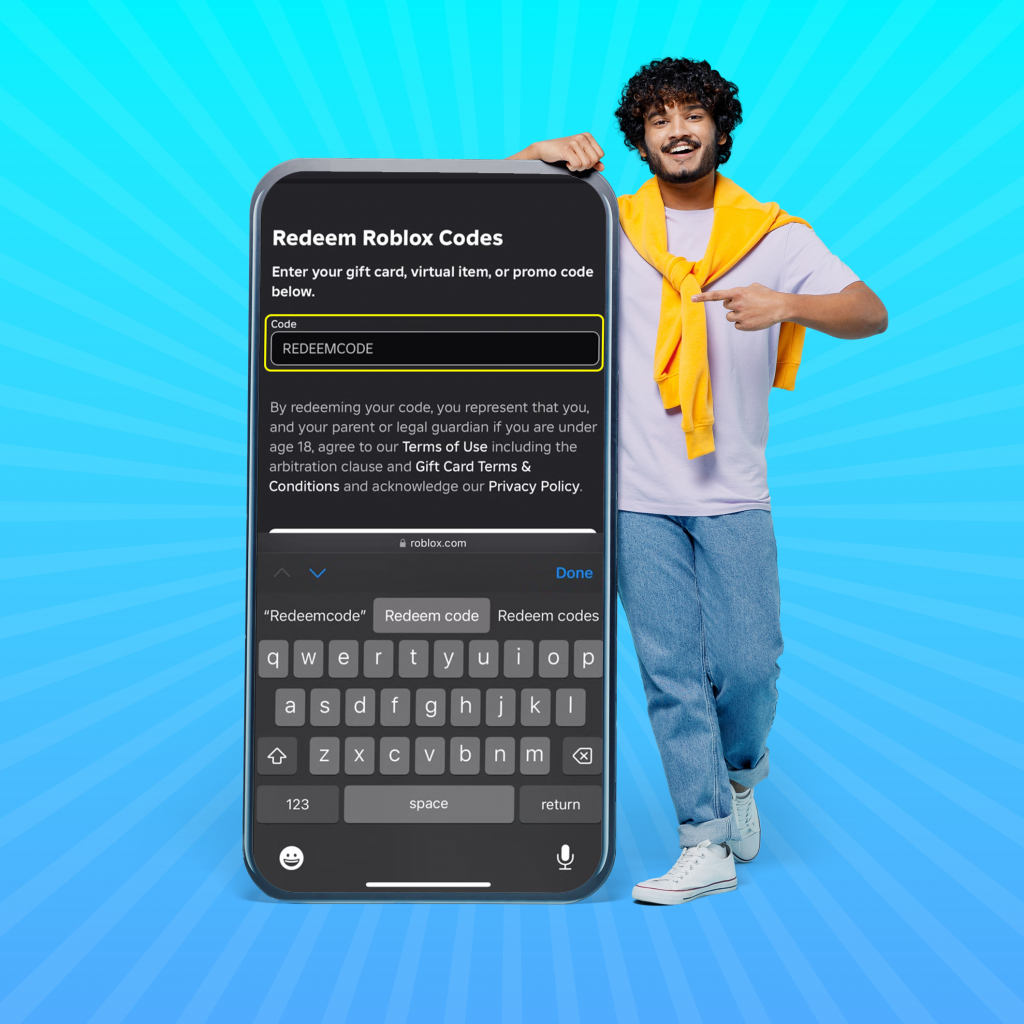
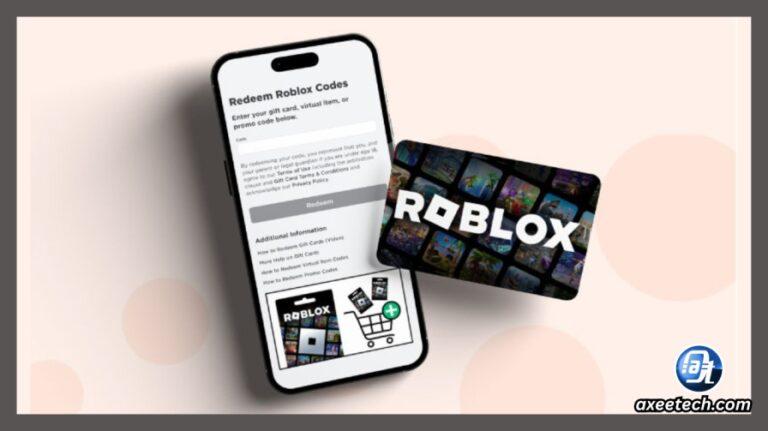
Absolutely! Many US gamers, especially those balancing busy schedules, rely on their mobile devices for gaming. While you cannot redeem gift cards directly within the Roblox mobile app, you can easily do so through your mobile device's web browser. Simply open Safari, Chrome, or your preferred browser on your smartphone or tablet, then navigate to www.roblox.com/redeem. The process is identical to redeeming on a desktop: log in, enter your PIN, and confirm. This flexibility ensures you can get your Robux on the go, making it super convenient for gamers who are always on the move.
What Can I Buy with a Roblox Gift Card After Redemption?
Once you've successfully redeemed your Roblox gift card and the Robux or credit is in your account, the virtual world of Roblox opens up even further. Your newfound currency can be used for a variety of exciting in-game purchases and experiences.
With Robux, you can:
- Avatar Customization: Purchase exclusive clothing, accessories, animations, and body parts to make your avatar truly unique.
- Game Passes and Developer Products: Buy special abilities, items, or access to restricted areas within specific games created by Roblox developers. This often enhances your gameplay experience significantly.
- Private Servers: Create or join private servers for certain games, allowing you to play with just your friends without public interference.
- Adopting Pets and Virtual Items: Many games feature virtual pets, vehicles, or collectible items that can be purchased with Robux.
If you redeemed a credit card, you can also use that credit to subscribe to Roblox Premium, which offers a monthly Robux allowance, a 10% bonus on Robux purchases, and access to Premium-exclusive items and trading.
Are There Any Regional Restrictions for Roblox Gift Cards?
Generally, Roblox gift cards purchased in one country are intended to be redeemed in that same country's region or currency. For example, a USD-denominated card purchased in the US should be redeemed on a US Roblox account or by a user with a US IP address. While Roblox is a global platform, currency and regional restrictions are put in place to comply with various local laws and exchange rates.
If you're traveling or received a card from someone in a different country, you might encounter issues. The safest bet is to redeem the card in the country where it was purchased. If you're physically located elsewhere, using a VPN set to the country of purchase might sometimes work, but it's not officially supported and can lead to account issues. It's always best to ensure the card's currency matches your account's region to avoid any complications.
How to Check My Robux Balance After Redeeming?
Checking your Robux balance after redemption is quick and easy, confirming that your gift card transaction was successful. There are a couple of ways to do this:
- On the Roblox Website: Once you've logged into your Roblox account on a desktop or mobile browser, your Robux balance is prominently displayed in the upper-right corner of the screen, next to the Robux icon (a hexagon with a dollar sign). It updates automatically after a successful redemption.
- In the Roblox App: If you're using the Roblox mobile app, your Robux balance can be found by tapping the Robux icon, which is usually located near the top of the screen. This will take you to a page showing your current balance and options to purchase more Robux.
It's generally an instant update, but in rare cases of high server traffic, it might take a minute or two to reflect. If you don't see the update after a few minutes, refer back to the troubleshooting section.
What's the Difference Between Robux and a Roblox Gift Card?
Understanding the distinction between Robux and a Roblox gift card is fundamental for new and experienced players alike. While they are related, they serve different purposes within the Roblox ecosystem.
- Robux: This is the virtual currency of the Roblox platform. It's what you use to make purchases within games, customize your avatar, buy game passes, and much more. Think of it as the dollars, euros, or yen of the Roblox world. Once you have Robux in your account, it's immediately available for spending.
- Roblox Gift Card: This is a pre-paid voucher or digital code that holds a monetary value or a specific amount of Robux. It's a method of payment, not the currency itself. You must "redeem" a Roblox gift card to convert its value into Robux or account credit before you can use it for in-game purchases. It's like buying a pre-paid credit card to add money to your bank account; the card isn't the money, but it allows you to get the money.
Navigating the world of Roblox and its in-game economy doesn't have to be a chore. With this guide, you now have all the tools to confidently redeem your Roblox gift cards and get straight to the fun. Whether you're upgrading your avatar, buying a new game pass, or subscribing to Premium, the process should be smooth and hassle-free, letting you maximize your precious gaming time. Remember, the goal is always more play, less frustration.
What's your biggest Roblox gaming challenge this month? Comment below and let us know!
FAQ Section
How secure is the Roblox gift card redemption process?
The Roblox gift card redemption process is highly secure when done through the official Roblox website. Ensure you are always on roblox.com/redeem and avoid third-party sites. Roblox uses encrypted connections to protect your account information and gift card details during the transaction, providing a safe environment for converting your cards into Robux or credit. This security helps busy gamers relax knowing their digital assets are protected.
Can I combine multiple Roblox gift cards?
Yes, you can absolutely combine multiple Roblox gift cards. Each card is redeemed individually, and the Robux or account credit from each successful redemption will accumulate in your Roblox balance. There is no limit to how many gift cards you can redeem, making it easy to pool funds from various sources to get that big item or a longer Premium subscription you've been eyeing.
Do Roblox gift cards expire?
Generally, Roblox gift cards do not expire. Once purchased and activated, the value on the card remains valid indefinitely until it is redeemed. However, always double-check the terms and conditions printed on the card or provided with your digital code, as regional regulations or specific promotional cards might have exceptions. For the most part, you can hold onto them until you're ready to use them.
What should I do if I lost my Roblox gift card receipt?
Losing your Roblox gift card receipt can make troubleshooting difficult if a problem arises. While you might still be able to redeem the card if you have the PIN, a receipt is often required by retailers or Roblox Support to verify purchase and activation in case of issues. If lost, your best bet is to still attempt redemption. If it fails, contact Roblox Support with any details you have (date of purchase, store, approximate time) but be aware that without a receipt, assistance might be limited.
Can I gift Robux directly instead of a gift card?
No, Roblox does not currently offer a direct gifting option for Robux to another player's account. The primary way to give Robux to another user is by purchasing a Roblox gift card and giving them the physical card or digital code. This method ensures secure transfer of value and is the official means for sharing Robux with friends and family.
Is there a daily limit to how many Roblox gift cards I can redeem?
Roblox does not publicly state a daily limit on the number of gift cards an individual can redeem. You should be able to redeem multiple cards in a single day without issues, provided each card is valid and activated. This flexibility is great for gamers who might receive several cards for an occasion and want to consolidate their Robux quickly.
Easy Roblox Gift Card Redemption, Instant Robux Conversion, Troubleshooting Guide for Gamers, Mobile & PC Redemption Steps, Unlock Roblox Premium with Cards, Secure Gift Card PIN Access, Quick Balance Check After Redemption
35
How To Redeem A Roblox Gift Card July 2026 Com Redeem Pin 6425158 . Redeeming Roblox Gift Cards A 2026 Easy Guide Redeem Roblox Gift Cards Screen . Redeeming Roblox Gift Cards A 2026 Easy Guide Roblox Redeem 6 . How To Redeem Roblox Gift Card Easy Guide Beebom Redeem Gift Card Section In Roblox Mobile . How To Redeem Roblox Gift Card 2026 Mobile PC Guide Roblox Gift Card.webp


How To Redeem Roblox Gift Card Redeem Roblox Codes 1024x1024 . How To Redeem A Roblox Gift Card 2026 YouTube . How To Redeem A Roblox Gift Card Code And Convert It To Robux YouTube . Redeeming Roblox Gift Cards A 2026 Easy Guide How To Redeem A Roblox Gift. How To Redeem Roblox Gift Card Easy Guide Beebom Redeem Roblox Gift Card Option
How To Redeem Roblox Gift Card 2026 Guide AxeeTech Roblox Gift Card Redeem Page Screenshot . How To Redeem A Roblox Gift Card Equality Mag . Redeeming Roblox Gift Cards A 2026 Easy Guide Redeem Page 9549829 . How To Redeem A Roblox Gift Card A Step By Step Guide 67e066fa 8d5c 40c6 Aa64 Webp.webp. How To Redeem Roblox Cards Mobile Quickly And Easily How To Redeem A Roblox Gift Card Complete Guide

How To Redeem Roblox Gift Card R4 1024x1024 . Roblox Com Redeem Complete Gift Card Code Guide June 2026 AxeeTech How To Redeem Roblox Gift Card Pc Browser . How Can You Redeem Roblox Codes Easily In 2026 Roblox Redeeming A Robux Gift Card . Roblox Com Redeem Complete Gift Card Code Guide June 2026 AxeeTech Redeem Roblox Gift Card Mobile Browser Chrome 768x431 . How To Gift Robux In Roblox For 2026 Your Ultimate Guide Roblox Gift Card Redeem 1024x620

How To Redeem A Roblox Gift Card On Mobile PC Attack Of The Fanboy How To Redeem A Roblox Gift Card 0 27 Screenshot . Redeeming Roblox Gift Cards A 2026 Easy Guide Redeem Gift Card Option . How To Redeem Roblox Credit 2026 Quick Guide. How Do You Redeem A Roblox Gift Card GameDaily How Do You Redeem A Roblox Gift Card . Where To Buy Roblox Gift Cards And How To Redeem Them In 2023 Redeem Roblox Gift Card

How To Get Your Roblox Gift Card Redeem How To Redeem Roblox Gift Card 4 . Roblox Redeem Gift Codes. How To Redeem Roblox Gift Card In 2022 Robux Redeem Guide Redeem Roblox Gift Cards.webp. How To Redeem Roblox Gift Cards Dexerto Roblox Gift Card . Redeeming Roblox Gift Cards A 2026 Easy Guide Prime Day Roblox Gift Card Deal


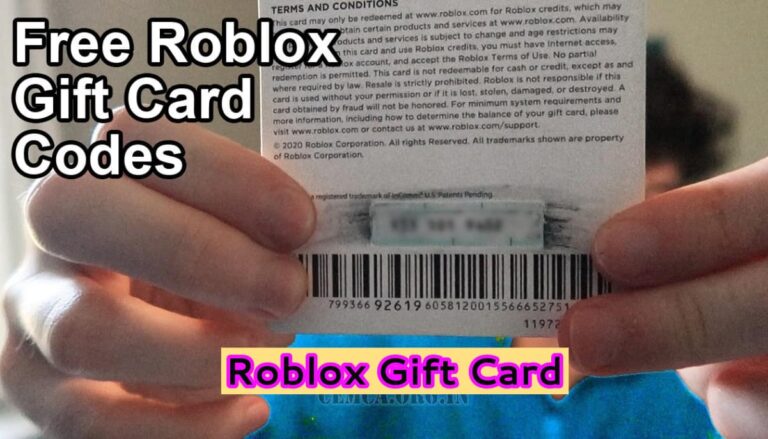
Roblox Gift Card . Roblox Gift Card Fix Unexpected Error Or Invalid Code When Redeeming 1 Redeem Codes Page. How To Redeem Roblox Gift Card 2026 Guide AxeeTech Roblox Free Virtual Item Gift Card 2026 . Redeeming Roblox Gift Cards A 2026 Easy Guide Aid13048073 V4 1200px Use A Roblox Gift Card On IPhone Step 10 . What Roblox Gift Card Are Available Roblox Gift Card 768x439